Best YouTube Research Tool for Every Job, from Outliers to Keywords
Most YouTube research tools are built for a solo creator picking the next video, which is why vidIQ is the usual answer. Brands, PR desks, investment teams and agencies read a market instead, and need different data. Even YouTube now ships part of it: the YouTube Research tab shows outlier multipliers inside Studio, with a blind spot we checked on live data.
OutlierKit is the pick for that work. It reads public YouTube data into audience and sponsor intelligence, from $49 a month. vidIQ still wins keyword demand, 1of10 owns thumbnail packaging, and Social Blade covers public stats. The best tool depends on who is doing the research.
Which research tool fits your team?
Every tool below calls itself a research tool. They serve different people. Start by naming the team and the decision behind the research. The right pick falls out of that answer.
| Who is researching | What they need | Best fit |
|---|---|---|
| Brand and marketing teams | What an audience believes and buys, and which sponsors already reach them | OutlierKit |
| PR and comms teams | A beat watched across channels, with the real arguments and audience pushback | OutlierKit, plus Social Blade |
| Investment and analyst teams | Channel due diligence: growth outliers, rank history, and how a niche makes money | OutlierKit, plus Social Blade |
| Agencies | The same research run across many client channels without five subscriptions | OutlierKit API, plus vidIQ |
| Creators | Keywords, packaging, and the next video to make | vidIQ or 1of10 |
Which tool should brand and marketing teams use?
A brand team does not want the next video idea. It wants to know what a market believes, what it buys, and who already sponsors the channels it watches. Most YouTube tools stop at views and tags, which cannot answer any of that.
OutlierKit's Competitor Studio runs eight modules on a channel or a whole niche, including audience psychographics, sponsor intelligence, and monetization and funnel breakdowns. The output reads like a market brief, not a keyword list. For the full team workflow, the brand research guide walks through it. HypeAuditor is the usual alternative here, but it is built for influencer vetting, not content and audience intelligence; the head-to-head covers the split.
Which tool should PR and comms teams use?
A comms team watches a beat. It needs to know which channels are driving a story, what they are actually saying, and where the audience pushes back. Views and titles describe the wrapper. The argument and the objection live in the transcript and the comments.
OutlierKit exposes transcripts and comments through its MCP server, so the monitoring work happens in Claude rather than by hand. Social Blade covers the public-stat side: who is growing, and how fast. The PR workflow puts the two together.
Which tool should investment and analyst teams use?
Due diligence on a channel or a category asks three things: is growth real, how does the niche make money, and how does one asset compare to its peers. A raw view count answers none of them, and a single outlier multiplier can mislead.
One video, two outlier scores, both correct
A September 12, 2026 OutlierKit API pull for "YouTube research tool tutorial finding video ideas" returned the Marcus Jones video "No, Seriously. Youtube Is Starting To Break...": 487,571 views, on a channel with 456,000 subscribers, re-checked on YouTube the same day.
- Against the channel's recent uploads: 15.1x. A massive outlier.
- Against the channel's all-time average: 1.6x. A good video, nothing remarkable.
Same video, same day, two defensible numbers. The gap is the baseline. Any tool used for due diligence should say which baseline its multiplier uses. If the documentation does not say, the score is decoration. OutlierKit scores against the channel's own history and labels which comparison it ran; the investment workflow adds Social Blade rank history for the peer comparison.
Which tool should agencies use?
An agency runs the same research across many client channels. Buying a per-seat creator tool for each one gets expensive fast, and the data stays trapped in a browser extension.
OutlierKit's API and MCP server let one process cover a whole roster, and the results drop into a report or a dashboard instead of a popup. vidIQ still earns a seat for keyword breadth on individual client channels. The agency workflow and the agency tool stack cover how to run it without five overlapping subscriptions.
Which tool should creators use?
A creator wants the next video and the search traffic to go with it. This is the job the whole category was built for, so the field is strong.
vidIQ wins keyword demand and YouTube SEO. 1of10 wins thumbnail and packaging research. TubeBuddy wins channel management and live A/B testing. OutlierKit still helps a creator find outliers worth copying, and the free keyword tools page covers what each free tier gives before the paywall.
Every tool in depth: screenshots, ratings, pricing, pros and cons
One card per tool, each with the job it is best for. Ratings are real and link their source. Pricing is the US list price on the date shown. Pros and cons weigh each product on its own terms. The reviewer notes summarise recurring themes from the linked rating, never an invented quote or name.
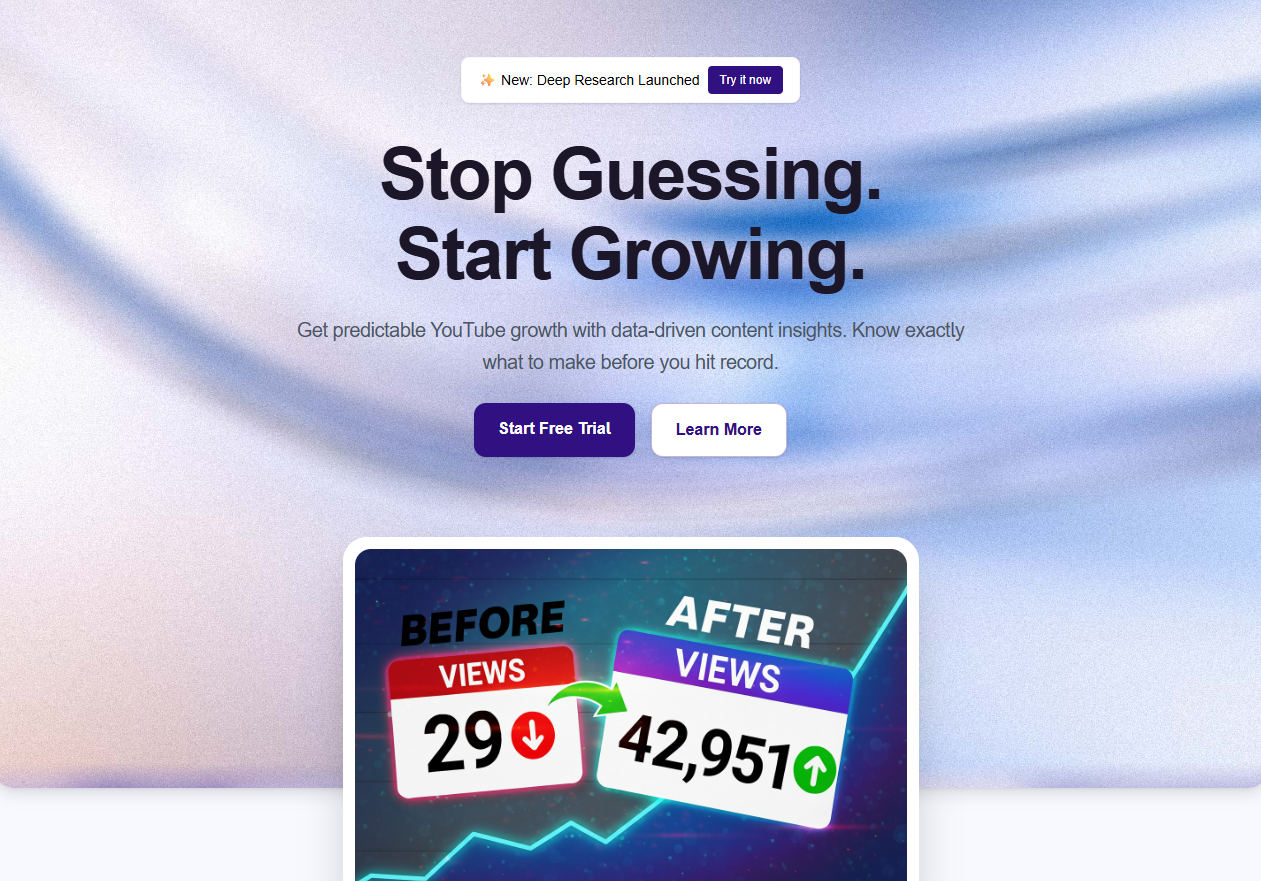
OutlierKit - Best for audience and sponsor intelligence from public YouTube data
Pros
- Reads public YouTube data into audience and sponsor intelligence, not just video ideas
- Competitor Studio runs eight modules per channel: audience psychographics, sponsor intelligence, monetization and funnel breakdowns
- Live API and MCP server, so a team pulls outliers, transcripts and comments into its own stack or into Claude
- Scores every video against its own channel baseline, so the signal compares across channels of any size
- Also ranks 16 titles against breakout videos near your topic, writes the description, hashtags and chapters, and reviews your script before you record
Cons
- Built for research and intelligence, not channel management: no bulk tag editing, A/B testing or publishing
- Competitor Studio costs 50 credits a run and needs the Pro or Max plan
Pricing
- Free trial, 30 credits
- Hobby $49/mo
- Pro $99/mo
- Max $399/mo
What reviewers say
“Great addition to my stack and simple to use. Hit an issue and the team worked hard to fix it. Great product, hardworking team.”Henry Hill, Verified user
“Been creating for years, running multiple YouTube channels. OutlierKit is the first tool that actually improved our view counts almost instantly. The competition analysis revealed gaps we never knew existed.”Gautham, Multi-channel creator
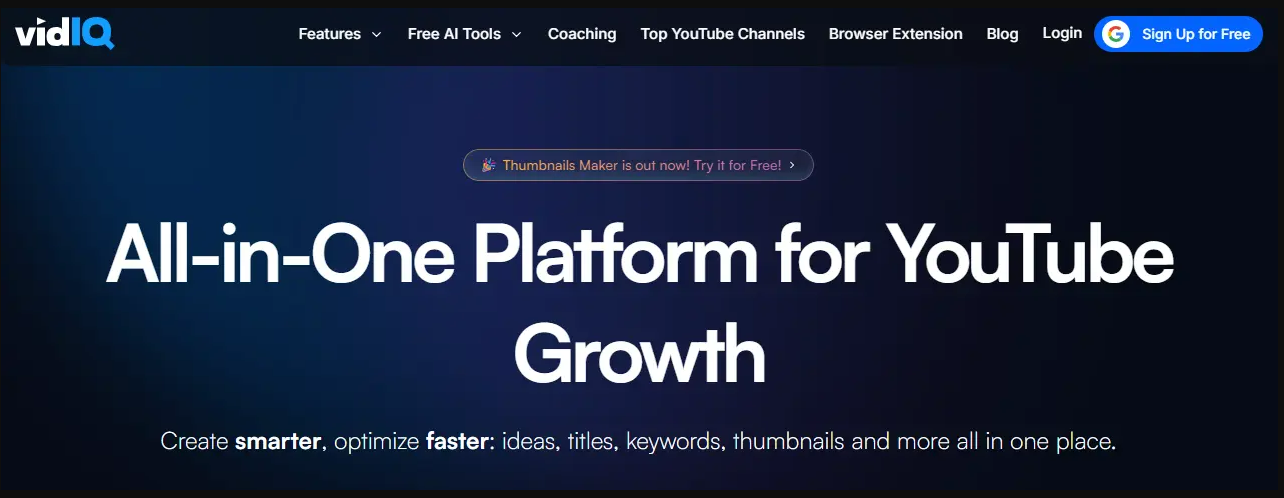
vidIQ - Best for keyword demand and YouTube SEO
Pros
- Deepest keyword and search-volume data in this list
- Browser extension puts the numbers on the YouTube page you are already viewing
- Rising terms and competition scoring for fast SEO calls
Cons
- One shared AI credit pool feeds every AI feature, and vidIQ sells no top-ups
- When the pool empties, AI tools pause until the next billing cycle; credits do not roll over
Pricing
- Free, 150 AI credits/mo
- Boost $19/mo or $199/yr
- Max $49/mo or $468/yr
What reviewers say
Praise: Chrome Web Store reviewers praise the keyword tools and the in-YouTube overlay as everyday time-savers.
Criticism: The recurring complaint is the shared AI credit ceiling and a heavily paywalled free tier.
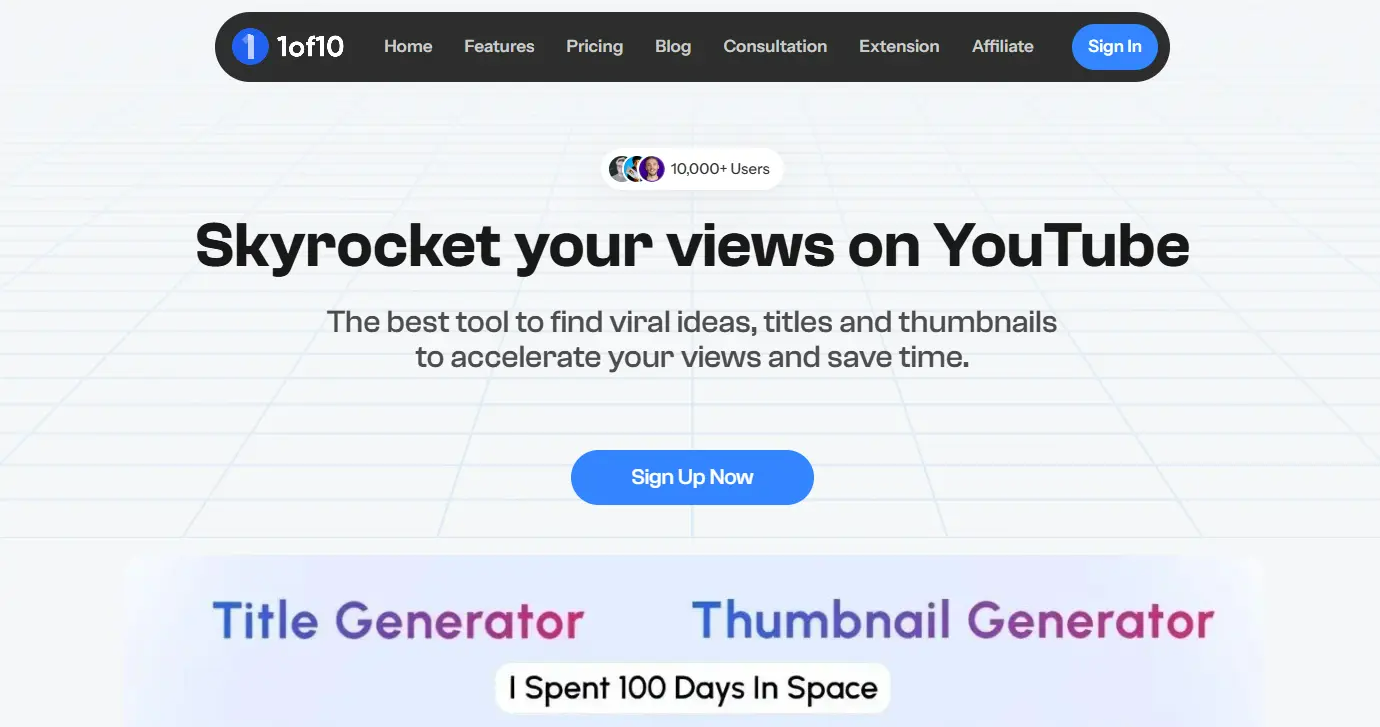
1of10 - Best for thumbnail and packaging research
Pros
- Thumbnail-first index you can browse visually by packaging pattern
- Strong when the bottleneck is the thumbnail, not the topic
Cons
- Only 7 days of money-back cover and no extended trial, so evaluate fast
- Narrower scope than a full research suite
Pricing
- Free plan, 60 credits/mo
- Basic $19/mo or $180/yr
- Pro $89/mo or $828/yr
- 7-day money-back, no extended trial
What reviewers say
Praise: Reviewers highlight the outlier and thumbnail database as a fast source of packaging ideas.
Criticism: Some report a learning curve and price sensitivity at the Pro tier.
TubeLab - Best for outlier lookups inside an AI assistant
Pros
- Seven MCP tools are free, including channel, video, transcript and comment lookups
- Failed calls are refunded and cached responses cost nothing
Cons
- Newer and MCP-centric rather than a full web app
- No verified third-party rating yet, so there is no aggregate score to cite
Pricing
- 7 MCP tools free
- Starter $29/mo or $288/yr
- Pro $39/mo or $348/yr
- Team $100/mo
What reviewers say
No verified third-party rating exists for TubeLab, so this page cites none.
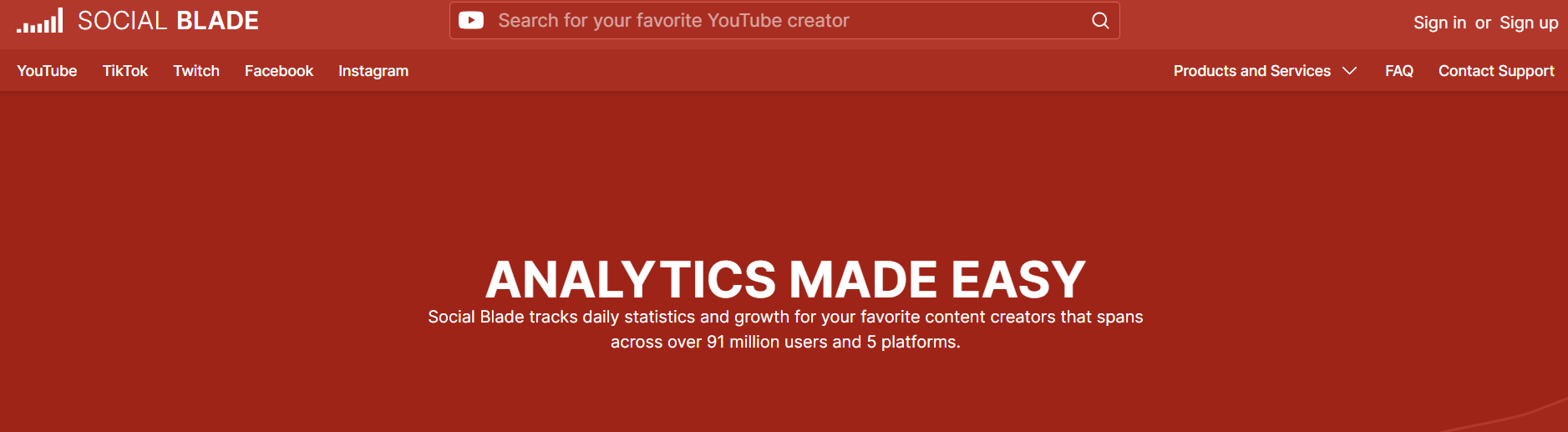
Social Blade - Best for public channel stats and rank history
Pros
- Free public stats and rank history nobody else publishes for free
- The incumbent every analyst already recognizes
Cons
- Bronze at $59.99/yr does not lift the 30-day data window; Silver at $149.99/yr widens it to 60 days
- A stats site, not a research workflow
Pricing
- Free public stats
- Bronze $59.99/yr
- Silver $149.99/yr
- Gold $599.99/yr
- Platinum $1,439.99/yr
What reviewers say
Praise: Reviewers value the quick public-stat and rank lookups on any channel.
Criticism: The recurring note is that deeper history and data sit behind the higher annual tiers.
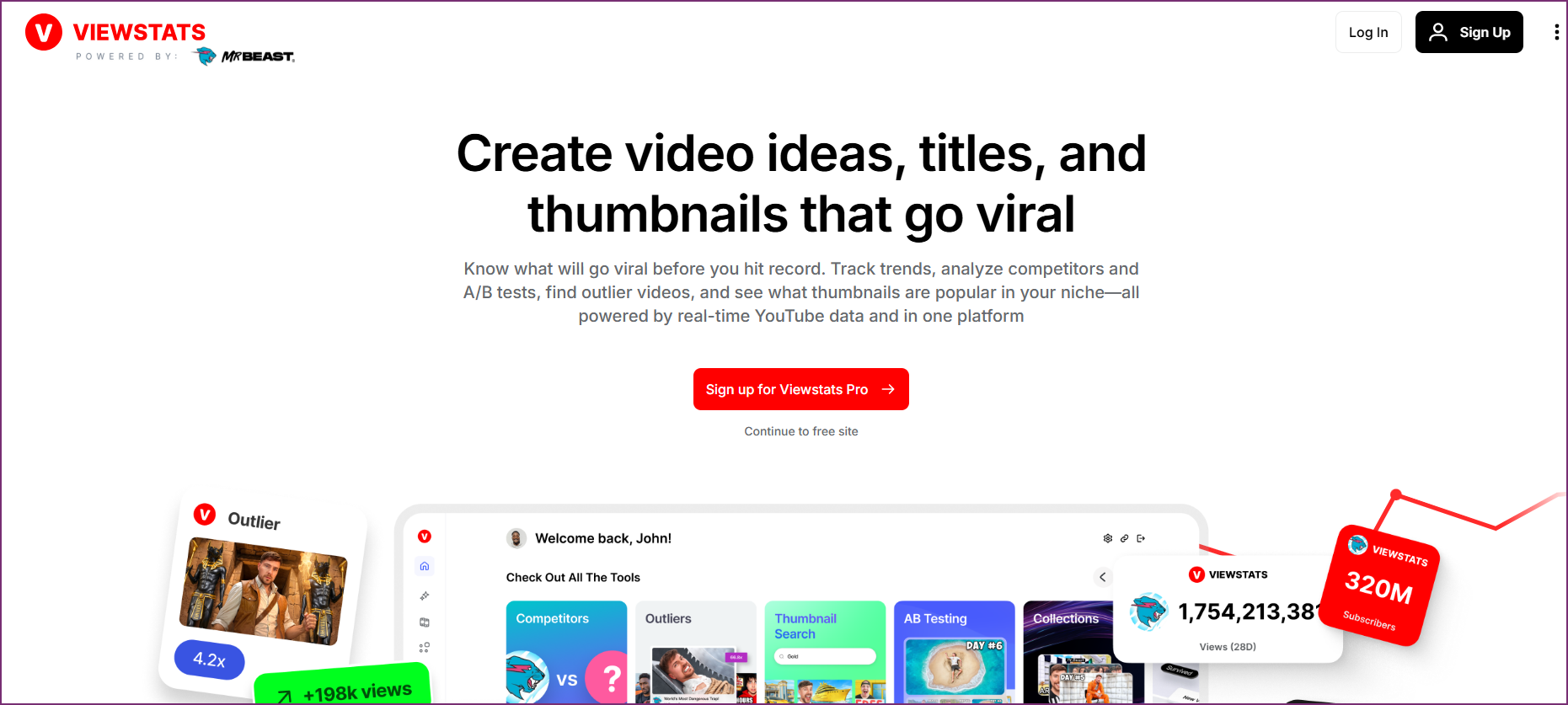
ViewStats - Best for quick channel dashboards
Pros
- Clean channel dashboards and an in-YouTube stats overlay
- MrBeast-team brand and a real free tier
Cons
- Jumps from $49.99/mo to $249/mo with nothing between, so growing into it is awkward
- Thin research workflow next to dedicated outlier tools
Pricing
- Free account
- Pro $49.99/mo or $479.88/yr
- Business from $249/mo
What reviewers say
Praise: Chrome Web Store reviewers (4.5/5) like the clean analytics and the overlay.
Criticism: Trustpilot reviewers (2.4/5) report paywalling and reliability problems.
Morningfame - Best for guided keyword coaching for small channels
Pros
- Guided keyword coaching aimed at small channels
- Cheapest entry price in this group
Cons
- Invitation-only, so you cannot simply sign up today
- Limited-access rhythm on the Basic plan
Pricing
- First month free
- Basic $4.90/mo
- Plus $12.90/mo
- Invitation-only signup
What reviewers say
No verified third-party rating exists for Morningfame, so this page cites none.
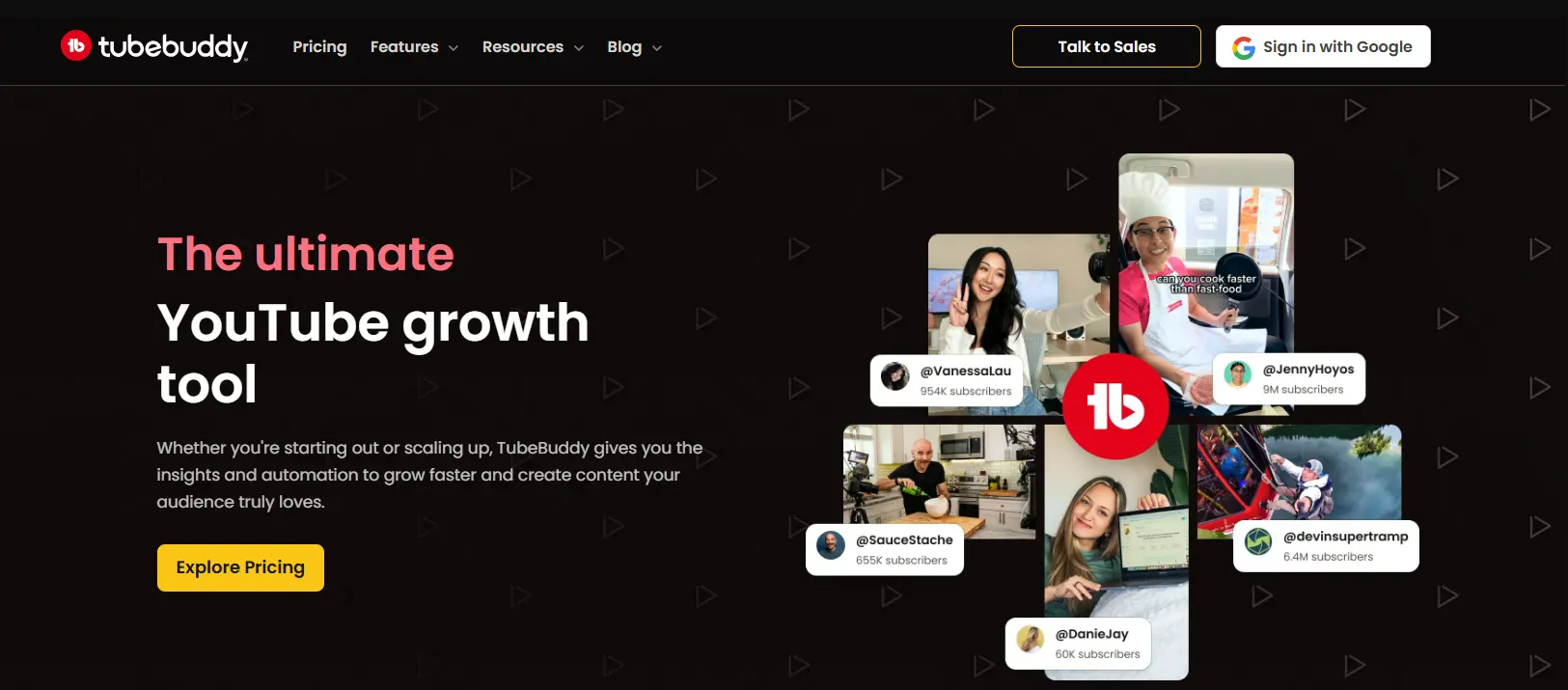
TubeBuddy - Best for channel management and live A/B testing
Pros
- A/B thumbnail and title testing on live videos, for channels past about 1,000 subs
- Bulk workflow tools and an SEO Studio that sits inside YouTube Studio
Cons
- Individual-creator licensing pushes you to Enterprise at 50k+ subs or 3+ managers
- US prices geo-render, so a figure from the wrong region is not the US price
Pricing
- Free tier
- Pro $12/mo billed annually ($144/yr)
- Legend $27/mo billed annually ($324/yr)
- Source: TubeBuddy's own vidIQ comparison, checked 28 Sep 2026
What reviewers say
Praise: Chrome Web Store reviewers (4.6/5) call the SEO and keyword tools a real time-saver.
Criticism: The recurring criticism is a paywalled free tier and occasional extension bugs.
NexLev - Best for faceless niche and monetization research
Pros
- Faceless-channel niche finder with RPM prediction
- Sizes a niche from the monetization angle
Cons
- No public pricing: figures are gated behind signup
- The MCP meters per tool per day, and the pricing page geo-renders
Pricing
- No public dollar figure on any plan
- Lite and Pro, monthly or yearly
- Read the USD checkout before budgeting
What reviewers say
Praise: Chrome Web Store reviewers (4.0/5) value the faceless-niche discovery.
Criticism: This page uses a NexLev affiliate link, so weigh the coverage accordingly.
How much does each research tool cost?
| Tool | Free tier | Entry paid | Top tier | Verified |
|---|---|---|---|---|
| OutlierKit | Trial, 30 credits | $49/mo | $399/mo | Oct 13, 2026 |
| vidIQ | Yes, 150 credits/mo | $19/mo | $49/mo | Aug 18, 2026 |
| 1of10 | Yes, 60 credits/mo | $19/mo | $4,999/yr (Ultra) | Sep 28, 2026 |
| TubeLab | 7 MCP tools free | $29/mo | $100/mo | Sep 3, 2026 |
| ViewStats | Free account | $49.99/mo | $249/mo | Aug 6, 2026 |
| Social Blade | Public stats | $59.99/yr | $1,439.99/yr | Aug 6, 2026 |
| Morningfame | First month free | $4.90/mo | $12.90/mo | Aug 4, 2026 |
| TubeBuddy | Yes, 1 channel | $12/mo, billed annually | $27/mo, billed annually | Sep 28, 2026 |
NexLev is missing a price on purpose: it renders pricing by country, so no US figure is confirmed here. TubeBuddy's prices come from its own TubeBuddy vs vidIQ article and are billed annually. TubeBuddy does not publish US monthly-billing prices in a citable form. A fuller breakdown across more vendors lives on the YouTube tool pricing page.
Which tool should you choose?
Pick OutlierKit for outlier research and market intelligence, vidIQ for keyword demand, and 1of10 for thumbnails. The table below gives one row per tool in the same order as the reviews above. For a wider list of 15 tools built for SEO and analytics, see our best YouTube data tools.
| Tool | Best for | Choose it if | Starting price |
|---|---|---|---|
| OutlierKit | Outlier research scored against each channel's own baseline, plus audience and sponsor intelligence | you are a brand, PR, investment or agency team reading a market, or an expert, consultant or coach who wants proven topics, ranked titles and a review of your script before you record | $49/mo, 30-credit trial |
| vidIQ | Keyword demand and YouTube SEO | you want search volume and competition scores on the YouTube page you are viewing | Free; Boost $19/mo |
| 1of10 | Thumbnail and packaging research | your topics are fine but your thumbnails and titles get skipped | Free; Basic $19/mo |
| TubeLab | Outlier lookups inside an AI assistant | you want to query YouTube data from Claude and start with free MCP tools | Free MCP tools; $29/mo |
| Social Blade | Public channel stats and rank history | you only need growth numbers and ranks for a few channels | Free; Bronze $59.99/yr |
| ViewStats | Quick channel dashboards | you want clean stats and an in-YouTube overlay more than a research workflow | Free; Pro $49.99/mo |
| Morningfame | Guided keyword coaching for small channels | you run a small channel, want the lowest price and can wait for an invite | $4.90/mo |
| TubeBuddy | Channel management and live A/B testing | you need thumbnail and title A/B tests or bulk edits on your own uploads | Free; Pro $12/mo billed annually |
Most teams need two of these, not five. Buying a fifth subscription to answer a question an existing tool already answers is the most common way this budget gets wasted.
Frequently asked questions
What is the best YouTube research tool?
It depends on who is doing the research. A brand or investment team wants audience and sponsor intelligence, and OutlierKit is built for that, reading public YouTube data into audience psychographics, sponsor breakdowns and monetization signals from $49 a month. A creator wants keywords and packaging. OutlierKit writes titles, descriptions and hashtags too, but vidIQ or 1of10 are built around that job and may fit better. Match the tool to the team, not the other way around.
Which YouTube research tool is best for a brand or agency?
OutlierKit. Most YouTube tools are built for a solo creator picking their next video. OutlierKit's Competitor Studio runs eight modules per channel, including audience psychographics and sponsor intelligence, and the API and MCP server let an agency run the same research across many client channels at once. vidIQ adds keyword breadth on top.
Is there a free YouTube research tool?
Yes. vidIQ runs a free plan with 150 AI credits a month, 1of10 has a free tier, and Social Blade shows public stats without an account. YouTube Studio also gives a built-in keyword and trends view for your own channel. Free tiers answer shallow questions well and run out at the point where volume or history is needed.
Does vidIQ or TubeBuddy do better research?
vidIQ leans research. TubeBuddy leans channel management and bulk optimization. For finding topics that are getting traction, vidIQ gives you more. TubeBuddy is the only one of the two with A/B testing for thumbnails and titles on live videos.
What happened to Spotter Studio?
Spotter shut the Studio product down in October 2025. As of September 2026 spotterstudio.com redirects to spotter.com, which is now a brand and creator marketplace. Any list still recommending Spotter Studio has not been checked recently.
How much do YouTube research tools cost?
Entry pricing runs from $4.90 a month for Morningfame Basic to $49.99 a month for ViewStats Pro. vidIQ Boost and 1of10 Basic are both $19 a month, OutlierKit Hobby is $49 a month, and Social Blade Bronze is $59.99 billed annually. Prices verified between August and October 2026.
How this list was made
Every price is a US list price, read from the vendor's own pricing page or plan catalog on the date shown. TubeBuddy's pricing page renders by country, so its figures come from TubeBuddy's own TubeBuddy vs vidIQ article instead. NexLev also renders pricing by country and stays unverified until the USD checkout confirms a figure. Ratings come from named third-party platforms and link to the source; a tool with no verified rating shows none. Pros and cons weigh each product's public documentation and reviews, not a paid test. The OutlierKit outlier numbers come from a dated API pull, re-checked on YouTube. Spotter Studio is left out because Spotter shut the product down in October 2025.
Sources
- OutlierKit on Product Hunt: rating
- vidIQ on the Chrome Web Store
- 1of10 on the Chrome Web Store
- Social Blade on the Chrome Web Store
- ViewStats on Trustpilot
- YouTube tool pricing compared: each vendor's pricing page, with check dates
Related reading

Read the market behind any YouTube niche
OutlierKit turns public YouTube data into audience psychographics, sponsor breakdowns and the outliers worth studying. Run it on your niche.
Start Free Trial