TL;DR: the verdict
TubeBuddy is the best tool for A/B testing YouTube packaging and a strong, cheap SEO companion on its Pro tier. The friction: its headline features (A/B testing, AI tools) are locked to the pricey Legend tier, licensing is per-channel, and it isn't built to find outliers.
Best For
Creators who A/B test thumbnails and titles, and SEO-first solo creators optimizing one channel
Skip If
You need outlier detection, run several channels on a budget, or won't pay for the Legend tier
How does TubeBuddy rate in each area?
| Area | Rating | Key Insight |
|---|---|---|
| A/B Testing | ⭐⭐⭐⭐⭐ | Its standout: live thumbnail/title split-testing few rivals match (Legend tier). |
| Keyword & SEO Tools | ⭐⭐⭐⭐ | Mature, in-Studio keyword scores and SEO checklist; cheap on Pro. |
| Bulk & Management | ⭐⭐⭐⭐ | Bulk edits and comment tools save real time on large channels. |
| Outlier Detection | ⭐⭐ | Competitor tracking capped at ~10 channels; not built to flag breakouts. |
What is TubeBuddy?
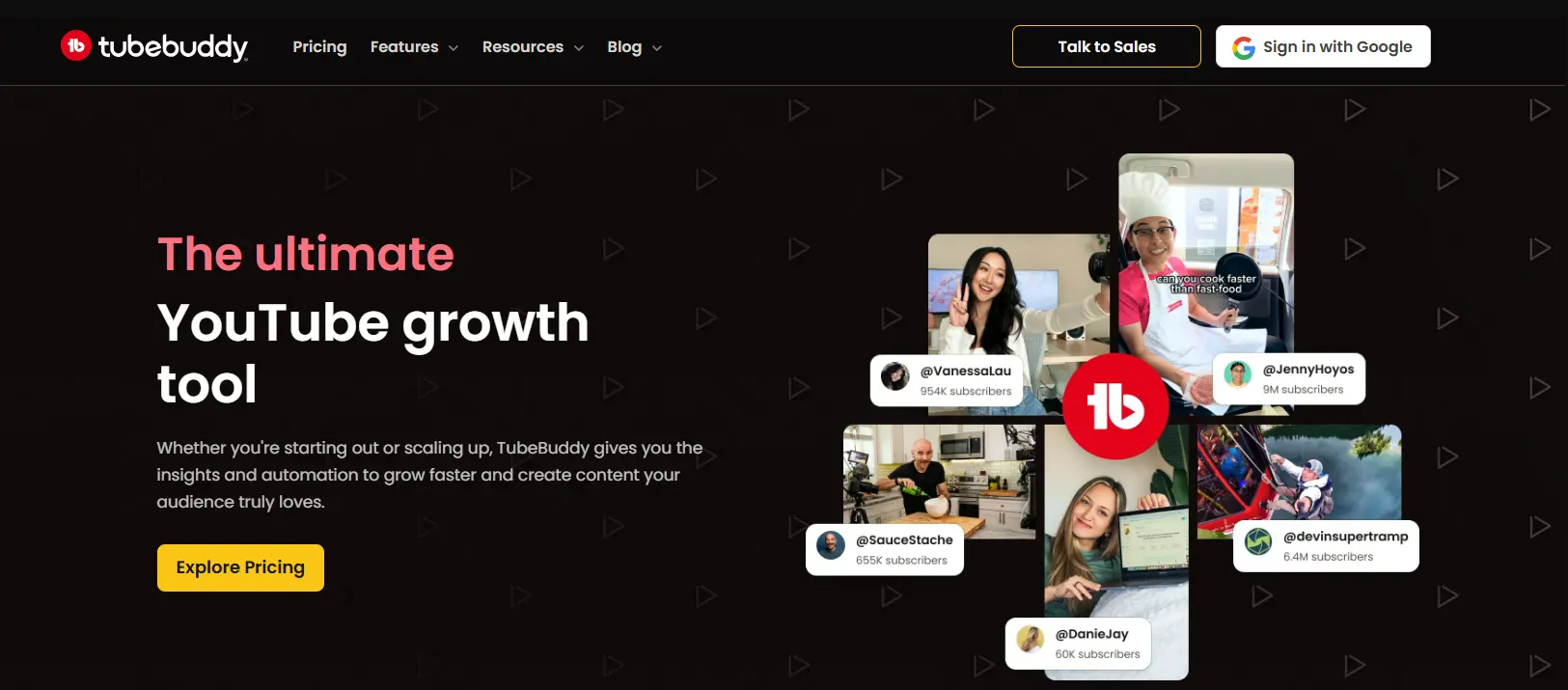
TubeBuddy is a YouTube-certified browser extension and mobile app. It layers SEO, optimization and channel-management tools directly into YouTube and YouTube Studio. Launched in 2014, it became one of the two default toolkits (alongside vidIQ) that creators install. They use it to research keywords, tune metadata and manage their channels.
Its defining feature is A/B testing. It split-tests live thumbnails, titles and descriptions and rolls out the winner automatically. Around that sit keyword research, an in-Studio SEO checklist, bulk processing for large libraries, thumbnail tools, competitor tracking and comment-management helpers. Pricing is tiered (Free, Pro, Legend, Enterprise) and licensed per channel, with the headline A/B testing and bulk tools reserved for the top Legend tier.
How It Works
Research Keywords
Optimize in Studio
A/B Test Packaging
Manage at Scale
What are TubeBuddy's key features?
Here's what TubeBuddy offers and how each part performs in real-world use:
A/B Testing (Thumbnails & Titles)
TubeBuddy's flagship feature and its strongest reason to buy. Split-test live thumbnails, titles and descriptions on real videos and let the winner run automatically. Few rivals match it, but it lives on the top Legend tier.
Keyword Explorer & SEO Studio
Search volume, competition and difficulty scores for keywords, plus tag suggestions and an in-Studio SEO checklist that grades each upload. Mature, in-workflow SEO tooling that surfaces right inside YouTube Studio.
Bulk Processing Tools
Update tags, cards, end-screens and descriptions across many videos at once. For channels with large libraries, the time saved on bulk edits is one of TubeBuddy's most practical wins (Legend tier).
Thumbnail & Click Tools
The Click Magnet thumbnail analyzer, a thumbnail generator, and a predictive thumbnail click-score help you package videos for clicks. Suggested Shorts flags clips from long-form videos worth cutting.
Competitor Analysis & Retention
Track competitor channels (up to ~10 on Legend) and compare stats. Use the Retention Analyzer and CTR opportunities to see where videos lose viewers. Useful benchmarking, though capped and not built around outlier detection.
Productivity & Comment Tools
Canned responses, comment filtering and moderation, scheduling and publishing helpers, and channel-audit checklists. The 'manage the channel day-to-day' layer that established creators lean on.
What are TubeBuddy's pros and cons?
TubeBuddy's strengths and weaknesses, drawn from its documentation and public user reviews:
Pros
- ✓Best-in-class A/B testing for thumbnails and titles. Genuinely few tools match it
- ✓Mature, in-Studio keyword research and SEO checklist that surface right inside YouTube
- ✓Powerful bulk processing saves hours on channels with large video libraries
- ✓Low entry point: Pro is $12/mo billed annually ($144/yr), per TubeBuddy's own figures
- ✓Established, cross-browser product with a mobile app and a huge user base
- ✓Practical comment-management and productivity tools for day-to-day channel work
Cons
- ✗A/B testing and bulk processing are gated to the top Legend tier ($27/mo billed annually)
- ✗Licensing is per-channel: running multiple channels on Pro means separate paid accounts
- ✗The browser extension can slow YouTube down for some users
- ✗The feature-dense interface feels cluttered and overwhelming for beginners
- ✗Billing friction reported: silent auto-renew and charges continuing after cancellation attempts
- ✗Not built for benchmarked outlier detection; competitor tracking is capped at ~10 channels
How much does TubeBuddy cost?
TubeBuddy is freemium and licensed per channel. The thing to watch: A/B testing and bulk processing only appear on the top Legend tier, and TubeBuddy's published prices are billed annually.
| Plan | Price | What you get |
|---|---|---|
| Free | $0 | 1 channel · limited keyword & tag tools |
| Pro | $12/mo billed annually ($144/yr) | Full keyword research + SEO Studio, 1 channel |
| Legend | $27/mo billed annually ($324/yr) | A/B testing, bulk processing, retention analysis |
| Enterprise | Custom | Agency and multi-channel teams |
Want the full breakdown, with sources and every hidden cost? Read the dedicated TubeBuddy pricing guide.
Who Should Use TubeBuddy?
Creators Who A/B Test Packaging
If your bottleneck is thumbnails and titles, TubeBuddy's split-testing is the reason to buy it. Few tools test live packaging as well. Just budget for the Legend tier, where it lives.
SEO-First Solo Creators
For pre-upload SEO (keyword scores, tag suggestions and the in-Studio checklist), the Pro tier is mature and cheap. The under-1k-subs discount makes it nearly free for new channels.
Large-Library Channels
Channels with hundreds of videos get real value from bulk processing. You update tags, cards and end-screens across the whole catalog in one pass instead of video by video.
Not Ideal For:
- •Creators whose main need is benchmarked outlier / breakout-video detection
- •Multi-channel operators on a budget (licensing is per channel, not per account)
- •Minimalists who find the feature-dense, extension-heavy UX distracting
- •Anyone who wants A/B testing or AI tools without paying for the top Legend tier
What are the best TubeBuddy alternatives?
TubeBuddy isn't the only YouTube toolkit. These two are worth comparing. Each links to a full head-to-head:
vidIQ
Deeper keyword SEO + AI Coach
The other big browser-extension optimizer. Stronger, more mature keyword research and an SEO scorecard, with a daily ideas feed. It's the classic head-to-head with TubeBuddy.
1of10
Outlier discovery specialist
A dedicated outlier-video database and niche explorer. It beats TubeBuddy specifically for finding breakout formats to model.
Weighing more than these two? See our full ranked list of the best TubeBuddy alternatives →
Is TubeBuddy worth it?
TubeBuddy is still the tool to beat for A/B testing YouTube packaging, and its in-Studio SEO tools are mature and cheap on the Pro tier. For creators whose bottleneck is thumbnails, titles and managing a large channel, it earns its install.
The trade-offs are real: the best features live on the pricey Legend tier, licensing is per-channel, the extension can slow YouTube, and it isn't built to surface benchmarked outliers. If breakout discovery is your goal, pair it with a purpose-built research tool.
Bottom line: Best-in-class A/B testing; start on the free plan. If you need outlier detection or multi-channel value, weigh the TubeBuddy alternatives first.
Recommended stack: TubeBuddy for testing, OutlierKit for outliers
Keep TubeBuddy for optimizing and testing the videos you have planned. It won't tell you which videos beat a channel's average by 10x, so add OutlierKit as the research layer: benchmarked outlier detection, keyword research, trend discovery and a live API, from $29/mo with a free trial.
It also writes the packaging before you publish. The OutlierKit title tool writes 16 titles and ranks them against real breakout videos near your topic. OutlierKit then writes the description, tags and chapters, and reviews the script you wrote before you record. It does not design thumbnails or run A/B tests, so TubeBuddy still does that job once the video is live.
Frequently Asked Questions
Is TubeBuddy worth it?+
TubeBuddy is worth it if you'll use its A/B testing for thumbnails and titles. That's its standout feature, and few rivals match it, though it requires the Legend tier. For pre-upload SEO alone, the Pro tier is mature and cheap ($12/month billed annually). It's less compelling if your focus is benchmarked outlier detection or running multiple channels on a budget, since licensing is per channel.
Is TubeBuddy safe and legit?+
Yes. TubeBuddy is a long-established, official YouTube-certified tool with millions of installs. It's listed across the Chrome, Firefox, Edge and Safari extension stores. Its browser extension requests access to YouTube pages to add its tools, so review the permissions on install. The product itself is mainstream and legitimate.
Does TubeBuddy have a free plan?+
Yes. TubeBuddy offers a free $0 plan on one channel with video tags, basic Videolytics analytics, comment tools and a limited thumbnail generator. On the free plan, Keyword Explorer is capped to about three results per query. So it works as a taster before you upgrade to Pro for full keyword research.
How much does TubeBuddy cost?+
TubeBuddy Pro costs $12/month billed annually ($144/year). Legend, the top tier with A/B testing and bulk processing, costs $27/month billed annually ($324/year). Those are TubeBuddy's own figures from its TubeBuddy vs vidIQ article, checked 28 Sep 2026; US monthly-billing prices are not published in a citable form. There's also a free plan and custom Enterprise pricing. For the full breakdown, see our dedicated TubeBuddy pricing guide.
Is TubeBuddy good for finding outlier or breakout videos?+
Not really. TubeBuddy is built for SEO, A/B testing and channel management. Its competitor tracking is capped at around 10 channels. It isn't designed to flag the specific videos performing many multiples above a channel's average. For that, a purpose-built outlier tool like OutlierKit or 1of10 surfaces breakouts far more directly.
What are the best TubeBuddy alternatives?+
For outlier and competitor research, OutlierKit is the closest research-first alternative. vidIQ is the classic like-for-like SEO optimizer. 1of10 specializes in outlier discovery. See our full breakdown of TubeBuddy alternatives for the ranked list and where each one wins.
Related reading
TubeBuddy Pricing 2026
Every plan, the real costs, and whether it's worth it.
Best TubeBuddy Alternatives
The top tools to use instead of TubeBuddy, ranked.
vidIQ vs TubeBuddy
The two biggest SEO extensions, head to head.
TubeBuddy vs 1of10
A/B testing suite against an outlier database.
TubeBuddy vs ViewStats
SEO extension against MrBeast's analytics tool.
TubeBuddy vs Social Blade
Paid optimizer against the free stats tracker.
TubeBuddy vs Spotter Studio
Optimization against ideation.
NexLev vs TubeBuddy
Faceless niche finder against the SEO extension.
TubeGen vs TubeBuddy
Video production platform against an optimizer.
OutlierKit vs TubeBuddy
Where outlier research and packaging tests overlap.
TubeBuddy Chrome extension guide
Install steps, free vs paid features, and known bugs.
How this review was made
The review weighs TubeBuddy's public documentation, its own published prices and user reviews as of July 1, 2026, not a paid test. The rating is an OutlierKit editorial assessment, and OutlierKit publishes this page. Features and prices change, so check current details at tubebuddy.com before you buy.
Sources
- TubeBuddy: features
- TubeBuddy vs vidIQ (TubeBuddy blog): Pro and Legend annual prices, checked 28 Sep 2026
- TubeBuddy pricing, plan by plan: our dated read of those figures

Optimizing is half the job: know what to make
OutlierKit adds what TubeBuddy leaves out: benchmarked outlier detection, trend discovery and a live API, from $29/mo with a free trial.
Try OutlierKit Free