12 Best YouTube Analytics Tools in 2026
YouTube Studio is the best YouTube analytics tool, because it is the only one with your own retention, CTR and revenue data. VidIQ is the best add-on for keyword research, TubeBuddy for A/B testing, and Social Blade and Viewstats for free competitor stats. OutlierKit (#6) is a research tool for deciding what to make next, not a stats dashboard.
The 12 tools below are compared on competitor analysis, keyword research, and channel growth, from free options to premium platforms. Ratings are our editorial scores (1 to 5) across features, data quality, and value; where a review-platform link is shown, open it for that platform's current public rating. To judge your numbers against real channels, use our subscriber benchmarks for 112,562 channels across 20 niches.
TL;DR: which tool fits which job?
Best Overall (Free, Official Data)
YouTube Studio
Best for Keyword Research
VidIQ
Best for Video Optimization
TubeBuddy
Best for Content Research
OutlierKit
What problems do creators, agencies, and brands hit with analytics tools?
We reviewed hundreds of creator discussions on Reddit, G2, and YouTube forums. We wanted to find the most common frustrations with existing analytics tools. These are the problems that drive creators to search for better options.
YouTube Studio Has Zero Competitor Visibility
YouTube Studio shows your own analytics in detail, but gives you no data on competitors. Not their growth rate, upload frequency, or which content strategies are working. Creators fly blind when planning content.
Reddit user in r/NewTubers
No Way to Automatically Find Outlier Videos
Creators spend hours manually scrolling through competitor channels trying to identify which videos performed unusually well. Most tools don't surface videos performing 3-10× above a channel's average.
Reddit user in r/youtube
Keyword Difficulty Scores Are Unreliable
Many tools show search volume but their competition scores are generic. Often they pull from Google data rather than YouTube-specific metrics. Creators can't tell if they actually have a shot at ranking for a keyword.
YouTube creator on r/youtubers
Tracking Multiple Channels Is a Manual Nightmare
Serious creators track 10-20 competitors across spreadsheets, manually checking uploads and metrics weekly. There's no centralized dashboard that aggregates competitor data automatically.
Reddit user in r/PartneredYoutube
Dashboards Overwhelm Instead of Guiding
New creators sign up for analytics tools expecting clear guidance on what to do next, but instead get hit with 50+ metrics, charts, and scores. The tools show data without telling you what action to take.
Creator thread on r/NewTubers
How do modern analytics tools solve these problems?
How do the top tools compare at a glance?
| Tool | Best For | Key Strength |
|---|---|---|
| YouTube Studio | Official channel analytics (free) | Most accurate data direct from YouTube, at no cost |
| VidIQ | Keyword research & trend discovery | 500M+ keyword database with predictive trend scores |
| TubeBuddy | Video optimization & A/B testing | Best-in-class A/B testing for thumbnails and titles |
| Viewstats | Real-time statistics & subscriber tracking | Clean real-time subscriber counts with no ads |
| OutlierKit | Content research & competitor analysis | Scores each video against its own channel's baseline to find outliers |
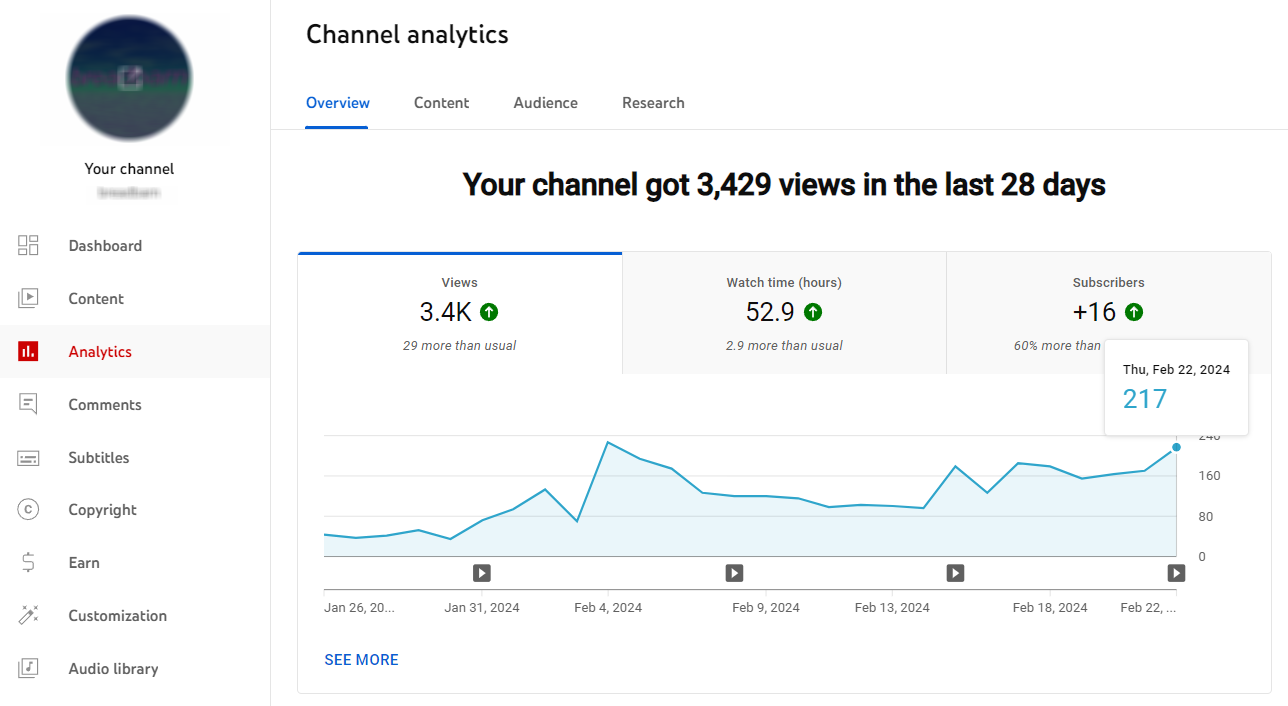
YouTube Studio: Best for basic channel analytics (free)
Free (built into YouTube)
Best for
All creators, since it's YouTube's official tool
Key Features
- ✓Real-time performance data
- ✓Audience demographics
- ✓Traffic sources
- ✓Revenue analytics
- ✓Impressions and CTR
- ✓Retention graphs
Pros
- +Completely free
- +Direct from YouTube
- +Most accurate data
- +Built into the platform
Cons
- −Limited competitor insights
- −No keyword research
- −No outlier detection
- −Basic compared to third-party tools
Verdict: YouTube Studio is essential. Every creator should use it. However, it only shows your own channel data. It lacks competitor analysis. It also lacks the strategic features that third-party tools provide.
VidIQ: Best for keyword research & trend discovery
Free - $49/mo
Best for
Creators and marketing teams focused on SEO and catching trends early
Key Features
- ✓Keyword Inspector with search volume
- ✓AI Daily Ideas for content suggestions
- ✓Predictive trending keywords
- ✓Views Per Hour tracking
- ✓Browser extension with YouTube overlay
- ✓Competitor tracking
Pros
- +Industry-leading keyword research
- +AI generates daily video ideas
- +Free tier is generous
- +Browser extension deeply integrated with YouTube
- +Catches trends before they peak
Cons
- −Best features require a paid Boost ($19/mo) or Max ($49/mo) plan
- −Can be overwhelming for beginners
- −Outlier tool lacks contextual depth (no psychographics or monetization data)
Verdict: VidIQ is the go-to tool for keyword-focused creators. Its Keyword Inspector and AI Daily Ideas are great for finding topics. Its Outlier tool spots over-performing videos. Best features require a paid plan. Great for SEO-first content strategy.
TubeBuddy: Best for video optimization & A/B testing
Free - $27/mo (billed annually)
Best for
Agencies and creators optimizing and A/B testing existing video libraries
Key Features
- ✓A/B testing for thumbnails and titles
- ✓SEO Studio and keyword research
- ✓Bulk processing tools
- ✓Browser extension integrated into YouTube
- ✓Tag suggestions and analysis
- ✓Competitor Scorecard
Pros
- +A/B testing is best-in-class
- +Bulk processing saves time
- +Free tier available
- +Great workflow integration
- +Lower starting price
Cons
- −Content Standouts offers basic outlier metrics. It lacks contextual depth
- −Limited strategic insights
- −Best features locked behind Legend plan
Verdict: TubeBuddy excels at optimization. It improves videos you've already made through A/B testing and SEO tools. Content Standouts provides basic outlier detection. It's less complete than dedicated outlier tools, though. Great for boosting the performance of existing content.
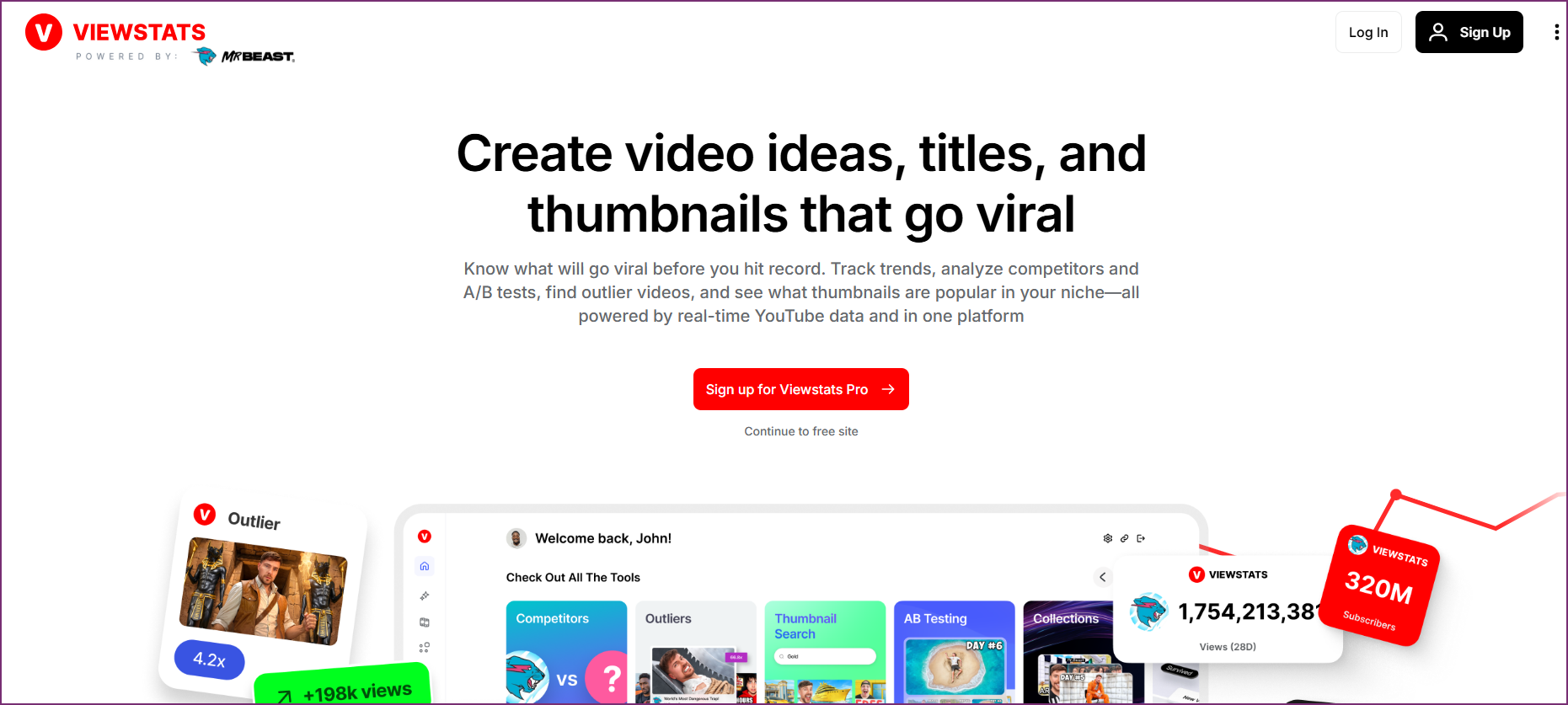
Viewstats: Best for competitor packaging research & outlier videos
Free (Pro $49.99/mo)
Best for
Studying the thumbnails, titles, and outlier videos behind competitor growth
Key Features
- ✓Outlier board: videos massively outperforming their channel's average
- ✓Thumbnail and title change history on competitor videos
- ✓A/B test observations show which packaging changes worked
- ✓Collections: build libraries of proven reference videos per project
- ✓Real-time subscriber counts and live view tracking
- ✓Channel comparisons and historical growth charts
Pros
- +Best-in-class packaging research: see how competitors iterate on thumbnails and titles
- +Outlier board surfaces proven video formats fast
- +Clean, ad-free interface
- +No account needed for basics
Cons
- −No keyword research or SEO tooling
- −No multi-client workflows for agencies
- −Statistics-focused rather than strategy-focused
Verdict: Viewstats is the strongest free tool for packaging research: it shows the exact thumbnail and title iterations behind competitor outliers. Pair it with OutlierKit when you need to decide which topics and niches to pursue, not just how winning videos were packaged.
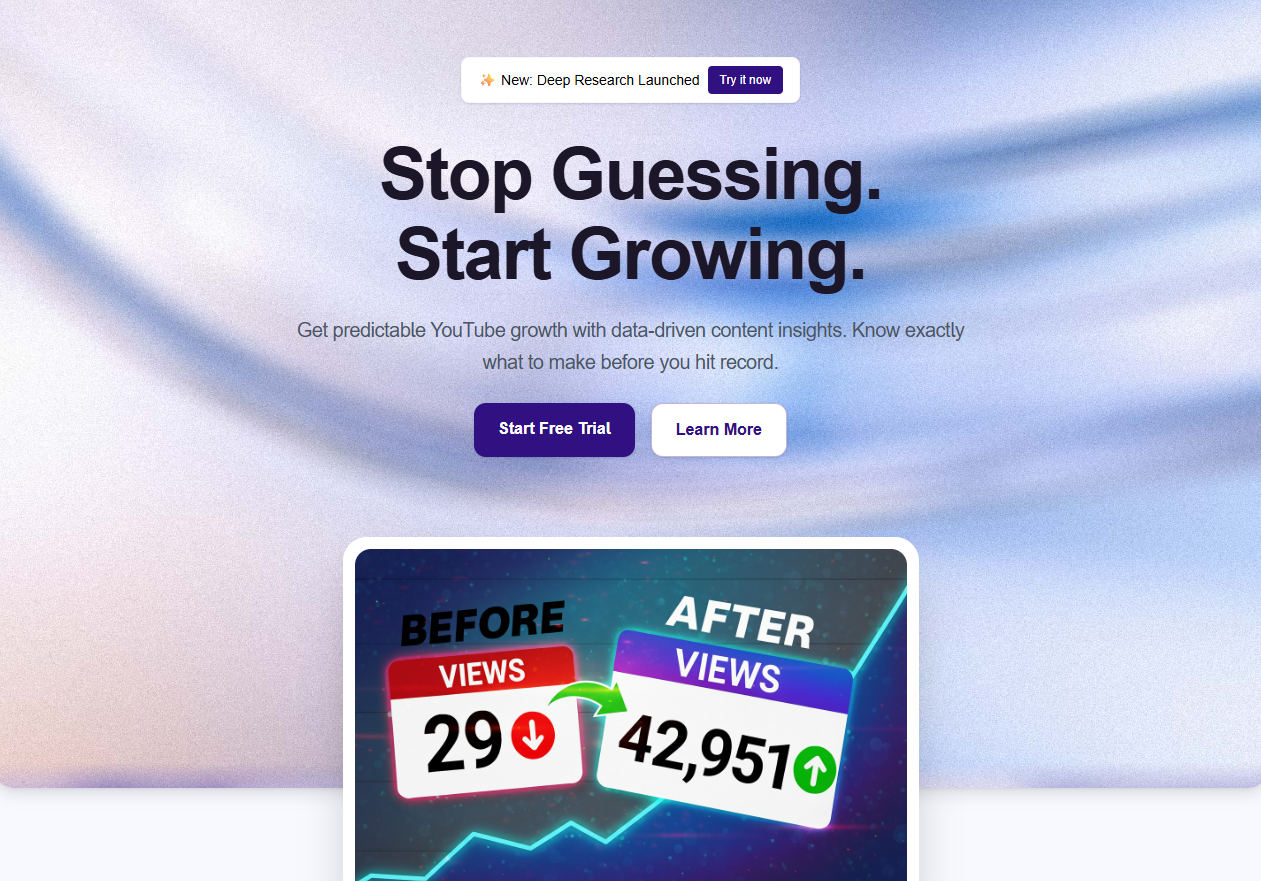
OutlierKit: Best for content research on what to make next
From $49/mo (30-credit free trial)
Best for
Experts, consultants and coaches, and the agencies that run their channels, who want to know what content works before creating it
Key Features
- ✓Outlier video detection (videos performing 3-10x above average)
- ✓Psychographic audience analysis
- ✓Deep competitor insights
- ✓Keyword research with performance correlation
- ✓Trend discovery
- ✓AI-powered script analysis
- ✓Title tool ranks 16 titles against real breakout videos; Description writes the search snippet, the body and hashtags; Chapters writes chapter titles
- ✓Script review scores your own script before you record
- ✓Free Chrome extension with color-coded outlier scores on YouTube
Pros
- +Unique outlier detection not found elsewhere
- +Psychographic insights reveal what motivates viewers
- +Deep competitor analysis shows patterns behind success
- +Free Chrome extension puts outlier scores right on YouTube
- +Lightweight extension, no browser slowdown
- +30-credit free trial with no card
Cons
- −No free plan on the web app (free trial only)
- −Not a channel analytics dashboard: it does not show your own retention, CTR or revenue
- −No A/B testing features
Verdict: OutlierKit is a research tool built for experts, consultants and coaches who share what they know on YouTube. It is not an analytics dashboard, so it ranks below the tools that report channel stats. It scores each video against its own channel's baseline, runs keyword research, channel analysis and Deep Research, and writes titles ranked against real breakout videos, plus descriptions and chapters. Use it to decide what to make next, and keep YouTube Studio for your own numbers. Agencies use Competitor Studio to map a client niche from one seed channel.
It also works inside Claude
OutlierKit ships an MCP server, so the same data works inside Claude. You add the connector URL https://outlierkit.com/mcp, sign in with Google, and ten read-only tools show up in any chat. There is no API key to paste. From a chat you can pull any video's transcript, pull its comments, get a video analyzed with its outlier score against the channel baseline, find the top outliers in a niche, find channels similar to a seed channel, and check YouTube keyword search volumes.
Each call costs 2 to 10 credits, and the live refresh tool costs 10. There are no per-day limits and no per-tool quotas. It is included on Pro ($99/month, 500 credits) and Max ($399/month, 2,000), and top-ups are $19 per 100 any time. The REST API serves the same data.
Of the tools on this list, only vidIQ also runs an MCP server, and it is officially a Max plan feature. TubeBuddy, Viewstats, Social Blade, and 1of10 have none (verified August 2026). See the full setup guide.
Tubular Labs: Best for enterprise video intelligence
Enterprise pricing (contact sales)
Best for
Media companies and large brands
Key Features
- ✓Cross-platform video analytics
- ✓Audience insights
- ✓Content performance benchmarks
- ✓Competitive intelligence
- ✓Trend detection
- ✓Custom reporting
Pros
- +Comprehensive cross-platform data
- +Enterprise-grade features
- +Detailed audience insights
- +Custom reporting
Cons
- −Enterprise pricing only
- −Not for solo creators
- −Steep learning curve
Verdict: Tubular Labs is an enterprise solution for media companies and large brands. Overkill for solo creators. But it's a great fit for companies that need deep video intelligence.
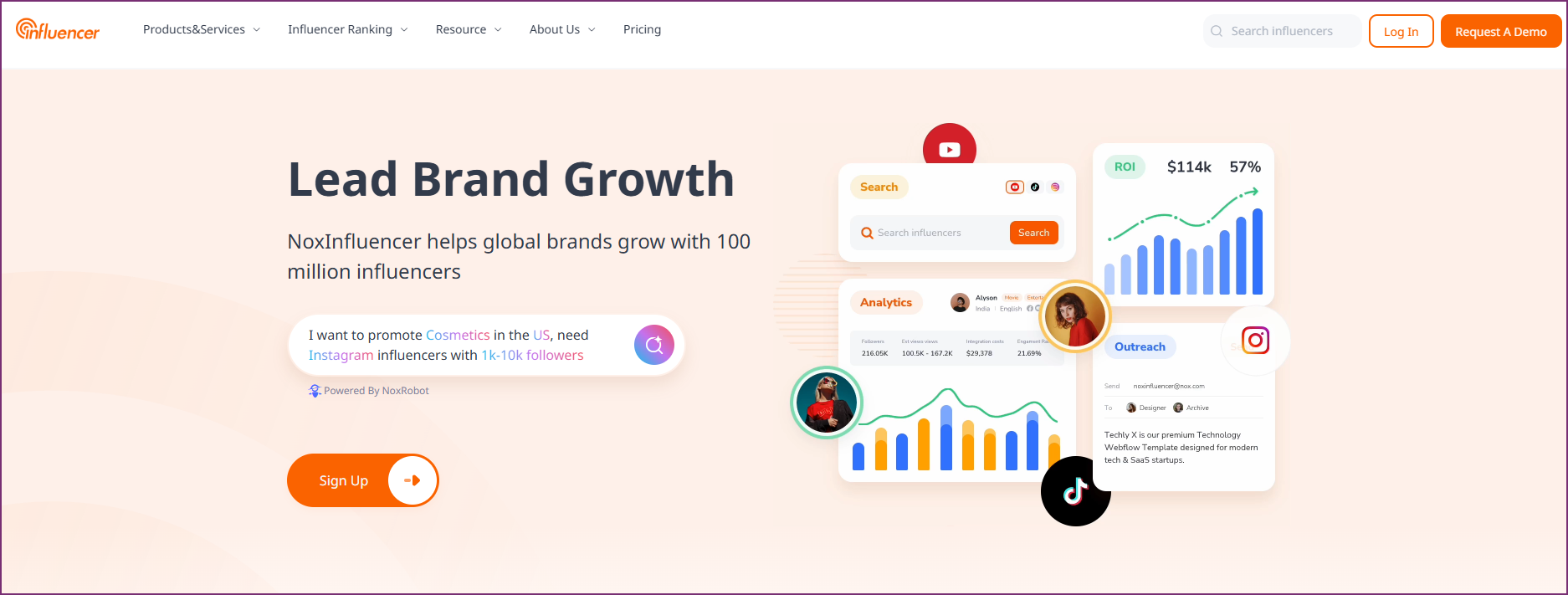
NoxInfluencer: Best for influencer marketing analytics
Free - $69/mo
Best for
Brands and agencies researching creators
Key Features
- ✓Creator discovery database
- ✓Audience demographics
- ✓Engagement analytics
- ✓Brand collaboration tools
- ✓Income estimates
- ✓Global influencer rankings
Pros
- +Extensive creator database
- +Good for brand collaborations
- +Multi-platform support
- +Free tier available
Cons
- −More for brands than creators
- −Limited content strategy features
- −Interface can be overwhelming
Verdict: NoxInfluencer is best for brands and agencies. It helps them research creators for partnerships. Less useful for solo creators focused on content strategy.
ChannelMeter: Best for multi-channel networks
Contact for pricing
Best for
MCNs and creator networks
Key Features
- ✓Multi-channel management
- ✓Revenue tracking
- ✓Audience analytics
- ✓Content scheduling
- ✓Performance reports
- ✓Rights management
Pros
- +Built for managing multiple channels
- +Good reporting tools
- +Revenue insights
Cons
- −Not for solo creators
- −Dated interface
- −Pricing not transparent
Verdict: ChannelMeter is built for MCNs that manage many creator channels. Not relevant for solo creators. It is useful for network operators, though.
Morningfame: Best for simple keyword research
From $4.90/mo
Best for
Beginners wanting straightforward guidance
Key Features
- ✓Keyword analysis with difficulty scores
- ✓Video tag suggestions
- ✓Performance tracking
- ✓Goal setting
- ✓Upload checklist
- ✓Simple interface
Pros
- +Very beginner-friendly
- +Clear, actionable guidance
- +Affordable pricing
- +No overwhelming features
Cons
- −Limited advanced features
- −Invite-only (waitlist)
- −Less complete than VidIQ/TubeBuddy
Verdict: Morningfame is perfect for beginners who want simple, clear guidance. It skips the overwhelming features. Not as powerful as VidIQ or TubeBuddy, but easier to use.
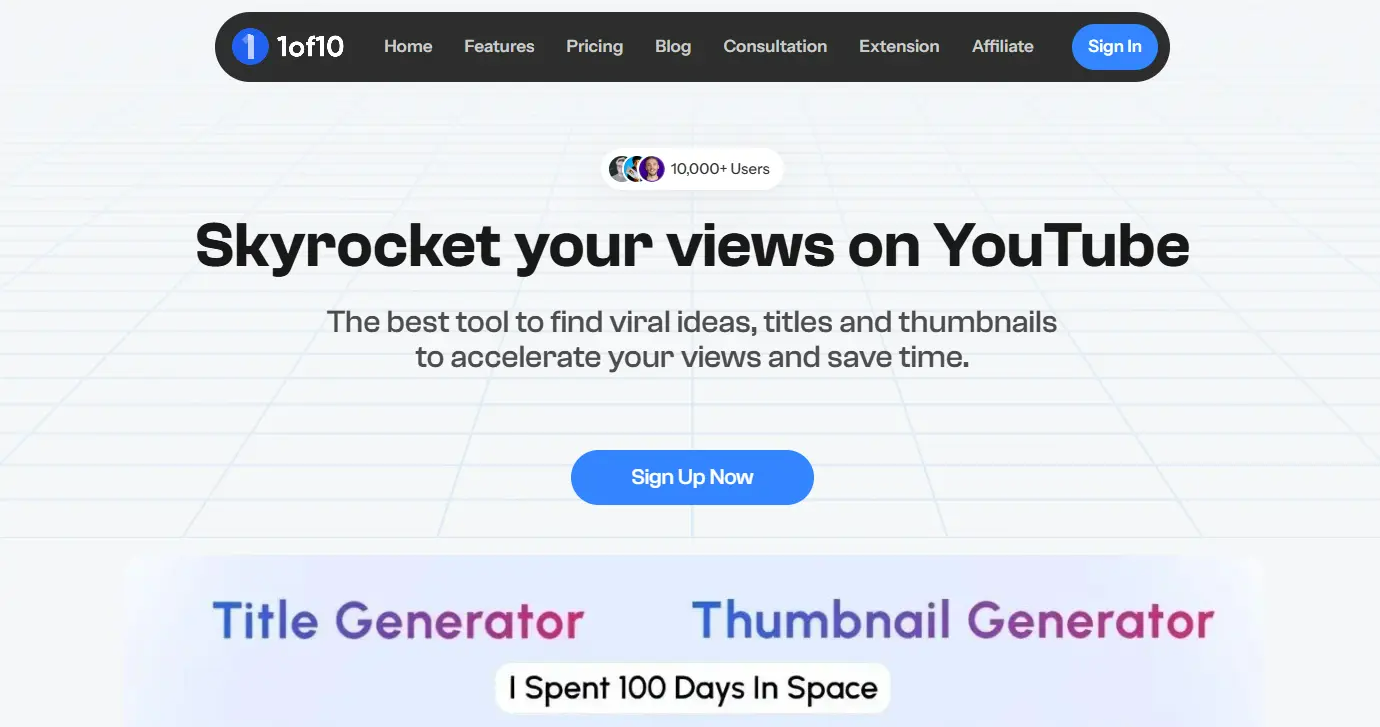
1of10: Best for thumbnail-first outlier research
Free plan; Basic $19/mo
Best for
Teams that need fast discovery of viral outlier video ideas for brainstorms
Key Features
- ✓Outlier video detection
- ✓Niche research
- ✓Content ideas
- ✓Basic competitor analysis
Pros
- +Free plan for basic outlier lookups
- +Simple interface
- +Quick insights
Cons
- −Less complete than OutlierKit
- −Limited features overall
- −No psychographic analysis
Verdict: 1of10 offers outlier detection with a free plan and a thumbnail-first workflow. It has less niche and keyword research than OutlierKit, but the free plan makes it an easy start for outlier research.
Subscribr: Best for AI script writing
Free plan; paid from $99/mo
Best for
Creators who want AI to write their scripts
Key Features
- ✓AI script generation
- ✓AI thumbnails and finished AI video on paid plans
- ✓Hook writing
- ✓Title and description generation
- ✓Content research
- ✓Video idea generation
Pros
- +Good AI script assistance
- +Saves time on writing
- +Easy to use
Cons
- −Scripts often need editing
- −Limited analytics features
- −Outlier and competitor tracking only on paid plans from $99/mo
Verdict: Subscribr is best for creators who want AI to write scripts and produce the video. It has a free plan, and paid plans start at $99/mo. It is a production tool, not an analytics tool.
Which tool is best in each category?
Content Strategy & Competitor Analysis
Winner: OutlierKitWant to know what content works and why competitors succeed? OutlierKit pairs outlier detection with keyword research and channel analysis; 1of10 covers the basics with a free plan.
Keyword Research & SEO
Winner: VidIQVidIQ leads in keyword research with its Keyword Inspector and predictive trending. TubeBuddy is a solid second option with good SEO tools.
Video Optimization
Winner: TubeBuddyTubeBuddy has A/B testing and bulk processing tools. That makes it the best choice for optimizing existing content.
Free Analytics
Winner: YouTube StudioFor free analytics, YouTube Studio is essential. Social Blade and Viewstats add competitor data and historical tracking.
Real-Time Statistics
Winner: ViewstatsViewstats has the cleanest real-time tracking interface. Use it to watch subscriber counts and growth metrics.
Which tool should you choose?
Start with YouTube Studio, then add the one tool that matches the job you need done. Our blog keeps a separate guide to the best YouTube video analytics tools with pricing for each.
| Tool | Best for | Choose it if | Starting price |
|---|---|---|---|
| YouTube Studio | Your own channel data: retention, CTR, traffic sources, revenue | you want accurate first-party numbers at no cost | Free |
| VidIQ | Keyword research and trend alerts | you want search demand data inside YouTube | Free; Boost $19/mo |
| TubeBuddy | A/B tests and bulk edits on published videos | you want to improve videos you already made | Free plan available |
| Social Blade | Quick public stats and history on any channel | you want free competitor growth numbers | Free; Bronze $59.99/yr |
| Viewstats | Packaging research and real-time counts | you want to see how competitors change thumbnails and titles | Free; Pro $49.99/mo |
| OutlierKit | Deciding what to make next from outlier and keyword research | you are an expert, consultant or coach (or their agency) who needs topic research and titles ranked against real breakout videos, not a stats dashboard | $49/mo (30-credit free trial) |
| Tubular Labs | Enterprise cross-platform video intelligence | you are a media company or large brand buying on an annual contract | Contact sales |
Which tool should you use for each task?
Match your specific scenario to the right tool:
| Scenario | Best Choice | Why |
|---|---|---|
| Solo creator on a <$10/month budget | YouTube Studio + Social Blade | Free tools cover basic analytics and competitor stats |
| Creator who wants to know what content to make next | OutlierKit | Outlier detection reveals proven content patterns before you create |
| Creator focused on YouTube SEO and search rankings | VidIQ | Best keyword database and trend prediction for search-first creators |
| Creator who wants to A/B test thumbnails and titles | TubeBuddy | Only tool with built-in A/B testing for YouTube thumbnails |
| Studying how competitors package winning videos | Viewstats | Thumbnail and title change history plus an outlier board for packaging research |
| Agency managing 10+ YouTube channels | VidIQ or OutlierKit | Both support multi-channel workflows at scale |
| Creator just starting out (0-1K subscribers) | Morningfame | Beginner-friendly interface with guided keyword research |
| Creator with 100K+ subscribers wanting deeper insights | OutlierKit | Psychographic analysis reveals why audiences engage. Not just what they watch |
| Creator who needs AI to help write scripts | Subscribr | Purpose-built AI script generation for YouTube creators |
| Agency building a niche-wide research layer across clients | OutlierKit Competitor Studio | One seed channel maps thousands of competitors; research every client niche from one seat |
| Brand finding a content lane competitors have missed | OutlierKit | Outlier and content-gap analysis shows which topics your category has not covered well |
| Production house validating topics before committing budget | OutlierKit + Viewstats | Validate the topic with outlier data, then study proven packaging before the shoot |
| Agency reporting client results every month | YouTube Studio + OutlierKit | First-party data from Studio plus outlier scores and competitor benchmarks for context |
| Brand or media company needing enterprise analytics | Tubular Labs | Cross-platform enterprise intelligence with custom reporting |
Which tool stack do we recommend?
Most successful creators use 2-3 tools together. Here's our recommended stack:
Essential (Free)
YouTube Studio
Your channel's official analytics
Content Strategy
OutlierKit
Decide what to create, then write titles, descriptions, and hashtags
SEO & Optimization
VidIQ or TubeBuddy
Keyword scores, SEO checks, and A/B testing
Managing channels for clients or a company instead of just yourself? The team stack adds a research layer across every channel you oversee:
First-Party Data
YouTube Studio
Official analytics via channel permissions, per client
Research Layer
OutlierKit
Niche-wide outliers and competitors across every client or brand
Packaging Research
Viewstats
Proven thumbnail and title patterns for reference decks
Agencies can see the full workflow version in our best YouTube marketing tools for agencies guide.
How do you choose the right YouTube analytics tool?
1. What's your primary goal?
- → Decide what content to createUse OutlierKit (outlier detection reveals proven patterns before you create)
- → Find keywords and SEO opportunitiesUse VidIQ (best keyword database with 500M+ terms)
- → Optimize existing videosUse TubeBuddy (A/B testing for thumbnails and titles)
2. What's your budget?
- → $0/monthYouTube Studio + Social Blade free tier
- → Under $15/monthMorningfame ($4.90/mo) or TubeBuddy Pro ($12/mo billed annually)
- → $19-$50/monthVidIQ Boost ($19/mo) for keywords, or OutlierKit Hobby ($49/mo) for content research
3. What's your channel size?
- → 0-1K subscribersMorningfame or free YouTube Studio (keep it simple and free)
- → 1K-100K subscribersOutlierKit + VidIQ or TubeBuddy for strategy and SEO
- → 100K+ subscribersOutlierKit for deep insights + TubeBuddy for ongoing optimization
4. Do you prefer browser extensions or web dashboards?
- → Browser extension (works inside YouTube)VidIQ or TubeBuddy (both have Chrome extensions)
- → Web dashboard (more powerful analysis)OutlierKit or Social Blade
Frequently Asked Questions
Basics
What is the best YouTube analytics tool in 2026?
YouTube Studio is the best analytics tool for your own channel, and it is free. For keyword research, VidIQ leads. For A/B testing, TubeBuddy leads. For free competitor stats, use Social Blade or Viewstats. For deciding what to make next, OutlierKit is the research pick.
What is outlier detection and why does it matter?
Outlier detection finds videos that perform far above a channel's average (3-10x higher). These videos reveal proven content patterns. Think topics, formats, and styles that connect with audiences. VidIQ and TubeBuddy both offer outlier detection features. OutlierKit goes further. It adds psychographic analysis, sponsor intelligence, and monetization context around outlier videos.
Comparisons
Is VidIQ or TubeBuddy better?
VidIQ is better for keyword research and trend discovery. TubeBuddy is better for A/B testing and video optimization. Many creators use both: VidIQ for research, TubeBuddy for optimization. Both now offer basic outlier detection (VidIQ's Outlier tool and TubeBuddy's Content Standouts). OutlierKit goes deeper with psychographic analysis and monetization context.
Pricing & Free Options
Are free YouTube analytics tools worth using?
Yes, YouTube Studio is essential and completely free. Social Blade and Viewstats offer good free tiers for competitor stats. However, premium tools like OutlierKit, VidIQ, and TubeBuddy go further. They give strategic insights that free tools can't match.
Is OutlierKit worth the price compared to free alternatives?
It depends on the job. OutlierKit does not replace free analytics like YouTube Studio or Social Blade. It adds research they lack: outlier scores against each channel's own baseline, keyword research, channel analysis, titles ranked against real breakout videos, and descriptions with hashtags. If you plan videos from data every week, test it on the 30-credit free trial, then Hobby is $49/mo. If you only need stats, stay on the free tools.
Performance & Usage
How many YouTube tools should I use?
Most serious creators use 2-3 tools. Start with YouTube Studio (essential). Then add 1-2 third-party tools based on your needs. A common stack is OutlierKit for content strategy and for writing titles, descriptions, and hashtags. Pair it with VidIQ or TubeBuddy for SEO scores and A/B testing.
Where should you start?
- 1
Start with YouTube Studio. It's free, essential, and has the most accurate data about your channel.
- 2
Add VidIQ or TubeBuddy for optimization. VidIQ is better for keyword research. TubeBuddy is better for A/B testing.
- 3
Add OutlierKit for content research. Its outlier scores and keyword research help you decide what to create next. It is a research tool, so it sits beside your analytics, not in place of them.
- 4
Don't overlook free tools. Social Blade and Viewstats offer valuable competitor insights at no cost.
How to Find Viral YouTube Video Ideas Using Data
Which of these tools your AI assistant can actually call
Four of the tools in this space run a Model Context Protocol server and four do not. Every YouTube MCP server compared has the full field, with per-call costs and the real limits.
How this list was made
Features and prices come from each vendor's own site, linked on every tool card, on the update date shown. The 1 to 5 ratings are OutlierKit editorial scores across features, data quality and value, and review-platform ratings link to their source. The scores weigh documented features and public reviews, not a paid test of each tool.
Sources

Ready to find your next viral video idea?
OutlierKit shows which competitor videos beat their channel's usual views. See what's working in your niche, and why.
Start Free TrialRelated reading
Every YouTube Research Tool Picks Two
Research is four jobs, not one. Which tool wins each, with verified pricing.
YouTube's New Research Tab vs Outlier Tools
Outlier multipliers are now inside Studio. What the tab answers, and what it cannot.
Best AI for YouTube Growth Strategy
Seven separate jobs, and which class of AI wins each one.
OutlierKit vs VidIQ
Head-to-head comparison of features, pricing, and use cases.
OutlierKit vs TubeBuddy
Compare strategy-focused vs optimization-focused tools.
Best YouTube Channel Audit Tools
Compare 6 audit tools. They cover SEO scoring, competitor benchmarking, and content gap analysis.
YouTube Channel Audit
Free channel audit tool. Analyze performance, SEO health, and growth opportunities.
Best YouTube Marketing Tools for Agencies
The complete agency toolkit. Research, SEO, editing, thumbnails, analytics, and reporting tools. They scale across client channels.
OutlierKit API (Live)
Access outlier scores, keyword data, and competitor intelligence through the API. Live on Pro and Max plans.
Social Blade: Best for free channel statistics
Free (Premium from $59.99/yr, $5.00/mo)
Best for
Quick stats lookups and historical data
Key Features
Pros
Cons
Verdict: Social Blade is perfect for quick channel lookups and historical data. The free tier is useful. Still, it's purely an analytics viewer with no strategic features.