Best YouTube Marketing Tools for Agency Owners (2026)
YouTube Studio is the base of every agency stack, because it holds each client's real retention, CTR and revenue data. VidIQ (4.5/5 on G2) and TubeBuddy (4.6/5 on Capterra) handle SEO and A/B testing. OutlierKit (5.0/5 on Product Hunt) is the research layer that tells you what to make for each client. The editing and design tools keep your team shipping.
A YouTube agency runs research, strategy, SEO, editing, design and reporting across many client channels, so the wrong stack wastes hours every week. Research is the stage that wins pitches. Our trending niches report measured how often videos in six niches beat their own channel by 10x or more: 16.7 percent in personal finance and 3.1 percent in faceless automation. The picks below follow the workflow, stage by stage.
TL;DR: The Agency Core Stack
If you only set up four tools, make it these (plus free YouTube Studio and Social Blade for benchmarking):
Research layer: outliers & competitors
OutlierKit
SEO & Keyword Research
VidIQ
A/B Testing & Optimization
TubeBuddy
Thumbnails & Design
Canva Teams
What problems do agency owners hit with YouTube tools?
We reviewed agency owner discussions across Reddit, G2, and marketing forums. We wanted the biggest frustrations with existing YouTube tools. Solo-creator tools don't cut it when you're managing client portfolios.
Tools Built for Solo Creators, Not Agencies
Every major YouTube tool is built for one person managing one channel. When you're juggling 8+ client channels, the single-channel UX falls apart. There are no batch operations, no portfolio views, and no team permissions.
· Agency owner thread on Reddit
No Multi-Channel Management Dashboard
Agency owners constantly switch between accounts. There's no tool that shows all client channels in one dashboard. You get no cross-channel performance comparison and no unified content calendars.
· Reddit user in r/digital_marketing
Client Reporting Takes 3-4 Hours Per Week
Agency owners spend hours each week manually building client reports. This means pulling YouTube Studio screenshots, adding Social Blade (free tool, widely referenced) graphs to Google Slides, and formatting data that should be automated.
· G2 review of VidIQ
Zero White-Label Options
Agencies want to send reports with their own logo and colors. But almost every YouTube tool only lets you export reports with the tool's branding. This undermines the agency's professional image.
· Agency owner on r/Entrepreneur
Per-Channel Pricing Destroys Agency Margins
Most tools charge per channel. At $49/channel/month, managing 10 clients costs $490/month just for analytics. That eats into profit margins and makes it hard to offer competitive rates.
· Reddit user in r/youtubemarketing
How do agency-grade tools solve those problems?
Why do agencies need a different toolkit than solo creators?
Agency owners face problems a single-channel creator never sees. You research many niches at once. You keep brand consistency across different client identities. You coordinate strategists, editors, and designers. And you report results to clients who expect measurable ROI.
We picked the tools below for one reason. They support multi-channel, multi-team workflows well. We prioritized tools with collaboration features, bulk operations, and data export that agency owners actually need. For a broader overview of YouTube marketing strategy, see our complete YouTube marketing guide.
Need data-driven content strategy for your clients?
OutlierKit's outlier detection and competitor analysis help agencies find proven content patterns across any YouTube niche.
Research & Content Strategy
Every modern YouTube agency stack has a research layer between YouTube Studio and production: tools that tell you what is already working in each client's niche before your team commits to a video. This is where most agencies waste time guessing instead. The tools below surface proven content patterns and outlier videos so you can pitch with data, not hunches.
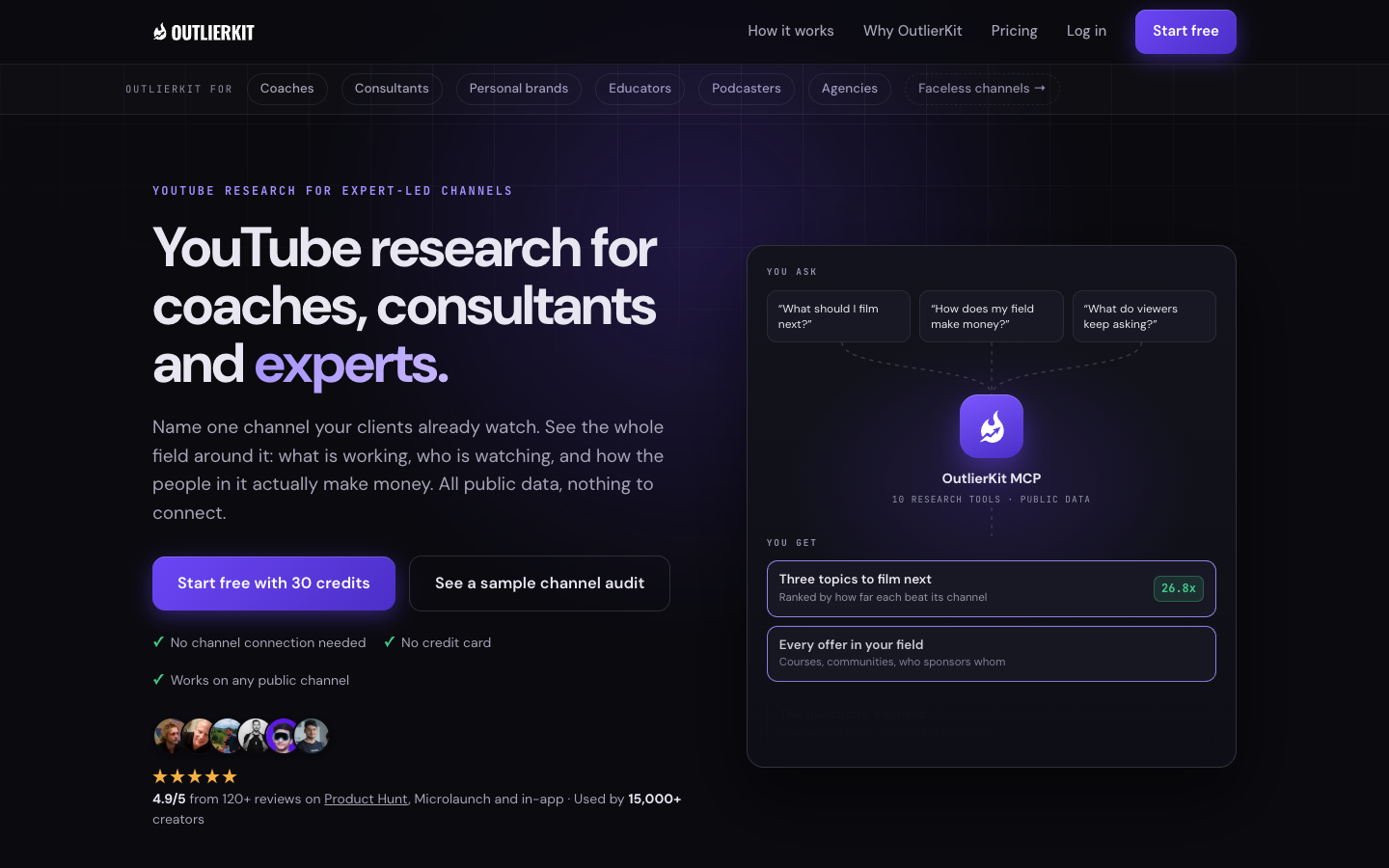
OutlierKit: Best for Finding proven content angles across client channels and competitors
Why Agencies Use It
- Competitor Studio (Pro and Max) scans thousands of channels from one seed. Map entire client niches in a single query
- Outlier detection finds videos performing 3-10x above a channel's average
- Competitor analysis shows exactly which content patterns drive growth
- Psychographic audience analysis reveals why viewers watch, beyond what they watch
- Sponsor intelligence and monetization mapping across any niche (industry first)
- Free Chrome extension overlays outlier scores directly on YouTube for quick scanning
- Script review scores a client script and flags what to fix before the shoot, which saves reshoots
- MCP connector and API on Pro and Max let Claude run outlier, channel and keyword research for each client
Limitations for Agencies
- No built-in client reporting dashboard (export data to your own reports)
- No free tier on the web platform
Agency Verdict
The strongest fit for the agency research layer. It scores each video against its own channel's baseline, maps a client niche from one seed channel, and runs keyword research, channel analysis and Deep Research from one workspace login. You walk into client meetings with evidence instead of opinion. It does not replace YouTube Studio for client data or vidIQ and TubeBuddy for SEO scores and A/B tests.
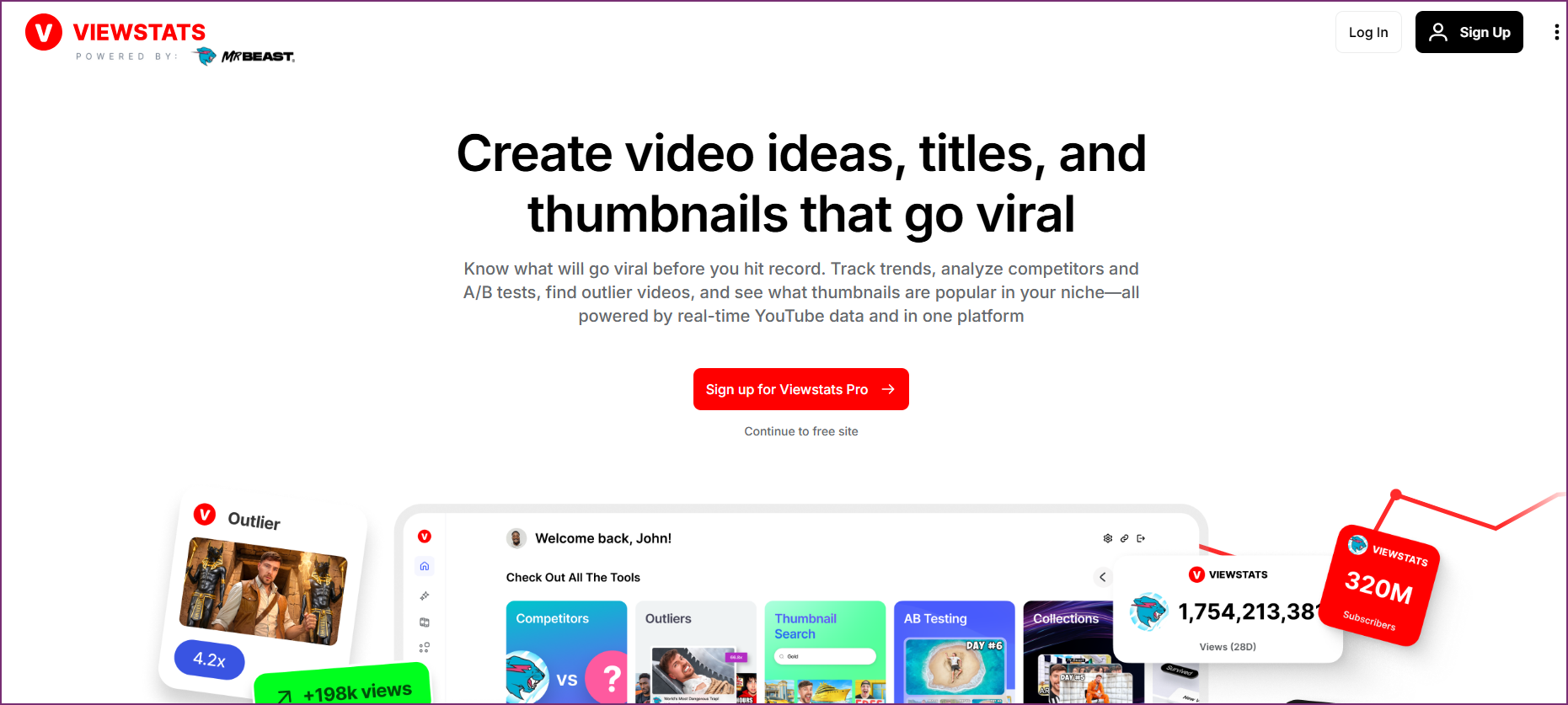
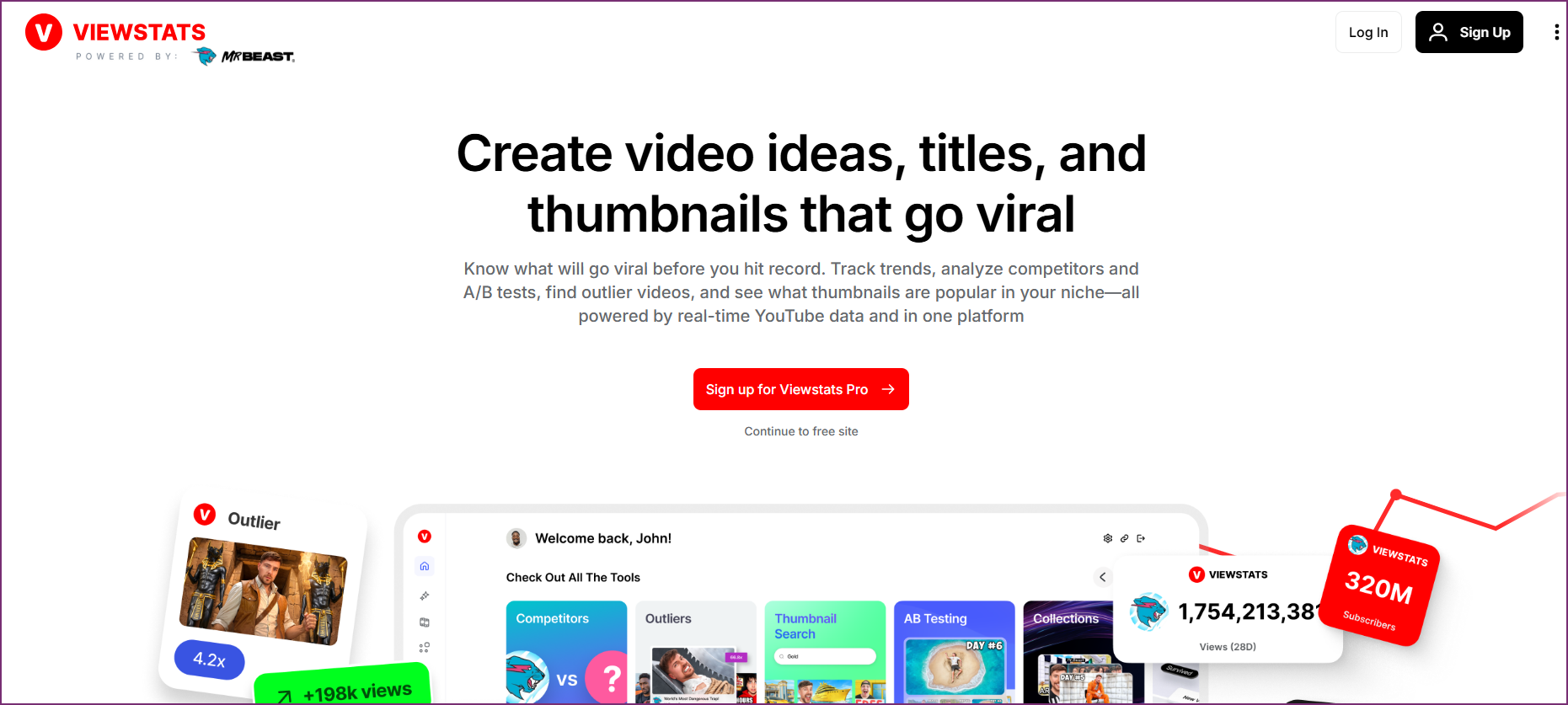
ViewStats: Best for Competitor packaging research: thumbnails and titles behind outlier videos
Why Agencies Use It
- Outlier board surfaces videos massively outperforming their channel's average
- Thumbnail and title change history shows how competitors iterate on packaging
- A/B test observations on live videos reveal which creative decisions worked
- Collections let you build per-client libraries of proven reference videos
- Strong on creator-grade analytics and packaging teardowns
Limitations for Agencies
- Creator-centric interface: no client grouping, team roles, or agency workflows
- Channel analytics depth is thinner than dedicated analytics platforms
- No keyword research, SEO tooling, or monetization intelligence
Agency Verdict
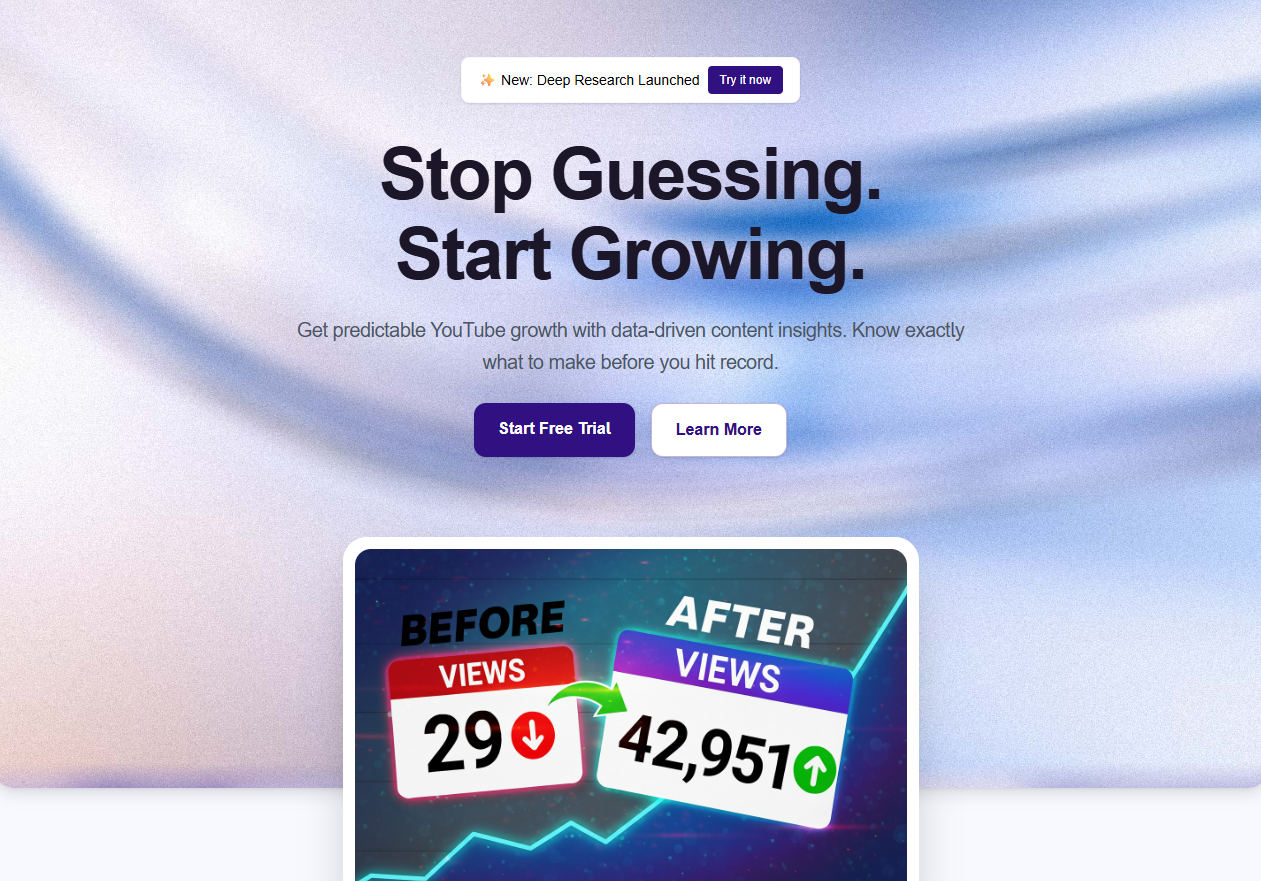
Best-in-class for packaging research: see exactly which thumbnails and titles competitors tested before a video took off. Pair it with OutlierKit when you need to decide which topics and niches to pursue, rather than how winning videos were packaged.
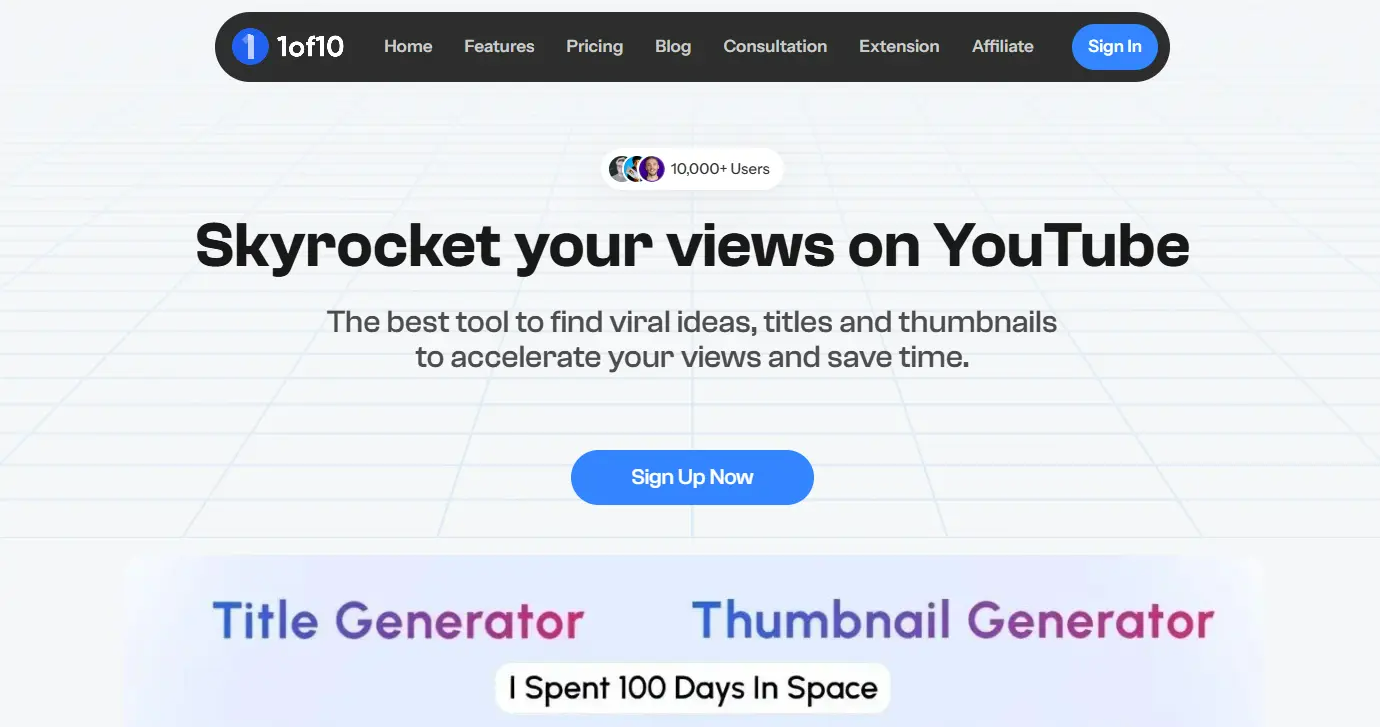
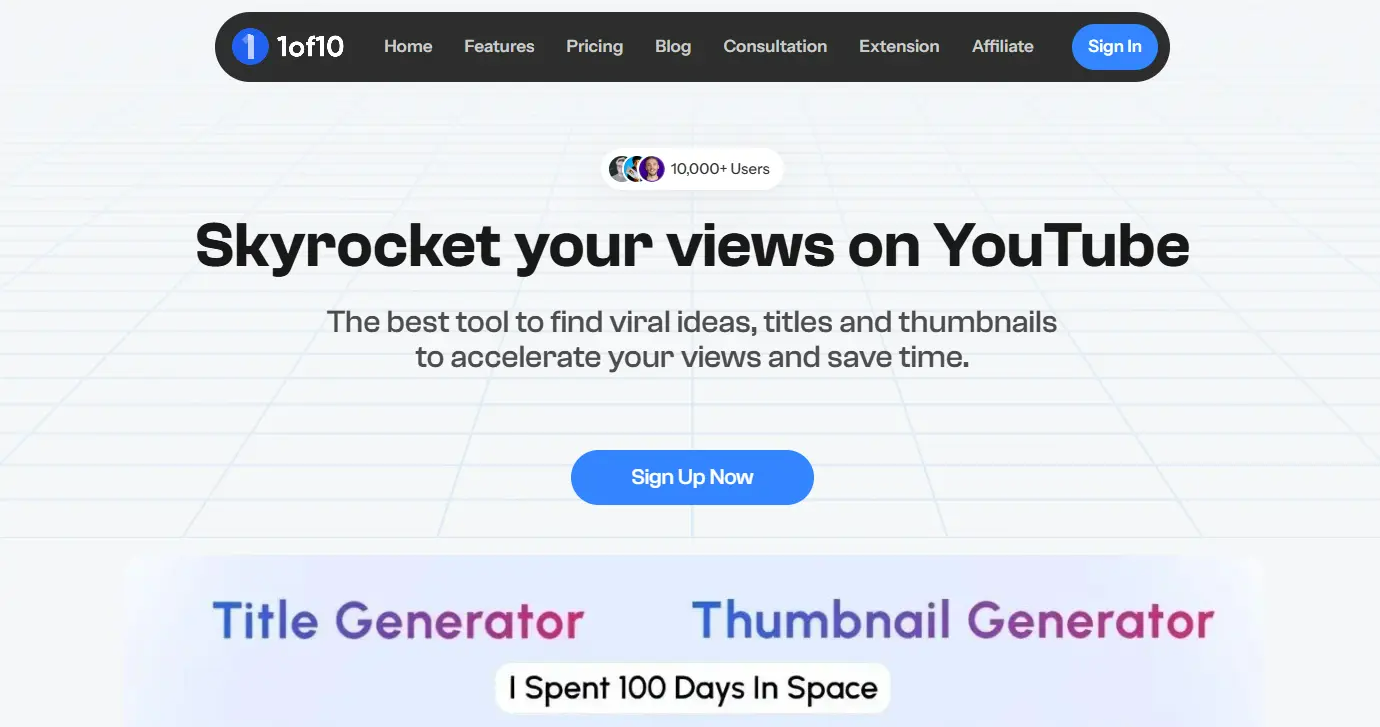
1of10: Best for Fast discovery of viral outlier video ideas for content brainstorms
Why Agencies Use It
- Outlier search finds videos with 10x+ channel-average performance across niches
- Idea generation suggests video concepts based on proven outliers
- Filters by niche, channel size, view velocity, and recency
- Chrome extension overlays outlier scores while you browse YouTube
- Fast for building client pitch decks: grab proven formats per niche
Limitations for Agencies
- Focused on idea discovery rather than full competitor channel strategy
- No psychographic audience analysis or sponsor intelligence
- Per-seat pricing adds up across a research team
Agency Verdict
A fast outlier idea finder for brainstorming sessions. Agencies that also need niche-wide competitive maps, audience analysis, and monetization data get more mileage from OutlierKit's Competitor Studio, which scans thousands of channels from a single seed channel.
SEO & Keyword Research
Every client video needs to be discoverable. YouTube SEO tools help your team optimize titles, descriptions, tags, and thumbnails. That way content ranks for the right searches and gets recommended.
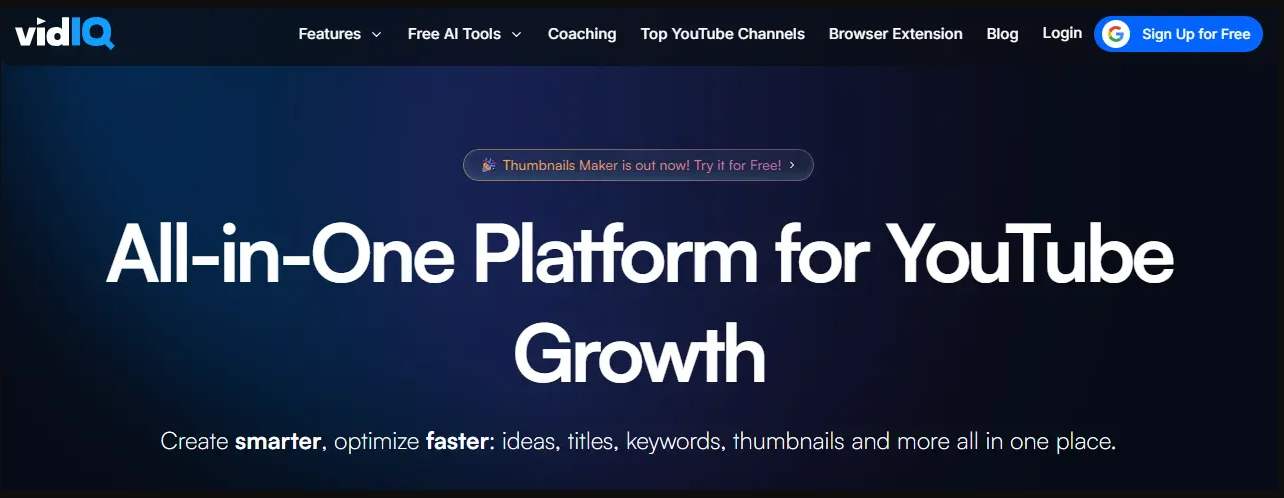
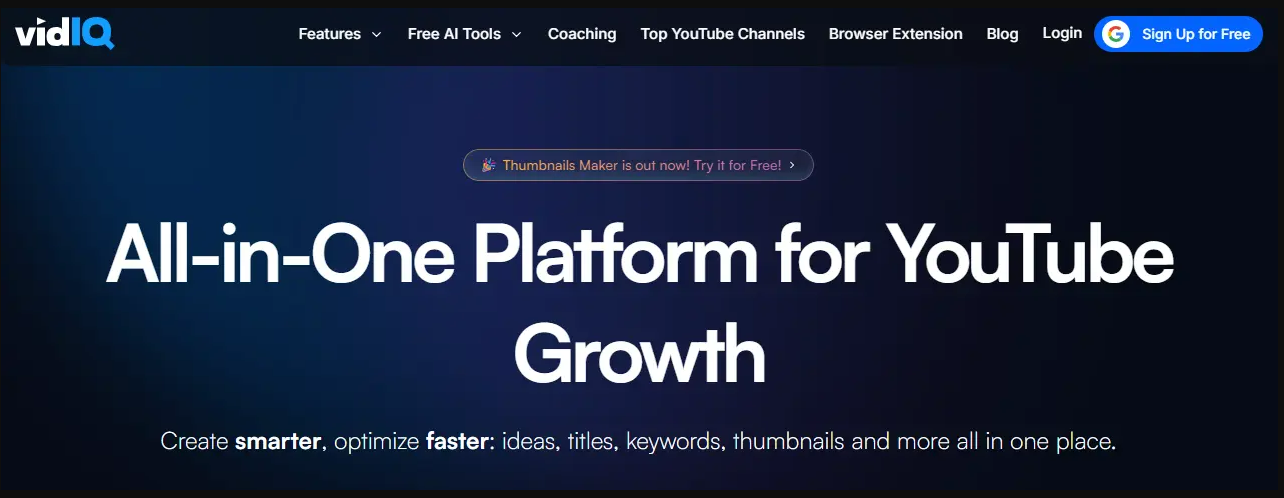
VidIQ: Best for Keyword database and trend discovery
Why Agencies Use It
- 500M+ keyword database with search volume and competition scores
- Predictive trending keywords catch opportunities early
- AI Daily Ideas generates content suggestions per channel
- Browser extension shows keyword scores directly on YouTube
- Bulk keyword research across multiple topics
Limitations for Agencies
- Best features require a paid Boost ($19/mo) or Max ($49/mo) plan
- No outlier detection to validate keyword potential
- No psychographic analysis
Agency Verdict
The first pick for agency SEO work: an industry-leading keyword database with scores shown right on YouTube. Pair it with OutlierKit for topic research, and use VidIQ for SEO execution.
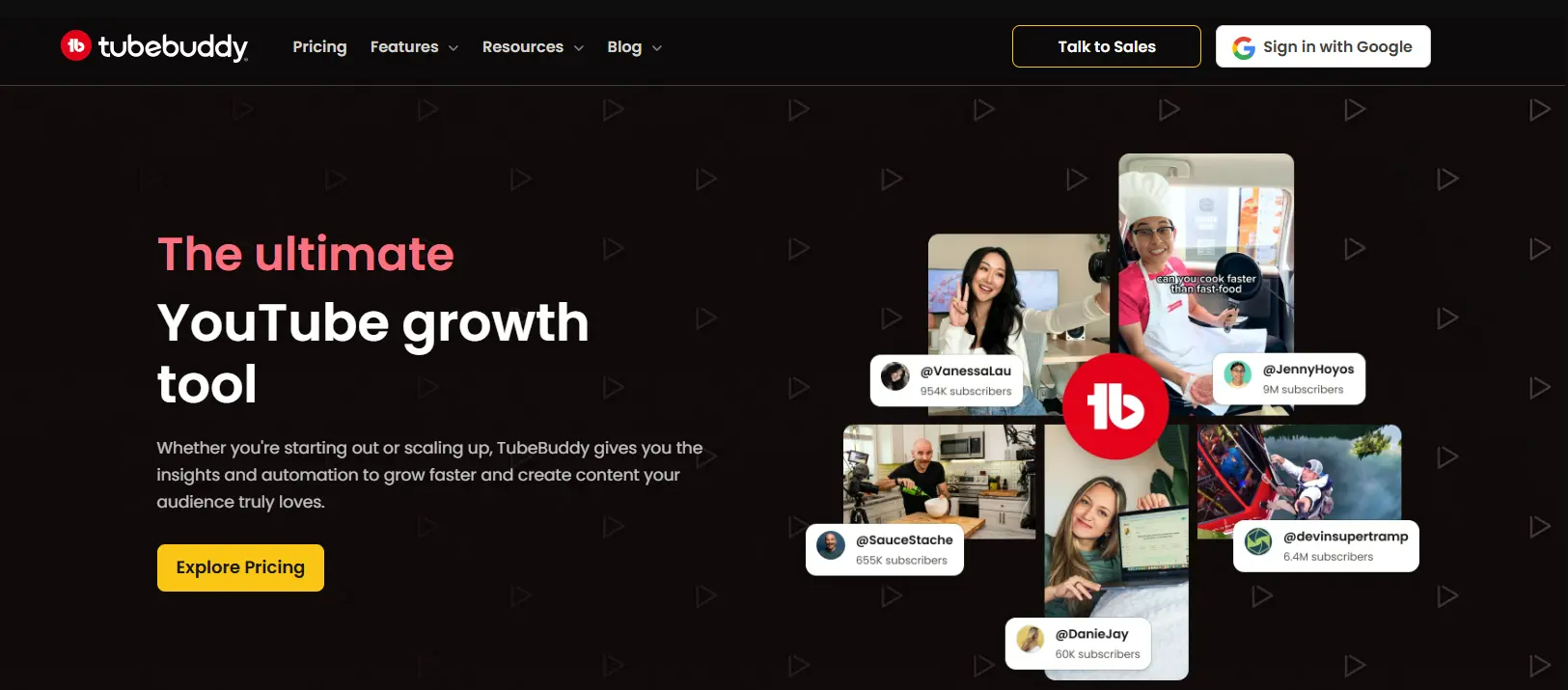
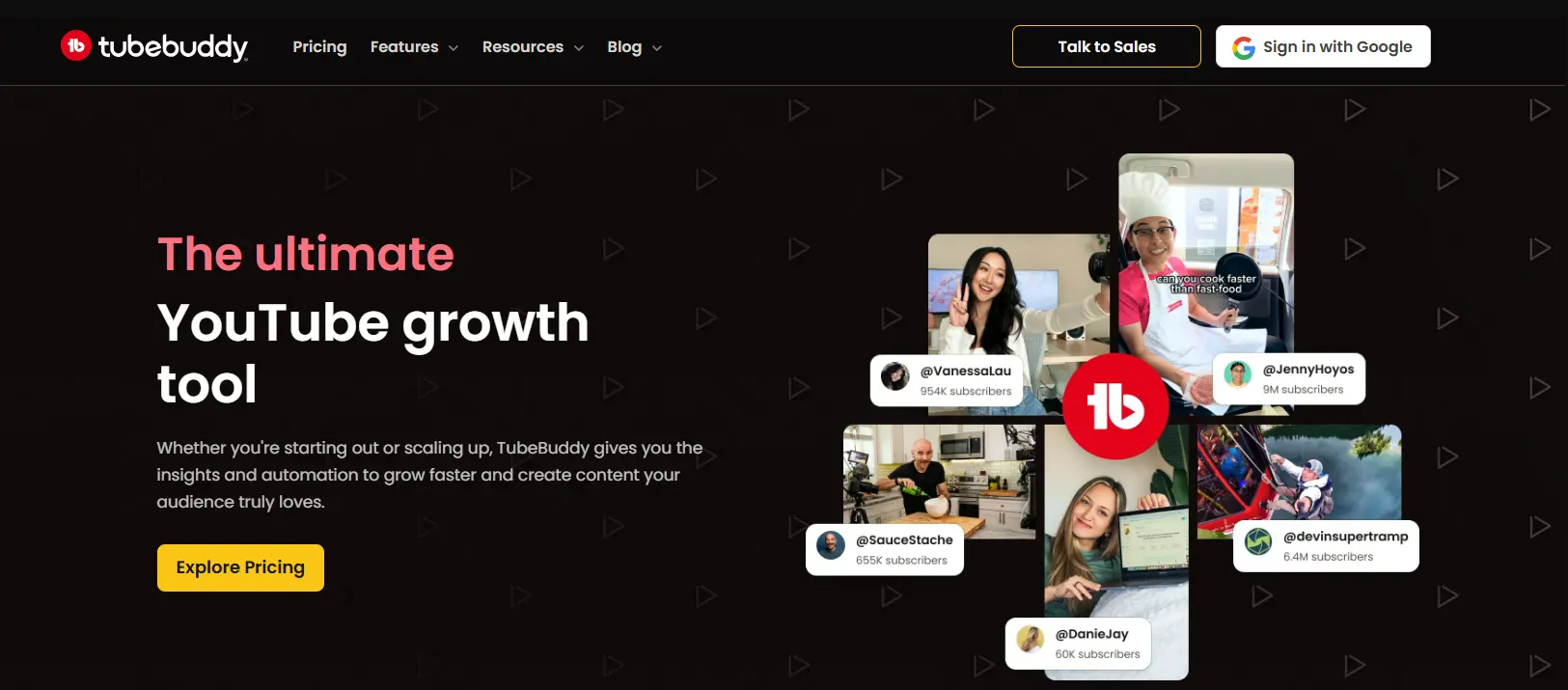
TubeBuddy: Best for On-page optimization and A/B testing
Why Agencies Use It
- A/B testing for thumbnails and titles (best-in-class)
- SEO Studio scores your titles, descriptions, and tags
- Bulk processing tools update metadata across multiple videos
- Tag suggestions with competition analysis
- Canned responses speed up comment management across channels
Limitations for Agencies
- Best features locked behind Legend plan ($27/mo billed annually)
- Limited strategic insights compared to OutlierKit
- Per-channel licensing can add up for agencies
Agency Verdict
Essential for the optimization side of SEO. Use TubeBuddy's A/B testing to refine what you publish. Use its bulk tools to manage metadata across client channels.
OutlierKit: Best for Keyword research with outlier performance correlation
Why Agencies Use It
- Keyword research that shows which keywords actually drive outlier performance
- Topic clustering helps you build content calendars around proven keyword groups
- Competitor keyword analysis reveals gaps in client niches
- Performance correlation links keywords to real view counts, beyond raw search volume
- Title tool writes 16 titles and ranks them against real breakout videos near the topic, with a score and reason for each
- Description & hashtags and Chapters tools draft the rest of the upload page, included on every plan
Limitations for Agencies
- Writes titles, descriptions and hashtags per video, but has no SEO score or bulk tag editing across a client's catalog
Agency Verdict
Third in this stage because SEO execution is where vidIQ and TubeBuddy lead. Use OutlierKit to decide which topics to pursue and to write each video's title (16 candidates ranked against real breakout videos), description, hashtags and chapters. Use VidIQ or TubeBuddy for SEO scores and bulk tag edits.
Video Editing
Agency teams need editing tools that balance quality with speed. Your editors often work across many client projects at once. So workflow efficiency matters as much as output quality.
Adobe Premiere Pro: Best for Professional long-form video editing
Why Agencies Use It
- Industry-standard editing timeline with multi-cam support
- Team Projects enables real-time collaboration across editors
- Auto-transcription and caption generation built in
- Integrates with After Effects, Audition, and Photoshop
- Shared project templates standardize output across client channels
Limitations for Agencies
- Steep learning curve for junior editors
- Per-seat licensing adds up quickly for larger teams
- Heavy system requirements
Agency Verdict
The professional standard for a reason. Team Projects alone makes it worth it for agencies with multiple editors collaborating on client work.
CapCut: Best for Fast turnaround Shorts and social clips
Why Agencies Use It
- Auto-captions with customizable styles for brand consistency
- Template system lets you build client-specific presets
- Desktop, web, and mobile apps for flexible workflows
- AI background removal and object tracking
- Export directly in YouTube Shorts / Reels / TikTok formats
Limitations for Agencies
- Limited for long-form editing complexity
- Some AI features require Pro subscription
- Less precise audio controls than Premiere
Agency Verdict
The go-to for Shorts and social repurposing. Many agencies use Premiere for long-form and CapCut for Shorts, covering both formats efficiently.
Descript: Best for Script-based editing and podcast-to-video workflows
Why Agencies Use It
- Edit video by editing the transcript (removes filler words automatically)
- AI voice cloning for quick voiceover fixes (with consent)
- Multi-track editing with collaboration features
- Auto-generates clips from long-form content
- Screen recording built in for tutorials and walkthroughs
Limitations for Agencies
- Less precise than Premiere for complex edits
- AI features limited on lower tiers
- Transcription quality varies by accent and audio quality
Agency Verdict
A time-saver for agencies with talking-head and podcast content. Editing the transcript instead of the timeline cuts hours off dialogue-heavy edits.
Thumbnail Design
Thumbnails drive click-through rate, and that drives everything else. Your design team needs the right tools. They must produce scroll-stopping visuals across all client brands.
Adobe Photoshop: Best for Professional thumbnail design with full creative control
Why Agencies Use It
- Unlimited creative control for custom thumbnail styles per client brand
- Smart Objects and templates enable consistent thumbnail systems
- AI-powered background removal and generative fill
- Batch actions automate repetitive edits across thumbnail sets
- Libraries sync brand assets (colors, fonts, logos) across team members
Limitations for Agencies
- Steeper learning curve than Canva
- Overkill if your team doesn't need pixel-level control
- Per-seat licensing for agencies
Agency Verdict
The gold standard for agencies that prioritize thumbnail quality. Use it alongside TubeBuddy's A/B testing to iterate on what performs best.

Canva: Best for Rapid thumbnail creation with team collaboration
Why Agencies Use It
- YouTube thumbnail templates with drag-and-drop editing
- Brand Kit stores each client's colors, fonts, and logos
- Real-time collaboration lets designers and account managers work together
- Magic Resize adapts thumbnails to other social platform sizes
- Built-in stock photos, elements, and background remover
Limitations for Agencies
- Less precise than Photoshop for advanced compositing
- Templates can feel generic without customization
- Brand Kit requires Teams plan
Agency Verdict
Perfect for agencies that need speed and consistency. The Brand Kit feature alone is worth it when managing multiple client identities.
Analytics & Reporting
Clients need to see results. Your analytics stack should make three things easy. It should let you pull performance data, spot trends, and build reports that justify your retainer.

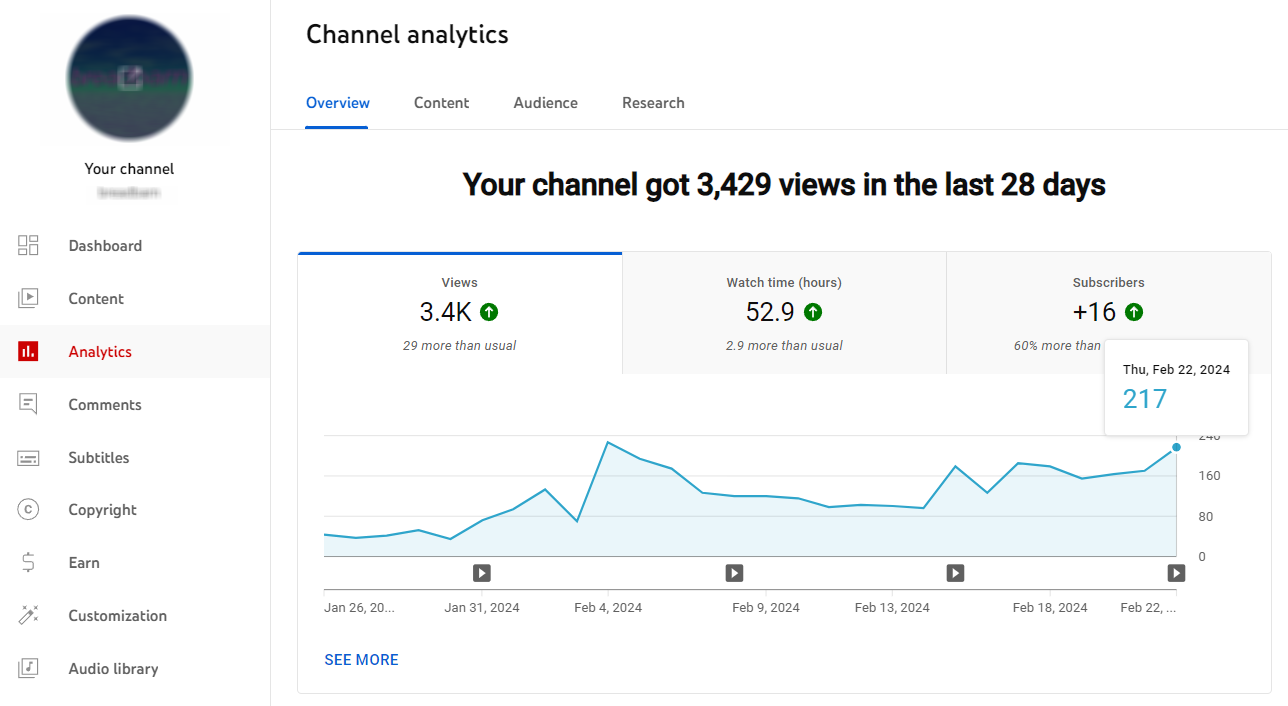
YouTube Studio: Best for First-party channel performance data
Why Agencies Use It
- Official analytics: real-time views, watch time, subscriber changes
- Revenue reporting for monetized client channels
- Audience demographics and traffic source breakdowns
- Impression and click-through rate data per video
- Content tab shows performance across all uploads at a glance
Limitations for Agencies
- No competitor data (own-channel only)
- No content strategy insights
- Exporting data is clunky for multi-channel agencies
- Requires channel-level access for each client
Agency Verdict
The first tool in any agency analytics stack and the source of truth for client channel data. Pair it with Social Blade or OutlierKit for the competitor context YouTube Studio can't provide.
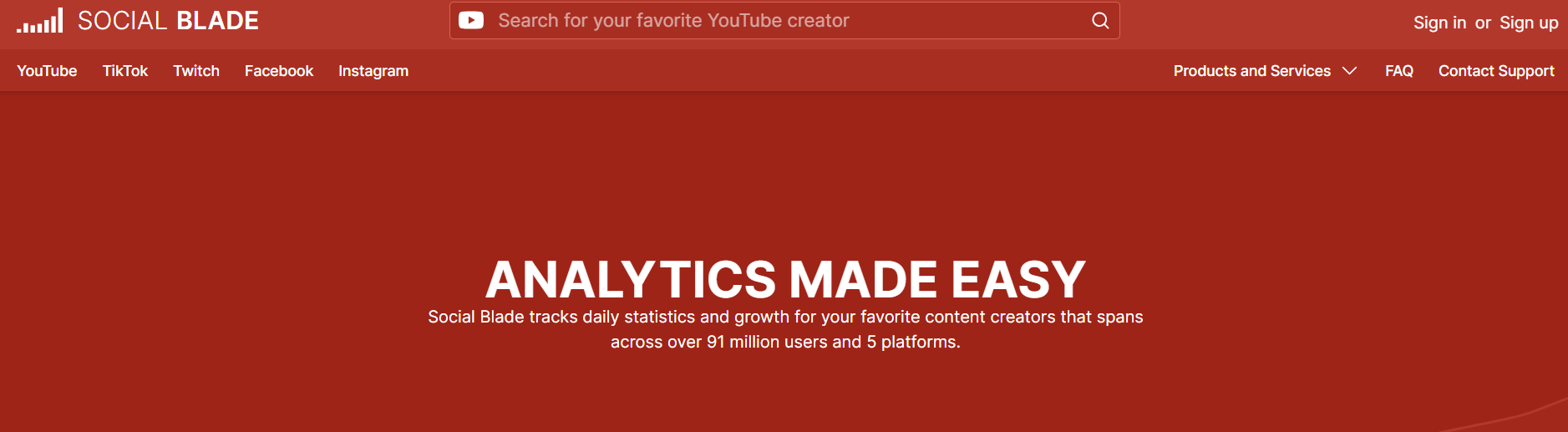
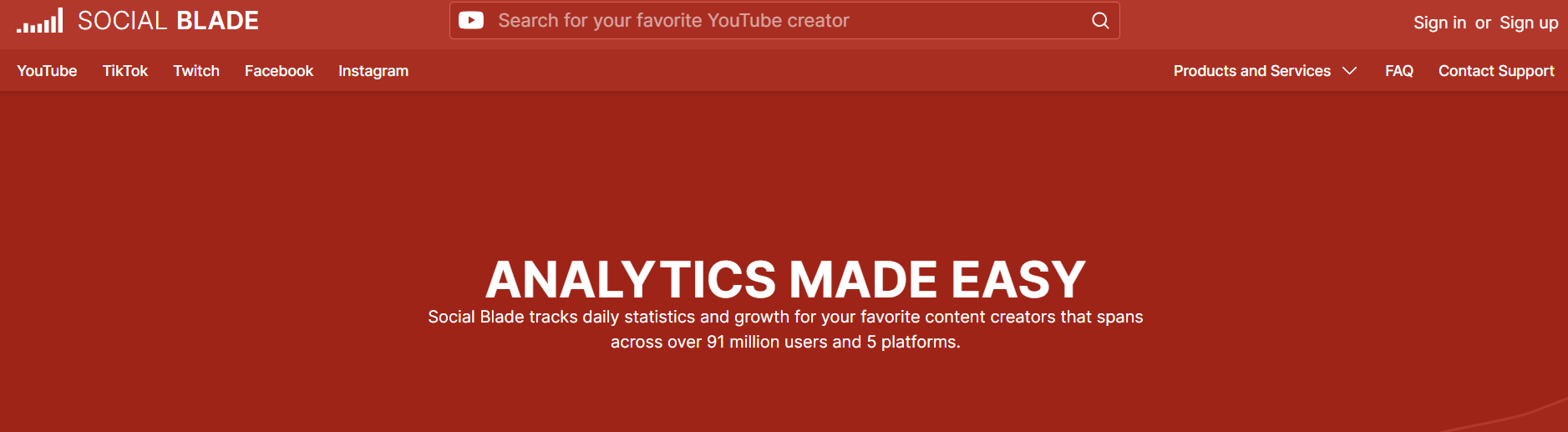
Social Blade: Best for Quick public channel stats and growth tracking
Why Agencies Use It
- Historical subscriber and view count data for any public channel
- Growth projections and estimated earnings
- Channel grade comparisons for benchmarking
- Multi-platform tracking (YouTube, Twitch, Instagram, Twitter)
- Free tier covers most agency research needs
Limitations for Agencies
- Earnings estimates are often inaccurate
- No strategic insights or content analysis
- Ad-heavy free interface
Agency Verdict
Useful for quick competitive benchmarking and early client pitches. The historical growth data helps you tell a story. It shows where a channel has been and where it could go.
OutlierKit: Best for Competitor benchmarking and content performance patterns
Why Agencies Use It
- Track competitor channels and spot emerging content trends for each client
- Identify which content types are gaining or losing traction in each niche
- Outlier scores quantify content performance in a way clients instantly understand
- Deep Research feature generates comprehensive channel analysis reports
- Export data to build client-facing performance decks
Limitations for Agencies
- No white-label reporting (you'll build reports in your own templates)
- Focused on YouTube only (not cross-platform analytics)
Agency Verdict
Not a reporting dashboard, so it sits after YouTube Studio and Social Blade here. Use its outlier scores to add context to client reports: a video that hit 5x the channel average tells a clearer story than a raw view count.
AI Scripting & Ideation
AI tools can speed up script drafts and ideation across your client roster. Use them as accelerators, not replacements, for your creative team.

ChatGPT: Best for Script drafts, brainstorming, and client briefs
Why Agencies Use It
- Custom GPTs let you build client-specific writing assistants with brand voice guidelines
- Team plan includes shared workspace and admin controls
- Can draft scripts, outlines, descriptions, and social captions in one session
- Analyze competitor scripts and suggest improvements
- Code Interpreter can process YouTube data exports for custom analysis
Limitations for Agencies
- Outputs need human editing for authentic brand voice
- No native YouTube data integration
- Team plan pricing adds up per seat
Agency Verdict
The workhorse AI tool for agency content teams. Build Custom GPTs for each client's brand voice and use them to speed up script drafts and ideation.

Claude: Best for Long-form script writing and detailed analysis
Why Agencies Use It
- 200K context window handles entire scripts and research docs in one conversation
- Projects feature organizes context by client for consistent outputs
- Strong at maintaining brand voice across long-form scripts
- Excellent at analyzing and summarizing competitor content
- Team plan with shared Projects and admin controls
Limitations for Agencies
- Smaller plugin ecosystem than ChatGPT
- No native image generation
- Outputs still require human review and editing
Agency Verdict
Best for agencies doing long-form content. It has a large context window and a Projects feature. That makes it ideal for keeping client-specific writing guidelines across your team.
Want to see it on one of your client channels?
Book a 30-minute demo. We'll walk through Competitor Studio on a channel you choose. No slides, just the product, your client, and the data.
Book a demoWhich tool stack fits your agency's size?
The right stack depends on two things. How many clients you manage, and how specialized your team is. The three setups below map to agency size.
Solo Agency / Freelancer
~$75/moYou're managing 1-3 client channels and wearing many hats. You need the most impact per dollar.
- OutlierKit (research + SEO strategy)
- CapCut Pro (editing + Shorts)
- Canva Teams (thumbnails)
- YouTube Studio (analytics)
- ChatGPT Plus (scripting)
Growing Agency (5-10 Clients)
~$220/mo base + per-seat costsYou have a small team with set roles. Efficiency and consistency across clients is the priority.
- OutlierKit Competitor Studio (niche-wide competitive intelligence)
- VidIQ Boost (keyword research)
- Adobe Premiere Pro (long-form editing)
- CapCut Pro (Shorts)
- Canva Teams (thumbnails)
- TubeBuddy Legend (A/B testing + optimization)
- ChatGPT Team or Claude Team (scripting)
Established Agency (10+ Clients)
~$550/mo base + per-seat costsYou have a full team with specialists. You need enterprise-grade tools and workflows that scale.
- OutlierKit Max + Competitor Studio (niche intelligence across all clients)
- ViewStats Pro (packaging research on outlier thumbnails and titles)
- VidIQ Boost (SEO across all channels)
- TubeBuddy Legend (bulk optimization + A/B testing)
- Adobe Creative Cloud (Premiere + Photoshop + After Effects)
- Descript (podcast + talking-head content)
- Claude Team (long-form scripting with Projects)
- Social Blade Premium (competitive benchmarking)
What does the full agency workflow look like?
These tools fit together in a typical agency content production cycle, from client brief to published video.
Client Onboarding & Niche Research
OutlierKit + ViewStats + Social Blade
Audit the client's channel and competitors. Use OutlierKit to map the niche and find outlier content. Use ViewStats for packaging references and Social Blade for historical benchmarking.
See our complete channel audit guide →Content Calendar & Keyword Strategy
OutlierKit + VidIQ
Build the monthly content calendar. Use OutlierKit's keyword research and VidIQ's trending data. Map topics to client goals.
Learn more about YouTube keyword research →Script Drafting & Review
ChatGPT or Claude
Generate first drafts with AI assistants set to the client brand voice. Your writers refine them and add authentic personality.
See our AI script writing workflow →Video Production & Editing
Premiere Pro + CapCut
Edit long-form in Premiere and cut Shorts in CapCut. Use shared templates and presets for brand consistency across the team.
Thumbnail Design & A/B Testing
Canva or Photoshop + TubeBuddy
Design thumbnails in Canva or Photoshop using the client's Brand Kit. Set up A/B tests in TubeBuddy to improve CTR over time.
SEO Optimization & Publishing
TubeBuddy + VidIQ
Optimize titles, descriptions, and tags before publishing. Use TubeBuddy's SEO Studio to score each video's discoverability.
Read our complete YouTube SEO guide →Performance Tracking & Client Reporting
YouTube Studio + OutlierKit
Pull first-party data from YouTube Studio. Overlay OutlierKit's outlier scores for context. Build monthly reports that show ROI.
See our YouTube analytics guide →How do the top agency tools compare?
| Tool | Best For | Pricing | Agency Key Feature |
|---|---|---|---|
| YouTube Studio | First-party client channel data | Free | Official analytics + channel permissions |
| VidIQ | Keyword research for client channels | Free - $49/mo | 500M+ keyword database with trend scores |
| TubeBuddy | Optimization & A/B testing | Free - $27/mo (billed annually) | Thumbnail & title A/B testing |
| OutlierKit | Research & content strategy across client niches | From $49/mo | Outlier detection + niche-wide Competitor Studio |
| ViewStats | Competitor thumbnail & title research | Free - $49.99/mo | Outlier board + packaging change history |
| Social Blade | Quick public benchmarking | Free - $59.99/yr | Historical growth data for any channel |
| 1of10 | Viral outlier video ideas | Free to $19/mo | 10x+ outlier search with niche filters |
| Canva Teams | Thumbnail design | From $10/mo/person | Brand Kit per client |
| Premiere Pro | Long-form editing | From $22.99/mo/seat | Team Projects collaboration |
| CapCut | Shorts & social clips | Free - $7.99/mo | Auto-captions + template system |
| ChatGPT / Claude | Script drafting | Free - $25/mo/seat | Custom GPTs / Projects per client |
Which tool should your agency choose?
Pick by the job, not the brand. Every agency needs YouTube Studio; add the rest by the gap you need to fill. For a second shortlist, see our 10 best marketing tools for YouTube agency owners.
| Tool | Best for | Choose it if | Starting price |
|---|---|---|---|
| YouTube Studio | First-party client data and reporting | you need real retention, CTR and revenue for each client channel | Free |
| VidIQ | Keyword research across client channels | you want search volume and trend scores for every upload | Free; Boost $19/mo |
| TubeBuddy | A/B tests and bulk metadata edits | you optimize a back catalog across many client videos | Free plan available |
| OutlierKit | The research layer: proven topics across client niches | you need to map a niche, find outliers and write titles from real breakout videos before production | $49/mo (30-credit free trial) |
| ViewStats | Packaging research on competitor thumbnails and titles | you build reference decks from how winning videos were packaged | Free; Pro $49.99/mo |
| Social Blade | Quick public benchmarks for pitches | you want free historical growth data on any channel | Free; Bronze $59.99/yr |
| 1of10 | Fast outlier ideas for brainstorms | you want a thumbnail-first idea finder with a free plan | Free; Basic $19/mo |
Where can you go deeper on each workflow stage?
We have written detailed guides for each part of the agency YouTube workflow. The most relevant:
YouTube Marketing Strategy Guide
Complete marketing playbook for 2026 with tools, tips, and examples.
YouTube SEO: Complete Strategy Guide
Checklist, tools, and tips for ranking videos in YouTube search.
YouTube Keyword Research Guide
How to find and validate keywords that drive views and subscribers.
Competitor Studio Tool
Enter one channel, analyze thousands of competitors. Niche-wide intelligence for agencies.
Best YouTube Analytics Tools
We tested 13 analytics tools for competitor analysis and channel growth.
How to Audit a YouTube Channel
Complete 7-step channel audit guide for onboarding new clients.
YouTube Channel Audit Checklist
50+ item checklist and free template for thorough channel audits.
Content Calendar Workflow
Build a data-driven content calendar using OutlierKit and AI tools.
OutlierKit vs VidIQ
Detailed comparison of research vs SEO tools for YouTube growth.
OutlierKit vs ViewStats
Niche-wide outlier research vs packaging teardowns: which research tool fits your workflow.
OutlierKit vs 1of10
Outlier detection compared: Competitor Studio maps vs fast viral idea search.
OutlierKit API (Live)
Live on Pro and Max plans. Programmatic access to outlier scores, channel intelligence, transcripts, comments, and keyword research. Calls cost 2 to 10 credits depending on the endpoint, JSON in / JSON out.
Frequently Asked Questions
What is the best YouTube marketing tool for agency owners in 2026?
No single tool covers an agency. Start with YouTube Studio, which is free and holds each client's first-party data. Add VidIQ for keyword research and TubeBuddy for A/B testing and bulk edits. Add OutlierKit as the research layer that finds proven topics across every client niche. Together they cover research, SEO and reporting.
How much should a YouTube agency spend on tools?
A solo agency can run a strong toolkit for around $75/month. Growing agencies with 5-10 clients should budget $200-250/month for base tool costs. They should also add per-seat fees for team tools like editing software and AI assistants. The right tools pay for themselves. They cut research time and improve content performance.
How do I compare pricing of AI video automation tools for a small agency?
Compare on cost-per-client-served, not sticker price. Check four things. First, the monthly base fee. Second, whether pricing is per-seat or per-workspace. Per-workspace tools like OutlierKit let you research every client channel from one login. Third, how many client channels or projects each tier allows. Fourth, whether a usage cap on credits, renders, or exports forces an upgrade as you add clients. A tool that costs more but covers all your clients from one seat is often cheaper per client. It beats a low-priced per-seat tool. Most small agencies run a complete stack for roughly $55-$200/month, depending on client count.
Do I need separate tools for each client channel?
Not necessarily. Most YouTube tools like OutlierKit, VidIQ, and Social Blade let you research any public channel from one account. You'll need per-channel access for YouTube Studio and TubeBuddy's A/B testing. But research and strategy tools work across all clients from one seat.
What's the difference between OutlierKit, ViewStats, and 1of10 for agency research?
All three work in the research layer, but at different depths. 1of10 is the fastest for finding viral outlier video ideas during brainstorms. ViewStats is the strongest for packaging research: it shows the thumbnail and title changes behind outlier videos. OutlierKit goes furthest for agencies: Competitor Studio scans thousands of channels from one seed to map an entire client niche, and adds psychographic audience analysis and sponsor intelligence. Many agencies run OutlierKit for niche-wide strategy and keep ViewStats for packaging teardowns.
Do YouTube agencies need YouTube Studio if they already pay for vidIQ or OutlierKit?
Yes. YouTube Studio is the only source of first-party data for client channels: real watch time, retention, impressions, click-through rate, and revenue. Third-party tools estimate or benchmark against public data, but they cannot see inside the channel. Use YouTube channel permissions (or a Content Manager for larger rosters) to grant your team access without client passwords, then layer research tools on top for the competitor context Studio lacks.
What's the difference between OutlierKit and VidIQ for agencies?
OutlierKit focuses on content strategy. It is built for experts, consultants and coaches and for the agencies that run their channels. It finds proven content patterns through outlier detection. It also reads audiences through psychographic analysis. VidIQ focuses on SEO execution: keyword research, tag optimization, and trend discovery. Most agencies use both because they solve different parts of the workflow.
What is the research layer in a YouTube agency's tool stack?
The research layer sits between YouTube Studio and production. YouTube Studio tells you how your client's own channel performed; the research layer tells you what is working across the whole niche before you commit to a video. It typically covers outlier video detection, competitor channel analysis, keyword and topic research, and packaging research. OutlierKit, ViewStats, 1of10, and vidIQ all live in this layer and solve different parts of it.
Which of these tools should brands and production teams use if they don't run an agency?
Brands doing competitive research on YouTube typically need OutlierKit for category and outlier analysis plus YouTube Studio for their own channel data. Production houses and studios lean on OutlierKit for pre-production topic validation, ViewStats for packaging references, and their existing editing stack (Premiere, CapCut) for delivery. Solo creators are best served by free tiers of vidIQ or TubeBuddy before committing to paid research tools.
Can AI tools replace human scriptwriters at an agency?
No, but they can make your writers 2-3x faster. AI tools like ChatGPT and Claude are best for first drafts, brainstorming angles, and adapting content across formats. Your team still adds the real work. They inject authentic brand voice, verify facts, and match the script to the video's creative direction.
How do I report YouTube results to clients?
Combine YouTube Studio's first-party data with OutlierKit's outlier scores and competitor benchmarks. Show clients that their video hit 4x the channel average. That is more compelling than raw view counts. Use tools like Google Slides or Notion to build branded report templates. Your team can fill them in monthly.
How this list was made
Tools are grouped by the workflow stage they serve, from niche research to reporting. The picks weigh documented features, published pricing and public ratings on Product Hunt, G2 and Capterra, not a paid test. The stack costs are planning estimates built from published plan prices, so confirm current pricing before you commit.
Sources
- OutlierKit reviews on Product Hunt
- vidIQ reviews on G2
- TubeBuddy reviews on Capterra
- Social Blade: free public channel statistics
- 1of10 pricing page
- YouTube Official Blog
- YouTube Help Center
- YouTube trending niches report: how often videos in six niches beat their own channel by 10x
