OutlierKit vs Social Blade: Complete Comparison (2026)
OutlierKit is the research and planning tool built for experts, consultants and coaches who teach on YouTube. Social Blade is the public-stats lookup. They solve different problems, and many channels use both.
OutlierKit and Social Blade are both referenced constantly in the YouTube creator world, but they sit in different layers. Social Blade answers “how big is this channel and what does it earn?” OutlierKit answers “what should I make, and why does it work?” Raw counts mean more with a baseline. Our subscriber benchmarks by niche ranked 112,562 active channels, and the median channel has under 35K subscribers in all 20 niches.

The quality signals a stats page like Social Blade never shows you, and why research tooling matters for real decisions.
Transparency & accuracy notice
Feature descriptions and pricing are based on publicly available information from each product's website as of September 13, 2026. Features, pricing, and capabilities may change. Verify directly with each product before deciding.
For Social Blade alternatives, see our Social Blade alternatives listicle.
Different layers, different jobs
Social Blade is a stats aggregator. The industry-standard place to eyeball subscriber counts, estimated earnings, and public rankings for any channel. OutlierKit is a research platform. It finds outlier videos, decodes competitor patterns, and analyzes audience psychographics so you can decide what to produce. Both legitimate. Different layers of the same problem.
Who is each tool best for?
Reach for OutlierKit
- ✓Best for experts, consultants and coaches who need to decide what video to make next and want outlier detection to back the call.
- ✓Best for strategists who want to decode why a competitor's content wins: patterns, hooks, and audience psychographics that raw numbers cannot explain.
- ✓Best for agencies and brands that need niche-wide competitor maps, content-gap analysis, and client-ready exports. Social Blade covers one channel at a time with no strategic layer.
- ✓Best for growth-focused channels who need YouTube keyword research alongside their competitor and audience analysis.
- ✓Best for creators who want to package the next video in the same place: titles ranked against real breakout videos, description and hashtags, chapters, plus a review of your script before you record.
Reach for Social Blade
- ✓Best for anyone who wants a free, instant channel-stats lookup with no signup or learning curve.
- ✓Best for creators who want a ballpark estimated-earnings range or public rankings and grade letters for any channel.
- ✓Best for researchers who need multi-year historical subscriber and view charts for public channels.
How do you choose between OutlierKit and Social Blade?
Answer these five questions in order. The first one that fits your situation points you to the right tool.
Do you need to decide what content to make next?
Yes → Choose OutlierKit. Outlier detection and competitor pattern analysis are built for content decisions. No, I just want numbers → Social Blade is enough.
Is a fast, free public-stats lookup all you're after?
Yes → Choose Social Blade. Paste a URL, see stats, no account needed. No, I need strategy → OutlierKit is the stronger fit.
Do you need to understand why a competitor is winning, beyond how big they are?
Yes → Choose OutlierKit for content-pattern and psychographic analysis. No, size is enough → Social Blade compares the surface numbers.
Do you rely on estimated earnings or multi-year historical charts?
Yes → Choose Social Blade. It's the default source for public earnings ballparks and deep history. No → OutlierKit covers the research layer instead.
Do you want both a stats check and a strategy engine?
Yes → Use Social Blade for the quick lookup and OutlierKit for the research that informs what you produce. They live in different layers and don't overlap.
How do OutlierKit and Social Blade compare at a glance?
| Feature | OutlierKit | Social Blade |
|---|---|---|
| Best For | Strategic research & outlier-driven content decisions | Free quick-lookup channel stats & rankings |
| Starting Price | From $49/mo | Free (premium tiers available, as listed on their website) |
| Unique Feature | Outlier detection + psychographic audience analysis | Estimated earnings & public rank tracking |
| Learning Curve | Easy | Very Easy |
| User Rating | 5.0/5 | 4/5 (Chrome Web Store) |
What do OutlierKit and Social Blade each do?
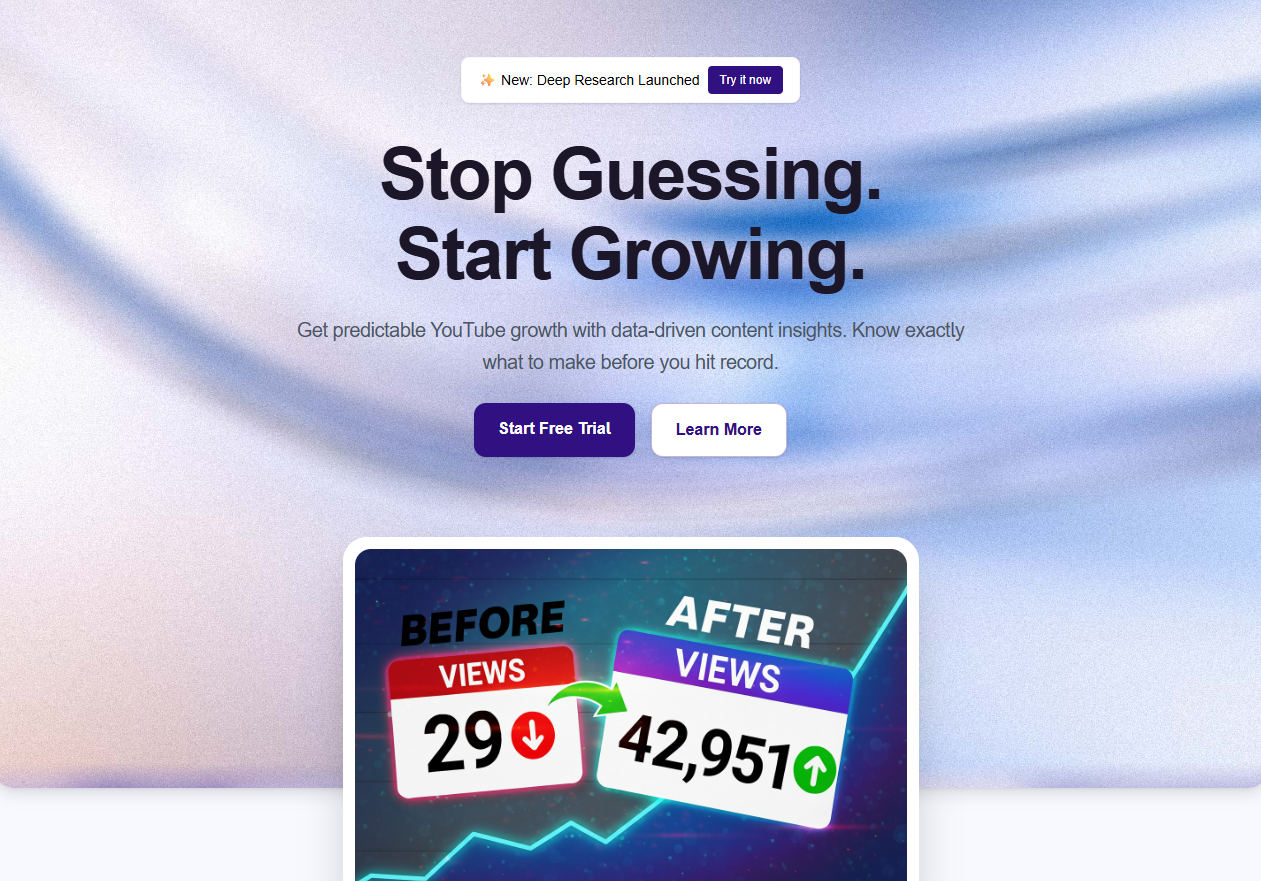
OutlierKit Dashboard
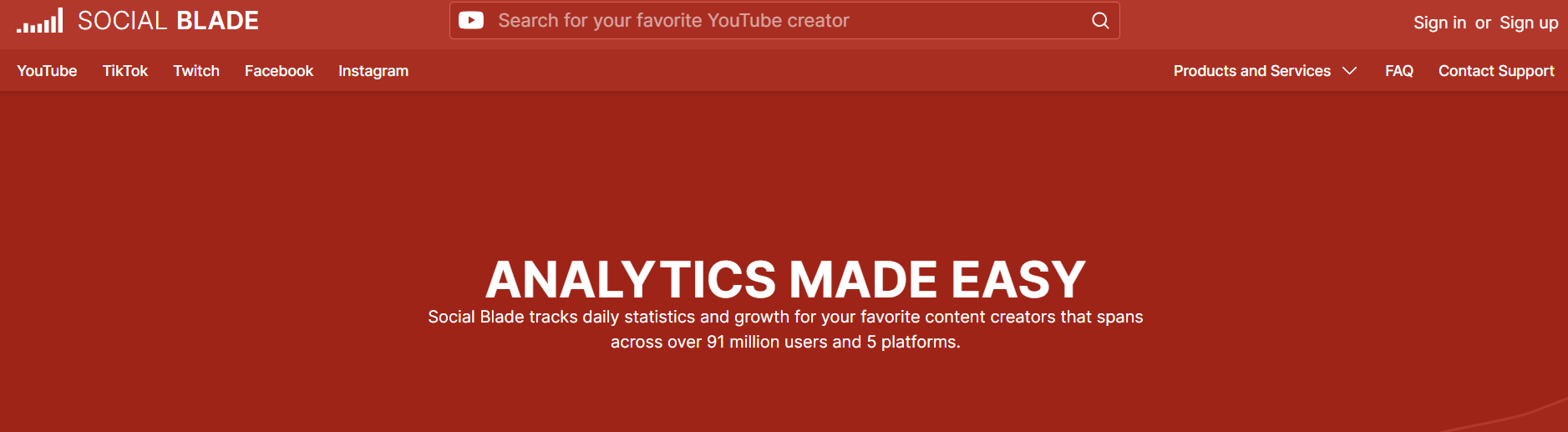
Social Blade Dashboard
Which jobs does each tool cover?
OutlierKit covers the research-and-strategy layer: outliers, competitors, keywords, psychographics. Social Blade covers the public-stats layer: rankings, earnings, deep history.
How do OutlierKit and Social Blade compare feature by feature?
Outlier Video Detection
OutlierKit winsOutlierKit surfaces videos performing 3-10x above channel averages, normalized for channel size. You see the outliers in a niche, inside a competitor set, or across your own channel, plus the patterns that explain why they over-performed.
Social Blade is a stats tracker, not an outlier tool. It shows a channel's overall view and sub trend. It doesn't isolate videos beating channel baselines or explain why a specific video broke out.
Verdict: OutlierKit wins decisively. Social Blade doesn't operate in this layer at all.
Channel Statistics & Rankings
Social Blade winsOutlierKit shows channel metrics in the context of research: subscriber count, view trends, and niche comparisons. It's not a dedicated leaderboard.
Social Blade is built for this. Global rankings, grade letters, country-level leaderboards, and deep historical charts for any public channel.
Verdict: Social Blade wins for quick lookups and public rankings. It's the industry-standard channel stats page.
Estimated Earnings
Social Blade winsOutlierKit doesn't publish estimated earnings. Creator revenue depends on RPM, sponsorship, and geography, and the estimates are notoriously rough.
Social Blade publishes estimated monthly and yearly earnings for any public channel. The estimates are broad ranges but useful for ballpark benchmarking.
Verdict: For a public earnings ballpark, Social Blade is the default source. OutlierKit doesn't publish estimates at all.
Competitor Analysis
OutlierKit winsDeep competitor analysis: content patterns, outlier cadence, psychographic audience overlap, and strategic gaps. You can track competitor sets and audit their playbook.
Social Blade compares raw numbers (subs, views, uploads) but doesn't reveal why one channel outperforms another. No content pattern or strategy analysis.
Verdict: OutlierKit wins for strategic depth. Social Blade compares surface numbers; OutlierKit explains outcomes.
Keyword Research
OutlierKit winsDedicated keyword research tool with YouTube-specific search volume, competition, and related-topic discovery.
Social Blade does not offer keyword research. It's strictly a channel/video stats tool.
Verdict: This one goes to OutlierKit by default: Social Blade doesn't operate in the keyword layer.
Audience Insights
OutlierKit winsPsychographic audience analysis reveals motivations, interests, and pain points: the why behind viewership.
Social Blade shows aggregate growth trends and country-of-origin estimates. No audience motivation or psychographic data.
Verdict: OutlierKit wins. Psychographic analysis is exclusive to OutlierKit.
Historical Data Depth
Social Blade winsOutlierKit surfaces historical context for research, but isn't optimized as a long-term archive.
Social Blade maintains multi-year historical sub and view counts for public channels. Great for tracking long arcs of channel growth.
Verdict: Social Blade wins for deep history. Years of data by default.
Ease of Use & Accessibility
Social Blade winsClean, focused interface. Gentle learning curve, but more features to explore than a stats-only tool.
Social Blade is extremely simple: paste a channel URL, see stats. No account required for basic use.
Verdict: Social Blade wins for sheer simplicity. Nothing to learn.
Pricing & Value
Tie$49/mo (Hobby) for outlier detection, keyword research and psychographic analysis.
Free tier is genuinely useful. Paid tiers add deeper historical and premium data. Great value for stats-focused users.
Verdict: Tie: different value props. Social Blade wins on cost for passive lookups. OutlierKit fits channels that need research to make content decisions.
How much does OutlierKit cost compared with Social Blade?
OutlierKit Pricing
- ✓100 credits/month
- ✓Outlier video detection
- ✓Keyword research
- ✓Video script analysis
- ✓Deep Research
- ✓Trend discovery
- ✓Psychographic analysis
- ✓500 credits/month
- ✓Everything in Hobby
- ✓50 credits per connected channel
- ✓Competitor Studio, API & MCP access
- ✓Advanced competitor analysis
- ✓Priority support
- ✓2,000 credits/month
- ✓50+ YouTube channels
- ✓AI script & hook analysis
- ✓API Access (live)
- ✓MCP Access (live)
- ✓Update Data on Demand
Social Blade Pricing
- ✓Public channel stats
- ✓Basic historical charts
- ✓Estimated earnings
- ✓Global rankings
- ✓Detailed historical data
- ✓Advanced analytics
- ✓Export features
- ✓Ad-free experience
Value insight: Social Blade's free tier is unbeatable for quick lookups. OutlierKit starts at $49/mo and covers content decisions. The cost comparison isn't apples-to-apples. They're different product categories.
What Users Say
OutlierKit
“Great addition to my stack and simple to use. Hit an issue and the team worked hard to fix it. Great product, hardworking team.”
“Been creating for years, running multiple YouTube channels. OutlierKit is the first tool that actually improved our view counts almost instantly. The competition analysis revealed gaps we never knew existed.”
“OutlierKit has drastically reduced my time to plan content for my SaaS YouTube channel. The deep research feature revealed insights I'd overlooked earlier. A must-have if you're serious about YouTube as an acquisition channel.”
Social Blade
“Free, comprehensive stats across YouTube, Twitch, and Instagram make it the default reference for tracking and comparing channels over time.”
“Estimates and live counts often lag actual platform stats, and search practically requires exact channel names to find anyone.”
Which Tool Should You Choose?
Quick channel stats lookup
Social BladeSocial Blade is purpose-built for this. Paste a URL, see stats. No signup, no learning curve.
Deciding what video to make next
OutlierKitOutlierKit's outlier detection and competitor pattern analysis are designed for content decisions. Social Blade doesn't operate at the content-strategy layer.
Ballpark estimated earnings for a channel
Social BladeSocial Blade publishes earnings ranges for any public channel. OutlierKit doesn't.
Understanding why a competitor's content works
OutlierKitOutlierKit decodes content patterns, hook structures, and audience psychographics. Social Blade compares numbers, not strategies.
Watching a channel's multi-year growth arc
Social BladeDeep historical charts are Social Blade's strength. Multi-year data by default.
YouTube keyword research
OutlierKitOutlierKit has a dedicated keyword research tool; Social Blade doesn't operate in the keyword layer.
Identifying outlier videos in a niche
OutlierKitThis is OutlierKit's core feature. Social Blade doesn't isolate outliers against channel baselines.
Benchmarking yourself against public rankings
Social BladeRankings, grades, and country leaderboards are Social Blade's signature. Vanity-metric friendly.
Dig deeper
- → OutlierKit vs Viewstats · another comparison in the analytics category.
- → How to check YouTube channel health · the diagnostic workflow.
- → YouTube channel audit · go beyond stats into actionable diagnosis.
- → VidIQ vs Social Blade · sibling Social Blade head-to-head.
- → Spotter Studio vs Social Blade · another sibling Social Blade comparison.
- → Social Blade pricing · the full tier breakdown.
- → Best YouTube channel audit tools · category listicle.
- → Social Blade alternatives for YouTube stats on our blog.
- → Browse all OutlierKit alternatives.
Frequently Asked Questions
Is OutlierKit a direct alternative to Social Blade?
Not exactly. They serve different jobs. Social Blade is a channel statistics aggregator: quick stats, historical charts, estimated earnings, rankings. OutlierKit is a research and strategy tool: outlier detection, competitor pattern analysis, keyword research, audience psychographics. Many creators use both.
Does Social Blade have outlier detection?
No. Social Blade tracks channel-level and video-level stats, but it doesn't isolate individual videos beating channel baselines, which is what outlier detection means in the YouTube research context. For outlier detection, OutlierKit (or a similar tool like 1of10) is the category.
Is Social Blade's free tier enough?
For casual lookups, yes. If you just want to see a channel's sub count, view trend, or estimated earnings, the free tier covers it. The paid tiers add deeper historical data and advanced analytics for professional users.
Which tool is better for small creators?
Both are accessible. Social Blade's free tier handles benchmarking. For actual growth decisions (what video to make next, which keywords to target, how competitors win) OutlierKit is the stronger tool. It is built for experts, consultants and coaches who teach on YouTube, and the free trial gives you 30 credits with no card.
Are Social Blade's estimated earnings accurate?
They're broad ranges. Social Blade itself acknowledges this. Actual RPM varies wildly by niche, geography, ad inventory, and non-ad revenue (sponsorships, memberships). Use the estimates as a ballpark, not a number.
Can I use both OutlierKit and Social Blade together?
Yes, and it's a good combination. Use Social Blade for quick public-stats lookups and rankings; use OutlierKit for the research and strategy layer that informs what you actually produce. They don't overlap.
Which is better, OutlierKit or Social Blade?
Choose OutlierKit if:
- ✓You run an expert-led channel, or an agency runs it for you, and you're making content decisions rather than stat lookups
- ✓Outlier detection and competitor strategy matter to you
- ✓You want audience psychographics and keyword data
- ✓Research depth is worth a subscription
- ✓You want titles, description and hashtags, chapters and a script review in the same tool
Choose Social Blade if:
- ✓You want free, instant channel stats lookups
- ✓Estimated earnings ballpark matters to you
- ✓You need multi-year historical stats
- ✓You love rankings and grade letters
Most creators use both
Social Blade for the quick stats check. OutlierKit for the research that informs what you actually make. They live in different layers of the workflow.
Sources and method
Features and prices come from each vendor's own site and from public review platforms, checked as of September 13, 2026. The verdicts weigh documented features, pricing terms and public reviews, not a paid test.
Plans change often, so confirm the current price on each vendor's pricing page before you buy. OutlierKit publishes this page and sells a competing research tool, so weigh the verdict with that in mind.
Sources
- OutlierKit pricing: plans and prices
- OutlierKit reviews on Product Hunt
- Social Blade on the Chrome Web Store
- OutlierKit's Social Blade review: features, limits and ratings
- Social Blade pricing breakdown: tier-by-tier prices and limits

Ready to make content decisions with real data?
OutlierKit reveals outlier patterns, competitor playbooks, and audience psychographics, so you know what to create next and why it will work.
Start Free TrialRelated Comparisons
Social Blade Pricing 2026
Free tier, Bronze to Platinum, the API, and whether it's worth it.
Social Blade Review
All four paid tiers reviewed, and why Bronze does not raise the data cap.
ViewStats Pricing
Free, Pro at $49.99, Business from $249, and the gap between them.
OutlierKit vs Viewstats
Outlier research vs real-time stats tracking.
OutlierKit vs Spotter Studio
How OutlierKit compared with Spotter Studio, which closed in October 2025.
Viewstats vs Social Blade
Direct stats-tracker head-to-head.
OutlierKit vs HypeAuditor
Creator research vs influencer-marketing analytics.