YouTube Competitor Analysis Template
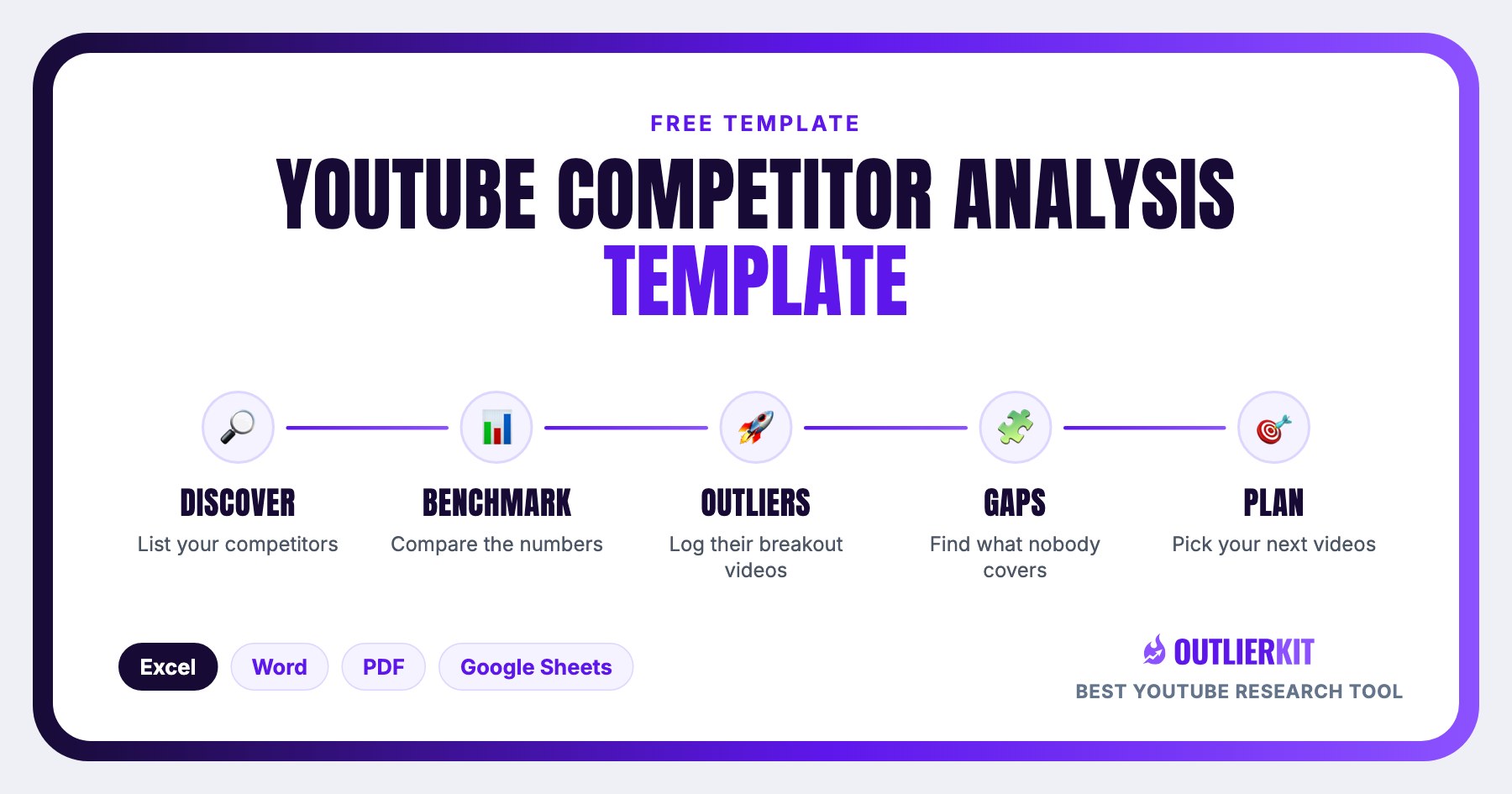
A 6-part worksheet that turns competitor research into your next 5 videos: discover rivals, benchmark the numbers, log outlier videos, find content gaps, and map how your niche monetizes. Download as Excel, Word, PDF, or Google Sheets.
- 1Competitor Discovery
- 2Benchmarking: You vs Top 3
- 3Outlier Video Log: Top 10 in the Niche
- 4Content Gaps
- 5Sponsors & Monetization Map
- 6Action Plan: Next 5 Videos
What is a YouTube competitor analysis template?
A YouTube competitor analysis template is a structured worksheet for comparing your channel against the channels competing for your exact audience. This one has six parts (competitor discovery, metric benchmarking, an outlier video log, content-gap analysis, a sponsor and monetization map, and an action plan), so the output isn't a spreadsheet full of stats; it's a plan for your next five videos.
It works for any niche and any channel size, because every benchmark is relative: you compare against your own averages and your competitors', not against absolute numbers.
Free download
Download the template: Excel, Word, PDF, or Google Sheets
Direct downloads, no email required. The Excel workbook is the deepest version: 9 tabs including audience psychographics and comment mining.
9 tabs: the full competitor audit system for ongoing tracking
6-part editable worksheet. Brand it and send as a client report
Fill by hand while you research on a second screen
Copy link delivered by email · best for teams
| Format | Best for |
|---|---|
| Excel (.xlsx) | Ongoing tracking. The 9-tab workbook covers discovery, benchmarking, psychographics, outliers, sponsors, monetization, comment mining, and an action plan. |
| Word (.docx) | Client deliverables and one-off analyses: a 6-part worksheet you can brand, fill, and send as a report. |
| Printing, or filling by hand while you research on a second screen. | |
| Google Sheets | Team collaboration. We email you a copy link so your whole team can work in the same sheet. |
What's inside
The full template, section by section
Prefer to build your own sheet? Every section and column is documented below. The downloads just save you the setup.
Competitor Discovery
List 10 channels competing for your exact viewer, not just your topic. Include 2-3 channels one size class above you so you can see where the ceiling is.
Fill it in well: Pick channels by audience overlap, not topic overlap. The lazy version lists the 10 biggest channels in the niche; the useful version lists the 10 channels your exact viewer actually watches.
Benchmarking: You vs Top 3
Fill the same 8 metrics for your channel and your three closest competitors: subscribers, average views over the last 20 videos, uploads per month, CTR, median video length, Shorts share, top traffic source, and engagement rate. The gaps are your opportunities.
Fill it in well: Use each channel's last 20 videos, not lifetime stats. A ten-year-old channel's lifetime average hides what's working right now.
Outlier Video Log: Top 10 in the Niche
Videos performing 5-10x above their channel's average are the clearest demand signal on YouTube. Log the title, channel, views, channel average, the multiple, and why it worked.
Fill it in well: Judge by the multiple, not raw views. 200K views on a 5M-subscriber channel is business as usual; 200K on a 40K-subscriber channel is a demand signal worth copying.
Content Gaps
Cross-reference outlier topics with what competitors publish. Topics with proven demand that nobody covers well are your fastest wins. Score each gap by difficulty and priority.
Fill it in well: A gap needs demand evidence: an outlier proving people watch the topic, or comments literally asking for it. “Nobody covers X” with no evidence usually means nobody wants X.
Sponsors & Monetization Map
Record which brands sponsor each competitor and how they monetize beyond AdSense: products, affiliates, courses, services. This tells you what your niche actually pays.
Fill it in well: Repeat sponsors matter more than one-offs. A brand that comes back to a channel is proof the niche converts for advertisers.
Action Plan: Next 5 Videos
Turn the analysis into uploads. For each of your next 5 videos: working title, target keyword, the outlier pattern it borrows, and the hook.
Fill it in well: Borrow the pattern, not the topic: copy an outlier's format, framing, or hook structure and apply it to your own angle, instead of remaking the same video.
Is this the right template?
Who this template is for, and who it isn't
Use it if
Creators planning their next uploads
You have a channel but no system for deciding what to make next. The outlier log and action plan turn competitor data into five concrete video plans.
Channel managers & strategists
Running someone else's channel? The benchmarking worksheet gives you a monthly scoreboard to report progress against. Same metrics, every month.
Faceless channel operators
Validating a niche before committing production budget: the discovery and monetization worksheets show whether a niche pays before you build in it.
Skip it if
You need a client-facing report, not a research worksheet
Use the Competitive Intelligence Report Template instead: a branded 7-section deliverable built for agency pitches and monthly reviews.
You're auditing your own channel, not competitors
Use the YouTube Channel Audit Template instead: a scorecard for your own metrics, packaging, and audience signals.
You want the data pulled automatically
Use the Competitor Studio instead: auto-fills most of this template for any niche in minutes.
How to use it
From blank template to action plan in 5 steps
Download the template
Grab the Excel workbook for tracking over time, the Word version for client reports, or the PDF to print and fill by hand.
List 10 competitors
Search your main keywords, check 'viewers also watch' suggestions, and note who ranks. Aim for 7 peers and 3 channels a size class above you.
Benchmark the numbers
Fill the 8 benchmarking metrics for you and your top 3. Public data covers most of it; your own CTR comes from YouTube Studio.
Log the outliers
Sort each competitor's videos by views and flag anything 5x above their average. Ten outliers are enough to see the pattern.
Plan your next 5 videos
Combine the gaps and outlier patterns into 5 concrete video plans: title, keyword, borrowed pattern, hook. Analysis without uploads is procrastination.
Want the analysis done for you? Competitor Studio auto-fills most of this template (outlier detection, sponsor mapping, and comment mining included) in minutes instead of an afternoon.
Google Sheets version
Get the Google Sheets copy by email
The Sheets edition mirrors the 9-tab Excel workbook and is the best pick for teams. Enter your email and we'll send the copy link.
Frequently Asked Questions
Does this template work for Shorts channels?
Yes. The benchmarking worksheet includes a Shorts-share metric, and the outlier log works the same way for Shorts. Just log Shorts and long-form outliers separately, because their view scales differ so much that mixing them hides the real multiples. Everything else (discovery, gaps, monetization, action plan) is format-agnostic.
Is this competitor analysis template really free?
Yes. The Excel, Word, and PDF versions download directly from this page with no signup. The Google Sheets version is delivered by email so we can send you the copy link. All four contain the same core framework.
Which format should I download: Excel, Word, or PDF?
Use the Excel workbook if you'll track competitors over time. It has nine tabs including psychographics and comment mining that go deeper than the Word version. Use Word if you need a brandable client report. Use the PDF to print and fill by hand. Use Google Sheets if a team is collaborating.
How do I find my YouTube competitors in the first place?
Search YouTube for your 3-5 main keywords and note which channels rank repeatedly. Then open your strongest competitor and check the channels YouTube suggests alongside them. Finally, look at 'Your audience also watches' in YouTube Studio if your channel has data. Ten channels (seven peers plus three a size class above you) is enough for a useful analysis.
How often should I run a competitor analysis?
Do the full template quarterly, and refresh the outlier log monthly. Outliers move fast. A format that started overperforming last month is the earliest signal you can act on, and it goes stale within a quarter as more channels copy it.
Can I automate this instead of filling it manually?
Yes. OutlierKit's Competitor Studio generates most of this template automatically. It analyzes competitor channels, finds outlier videos, maps sponsors and monetization, and mines comments across a niche in minutes. Many creators use the free trial to auto-fill the template, then keep the sheet as their working document.
Related Resources
YouTube Competitor Analysis Guide
The full how-to that pairs with this template: methodology, examples, and tooling.
Competitive Intelligence Report Template
The agency-grade 7-section report format, for client deliverables rather than channel research.
Competitor Studio Tool
Auto-fill this template with real niche data: outliers, sponsors, and comment intelligence.
All Free YouTube Templates
Script, strategy, audit, and description templates: all free, all downloadable.
Real channel breakdowns
See these strategies in the wild: full data-backed analyses of channels in this niche, including outlier videos, upload cadence, and growth patterns.
OutlierKit Channel Analysis

Humphrey Yang
Personal finance
- Subscribers
- 2.0M
- Avg views
- 520.9K
- Total views
- 567.3M
OutlierKit Channel Analysis

Alex Hormozi
Business & scaling
- Subscribers
- 4.3M
- Avg views
- 199.1K
- Total views
- 1.1B
OutlierKit Channel Analysis

Paddy Galloway
YouTube strategy breakdowns
- Subscribers
- 530.0K
- Avg views
- 1.0M
- Total views
- 34.6M
Stats are from our most recent snapshot of each channel. For live numbers, outlier videos, and up-to-date revenue estimates, run a fresh analysis on OutlierKit →

Skip the manual research
OutlierKit's Competitor Studio fills this template automatically: outlier videos, sponsor maps, and comment intelligence for any niche in minutes.
Try OutlierKit Free