YouTube Channel Audit Template
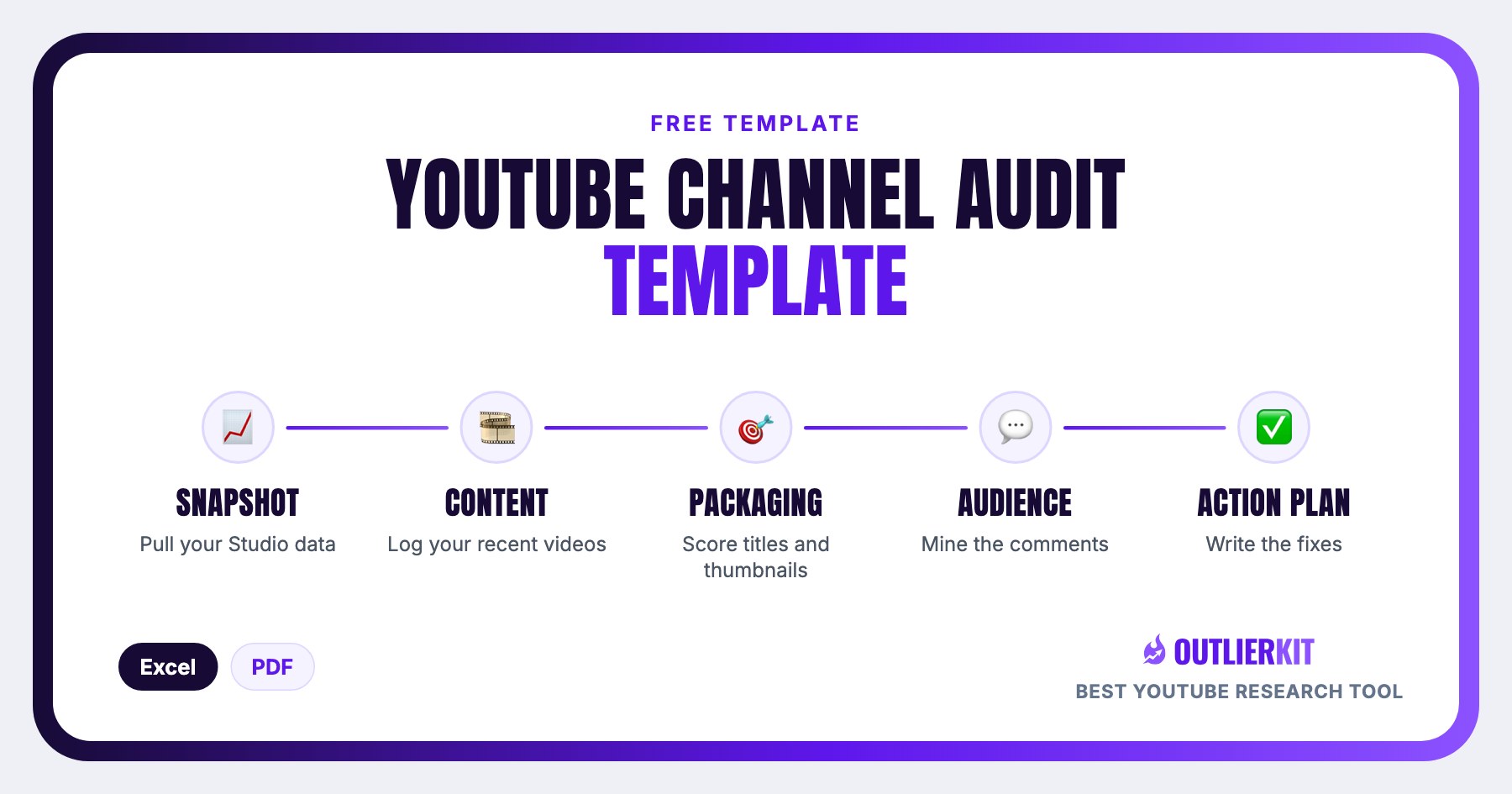
A 5-part fill-in scorecard for auditing any channel with real numbers: snapshot metrics, a 20-video content audit, a 10-point SEO & packaging scorecard, audience analysis, and an action plan. Download as Excel or PDF.
- 1Channel Snapshot
- 2Content Audit
- 3SEO & Packaging
- 4Audience & Engagement
- 5Action Plan
What is a YouTube channel audit template?
A YouTube channel audit template is a fill-in scorecard workbook for measuring how a channel is actually performing. This one has five parts (snapshot metrics, a 20-video content audit, a 10-point SEO & packaging scorecard, audience signals, and an action plan) so every score comes from your real YouTube Studio numbers, not gut feel.
The point of an audit template is that it turns "my channel isn't growing" into specific, scored findings (which videos beat your average, which packaging checks fail) and ends with five prioritized fixes instead of a vague resolution to do better.
Free download
Download the audit workbook · Excel or PDF
Direct downloads, no email required. The Excel workbook is the working version: 5 tabs with every fill-in cell highlighted.
Part 1
Channel snapshot: 10 metrics, one page
Fill these from YouTube Studio before scoring anything. The snapshot is the baseline every other tab compares against, including the two benchmarks that matter most: CTR and average view duration.
Fill it in well: Pull the 28-day numbers on the same day each month. The lazy version grabs them whenever, and then your quarter-over-quarter trends are noise, not signal.
Channel name / URL
Paste the channel URL so the audit stands alone as a document.
Audit date
Date every audit. You'll re-run this quarterly and compare.
Subscribers
Straight from the channel page.
Total views / total videos
Lifetime totals. Dividing them gives your all-time average views per video.
Views (last 28 days)
YouTube Studio → Analytics. The 28-day window is the audit's baseline.
Watch time (hours), last 28 days
YouTube Studio → Analytics.
Average CTR (last 28 days)
Studio → Content. Benchmark: 4-10% is the typical range for most channels.
Average view duration (last 28 days)
Benchmark: 40-50% of video length is a healthy retention target.
Subs gained vs lost (last 28 days)
Studio → Audience. Losses spiking after specific uploads is a signal worth chasing.
Top traffic source
Browse, Search, or Suggested. Which dominates? Each implies a different growth playbook.
Part 2
The 20-video content audit
Log your last 20 uploads across six columns. Twenty videos is enough to see patterns without turning the audit into a spreadsheet project.
The column that matters: 'vs channel avg'
Divide each video's views by your channel average. Anything above 1.5x is a pattern to repeat: study its topic, title, and thumbnail. Anything below 0.5x is a pattern to kill. Raw view counts flatter your biggest videos; the multiple tells you what your audience actually rewards.
Fill it in well: Compute 'vs channel avg' against your current average (the mean of these same last 20 videos), not your lifetime average. Lifetime numbers drag in your early uploads and make everything recent look like an outlier.
Part 3
SEO & packaging scorecard: 10 checks, scored 1-5
Score each item from 1 (poor) to 5 (excellent). Be honest: anything scored under 3 goes straight to the action plan.
Fill it in well: Score against your best competitor's packaging, not against your own past. 'Better than my old thumbnails' earns easy 4s; 'as clear as the channel winning my niche' is the standard viewers actually compare you to.
Titles lead with the keyword or the curiosity gap (not the channel name)
Thumbnails readable at 120px: 3 elements max, faces or big text
Titles and thumbnails make ONE promise together (no mixed messages)
First 125 characters of descriptions contain the target keyword
Every video has chapters / timestamps
End screens point to a relevant next video (not just 'subscribe')
Playlists group videos by viewer intent, not upload date
Channel page: banner states the value prop + upload schedule
About section: keyword-rich, links to socials/site
Consistent upload cadence over the last 90 days
Parts 4 & 5
Audience signals and the action plan
Part 4 comes from Studio → Audience plus a manual read of your last 100 comments. Part 5 is where the whole audit lands: everything scored under 3 becomes a prioritized fix.
Returning vs new viewers
Healthy channels grow both. Note the split.
Top 3 audience interests / overlaps
'Your audience also watches': a content gap goldmine.
Comments: top 3 recurring requests
What do viewers literally ask for?
Comments: top 3 complaints
Audio? Pacing? Missing detail?
Community engagement
Do you reply in the first hour? Use community posts?
Fill it in well: Read the last 100 comments before scoring anything in this tab. Viewers literally tell you the fixes. The requests and complaints you find there should show up again in your action plan.
Part 5: the audit action plan
Five columns turn findings into a work queue. The rule: five fixes max. Done beats comprehensive.
Fill it in well: Give every fix a deadline, and stop at five. An audit without deadlines is a diary. The deadline column is what turns findings into a work queue you actually clear.
Is this the right template?
Who this template is for, and who it isn't
Use it if
Channel owners diagnosing a plateau
Views flat and you don't know why? The scorecard localizes whether the problem is packaging, content, or audience, so you fix the right thing first.
Coaches and consultants auditing client channels
A repeatable scored workbook beats ad-hoc notes: same metrics, same 1-5 scale, every client, and the filled sheet doubles as the deliverable.
Anyone doing due diligence on a channel
Buying, partnering with, or sponsoring a channel? The workbook puts its health on one page: real metrics, packaging scores, and audience signals.
Skip it if
You want a task-by-task to-do list, not a scored workbook
Use the YouTube Channel Audit Checklist instead: 65+ audit to-dos across 7 categories.
You want the audit done automatically
Use the Automated YouTube Channel Audit instead: OutlierKit's instant data-driven channel analysis.
You're analyzing competitors, not your own channel
Use the YouTube Competitor Analysis Template instead: the competitor-side worksheet: benchmarking, outliers, gaps.
How to use it
From blank scorecard to action plan in 5 steps
Pull your 28-day Studio data
Open YouTube Studio → Analytics and fill the 10 snapshot fields: views, watch time, CTR, average view duration, subs gained vs lost, and top traffic source.
Log your last 20 videos
Fill the content audit tab (title, views, CTR, average view duration) and compute each video's multiple against your channel average.
Score packaging 1-5
Work through the 10 SEO & packaging checks and score each honestly from 1 (poor) to 5 (excellent). Anything under 3 goes to the action plan.
Mine comments and the Audience tab
Read your last 100 comments for recurring requests and complaints, and note your returning-vs-new split and audience overlaps from Studio → Audience.
Write the 5-fix action plan
Turn every weak score into a prioritized fix with an expected impact and a deadline. Five fixes max. Done beats comprehensive.
Want the audit done for you? OutlierKit's Channel Analysis runs an instant data-driven audit of any channel: metrics, outlier videos, and patterns in minutes instead of 90.
Frequently Asked Questions
How often should I re-run a channel audit?
Run the full five-part audit quarterly, and refresh just the snapshot tab monthly. The quarterly pass is where you re-score packaging and rewrite the action plan; the monthly snapshot refresh (same 10 metrics, pulled on the same day each month) is what turns your audits into a trend line instead of isolated readings.
What metrics does a channel audit include?
The snapshot covers subscribers, total views, 28-day views and watch time, average CTR, average view duration, subs gained versus lost, and your top traffic source. The content audit then logs views, CTR, and average view duration for your last 20 videos, plus each video's multiple against your channel average. That multiple is what separates repeatable patterns from noise.
What is a good CTR for a YouTube channel?
Most channels land between 4% and 10% average click-through rate, which is the benchmark range this template uses. But interpret CTR against your own baseline, not the range alone: a small channel shown mostly to subscribers can post a high CTR that drops as YouTube tests broader audiences. What matters in an audit is which of your videos beat your average and why.
How long does a channel audit take with this template?
Plan for 60-90 minutes doing it manually. The snapshot takes about 10 minutes in YouTube Studio, logging 20 videos takes 30-40 minutes, the packaging scorecard about 15, and comment mining plus the action plan fill the rest. It is the highest-leverage 90 minutes most creators can spend, and re-running it quarterly gets faster each time.
What's the difference between an audit template and an audit checklist?
A checklist is a task list you tick off; a template is a workbook you fill with numbers. Our 65-point audit checklist tells you every item to verify across branding, SEO, and engagement. This template is the scorecard companion. You log your actual metrics, score your packaging 1-5, and end with a prioritized action plan. Many creators use the checklist first, then this workbook to quantify it.
Can OutlierKit run this audit automatically?
Yes. OutlierKit's Channel Analysis runs an instant, data-driven audit of any channel. It pulls the performance metrics, flags outlier videos against the channel average, and surfaces the patterns this template captures manually. Many creators auto-run the analysis first, then use this workbook as the working document for scores and the action plan.
Related Resources
YouTube Channel Audit Checklist
The 65-point to-do checklist companion: every item to verify before you start scoring.
How to Audit a YouTube Channel
The full audit methodology this template is built on, step by step, with examples.
Automated YouTube Channel Audit
Run an instant automated audit. OutlierKit pulls the numbers this workbook asks for.
All Free YouTube Templates
Script, strategy, audit, and description templates, all free, all downloadable.
Real channel breakdowns
See these strategies in the wild: full data-backed analyses of channels in this niche, including outlier videos, upload cadence, and growth patterns.
OutlierKit Channel Analysis

Nischa
Personal finance
- Subscribers
- 2.2M
- Avg views
- 550.5K
- Total views
- 136.0M
OutlierKit Channel Analysis

Doug DeMuro
Car reviews
- Subscribers
- 5.1M
- Avg views
- 957.8K
- Total views
- 2.4B
OutlierKit Channel Analysis

Kevin Stratvert
Software tutorials
- Subscribers
- 4.3M
- Avg views
- 519.6K
- Total views
- 686.9M
Stats are from our most recent snapshot of each channel. For live numbers, outlier videos, and up-to-date revenue estimates, run a fresh analysis on OutlierKit →

Skip the manual audit
OutlierKit's Channel Analysis fills this scorecard automatically: performance metrics, outlier videos, and the patterns behind them for any channel in minutes.
Try OutlierKit Free