Tool RoundupApril 10, 2026·12 min read

Best YouTube Rank Tracker Tools to Monitor Video Keyword Rankings (2026)

YouTube rank tracker tools monitor where your videos appear in YouTube search results for specific keywords over time. The best YouTube rank trackers in 2026 include TubeBuddy's Search Rank Tracking (4.6/5 on Capterra) for built-in YouTube monitoring, VidIQ (4.5/5 on G2) for keyword performance tracking, SEMrush's Rank Tracker for YouTube ($19/mo add-on) for dedicated YouTube SERP tracking, and Ahrefs for cross-platform video rank tracking. Free options include TubeRanker and GeoRanker for manual spot-checks. This guide compares 7 rank tracking tools and explains how to choose the right keywords to track using tools like OutlierKit's Low-Competition Keyword Finder.

For broader channel and competitor monitoring beyond keyword rankings, see our guide to YouTube channel monitoring tools. For keyword research specifically, see best YouTube keyword research tools.

Key Takeaways: Best YouTube Rank Trackers at a Glance

ToolBest ForYouTube SearchGoogle VideoStarting Price
TubeBuddyBest built-in YouTube rank trackerLegend $49/mo
VidIQBest for keyword + rank monitoring comboBoost $16.58/mo (annual)
SEMrushBest dedicated YouTube SERP tracker$19/mo add-on
AhrefsBest for combined web + YouTube rank tracking$99/mo (Lite)
TubeRankerBest free YouTube rank checkerFree
GeoRankerBest for location-specific YouTube rank checkingFree / Paid
MorningfameBest budget rank tracker for beginners$4.90/mo

Why YouTube Rank Tracking Matters

YouTube is the second-largest search engine in the world, and search is one of the most sustainable traffic sources for video content. Unlike suggested videos or browse features that depend on algorithmic favor, search rankings compound over time — a video ranking #1 for a target keyword generates consistent views for months or years.

Search Drives Sustainable Views

YouTube search traffic compounds over time. A video ranking #1 for a keyword generates consistent views without ongoing promotion — unlike social shares that spike and fade.

Rank Position = Organic Impressions

Position #1 gets roughly 27% of clicks on YouTube search results. Moving from position #5 to #2 can double your organic impressions for that keyword.

Track Both YouTube & Google

YouTube videos appear in Google Video Carousels and Featured Snippets. Tracking both YouTube and Google search positions reveals your full search visibility.

Measure SEO Progress

Without rank tracking, you're optimizing blind. Rank data shows which SEO changes actually move the needle — title updates, description optimization, tag changes.

Key insight: Tracking the wrong keywords wastes effort. Most creators track vanity keywords they'll never rank for instead of low-competition keywords they could own. Before setting up a rank tracker, make sure you're tracking keywords you can actually win — see our guide to YouTube keyword research tools to find the right keywords first.

How to Choose Keywords Worth Tracking

Rank tracking is step 3 of a process that starts with keyword research and competitor analysis. Setting up a rank tracker without first finding the right keywords is like tracking your speed without knowing if you're on the right road.

Framework

The YouTube Rank Tracking Workflow

Rank tracking is step 3 — not step 1

1

Find Keywords Worth Tracking

Use keyword research to discover low-competition, high-demand keywords you can realistically rank for. Tracking vanity keywords you'll never rank for wastes effort.

Tools: OutlierKit Keyword Finder, VidIQ, TubeBuddy

2

Analyze Competitor Keywords

Identify which keywords competitors rank for and where gaps exist. Competitor analysis reveals proven keywords with demonstrated demand.

Tools: OutlierKit Competitor Studio, VidIQ Competitors, Ahrefs

3

Track Your Positions

Set up automated rank tracking for your target keywords. Monitor position changes weekly and look for trends, not daily fluctuations.

Tools: TubeBuddy, VidIQ, SEMrush, Ahrefs

4

Optimize & Discover New Opportunities

Use ranking data to optimize underperforming videos and discover new keyword opportunities. Feed new keywords back into step 1.

Tools: OutlierKit Deep Research, TubeBuddy A/B Testing

OutlierKit's Low-Competition Keyword Finder handles steps 1 and 2 — finding high-demand, low-competition keywords and analyzing what competitors rank for. The rank tracker tools below handle step 3 — monitoring your positions for those keywords over time. They're complementary tools, not competitive ones.

Tool Comparison

YouTube Rank Tracker Tools Compared

7 tools for tracking your video keyword rankings — from free spot-checkers to enterprise-grade SERP trackers.

1

TubeBuddy

Track keyword rankings directly inside YouTube with Search Rank Tracking
Best Built-In YouTube Rank Tracker
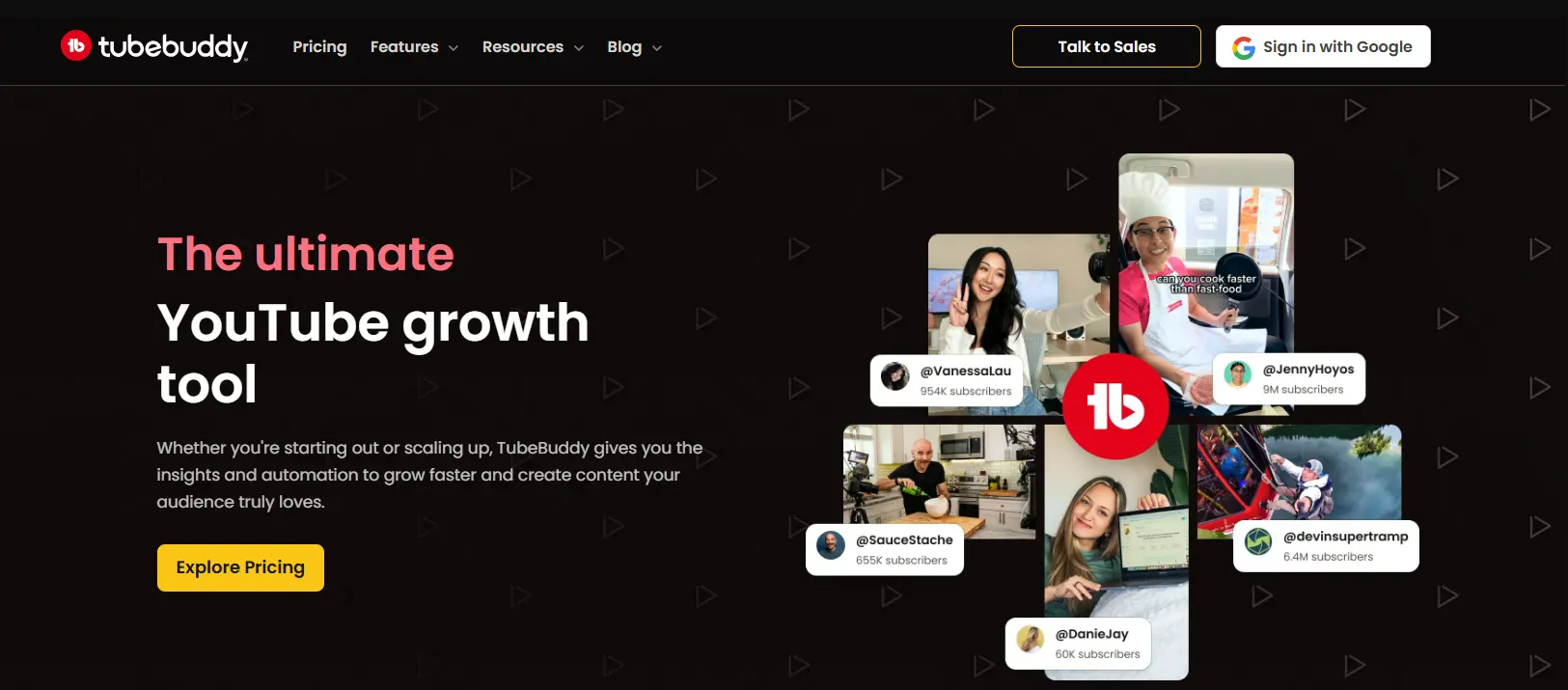
TubeBuddy dashboard screenshot

TubeBuddy is a YouTube-certified browser extension with a built-in Search Rank Tracking feature that monitors where your videos rank for specific keywords in YouTube search results. Because TubeBuddy integrates directly into your YouTube Studio, rank tracking data appears alongside your other optimization tools — SEO checklists, A/B testing, and tag management. TubeBuddy's rank tracking is part of its SEO Studio, available on Legend ($49/mo) and higher plans.

Key Rank Tracking Features

Search Rank Tracking: Monitors your video positions for target keywords in YouTube search over time — shows rank trends, position changes, and historical performance
SEO Studio Integration: Rank data lives alongside keyword scores, tag suggestions, and optimization checklists — so you can track and improve rankings in one workflow
Keyword Explorer: Shows keyword competition scores and search volume estimates to help you pick keywords worth tracking
A/B Testing: Test thumbnail and title variants to improve CTR — directly impacts the rankings you're tracking
Bulk Processing: Update tags, descriptions, and end screens across your library — optimize at scale to improve rankings for multiple videos

Pros

  • Rank tracking built directly into YouTube — no separate tool needed
  • A/B testing for thumbnails and titles improves the content driving rankings
  • YouTube-certified partner with deep platform integration
  • SEO Studio combines rank tracking with optimization in one workflow
  • Mobile app for checking rankings on the go

Cons

  • Search Rank Tracking requires Legend plan ($49/mo) — not available on cheaper tiers
  • Only tracks YouTube search positions, not Google Video Carousel
  • Limited number of keywords you can track simultaneously
  • No competitor rank tracking — only monitors your own videos
  • Interface can feel cluttered with too many overlay elements

Pricing

Free (basic SEO only) · Pro $9/mo · Star $19/mo · Legend $49/mo (includes Search Rank Tracking)

Best For

Creators who already use TubeBuddy for optimization and want rank tracking built into their existing workflow without adding another tool.
2

VidIQ

Track keyword rankings alongside keyword research and video SEO scores

Best for Keyword + Rank Monitoring Combo
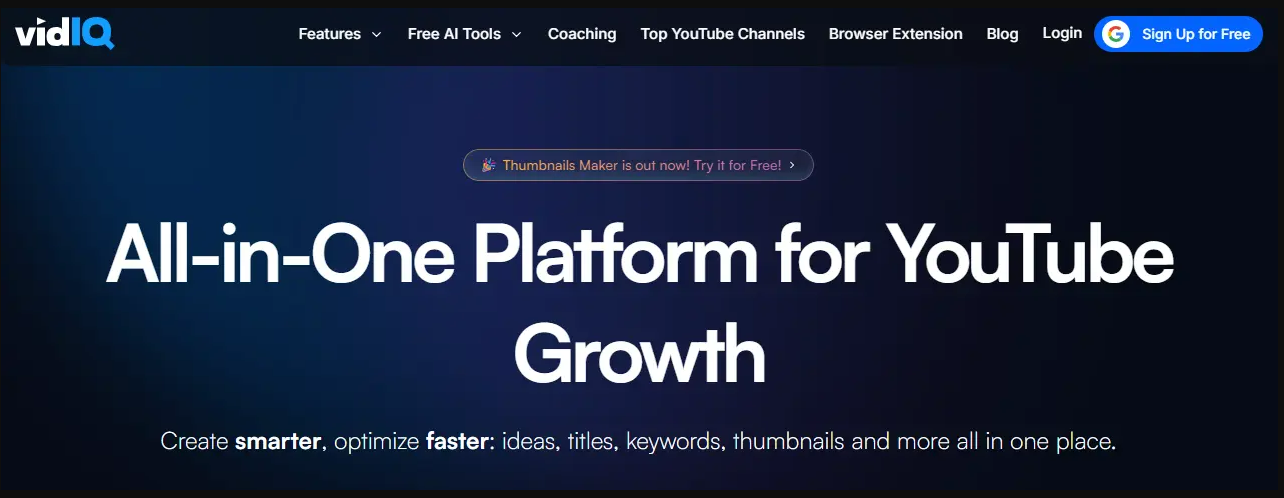
VidIQ dashboard screenshot

VidIQ combines keyword rank tracking with keyword research and SEO scoring in a single Chrome extension. Its rank tracking monitors where your videos appear for target keywords over time, while its keyword tools help you discover new keywords worth tracking. VidIQ's Boost plan ($16.58/mo billed annually) includes keyword rank tracking, making it the most affordable option for creators who want both keyword research and rank monitoring in one tool.

Key Rank Tracking Features

Keyword Rank Tracking: Monitors your video positions for target keywords over time — tracks rank changes and alerts you to drops or improvements
Keyword Research: Discovers new keywords with search volume and competition scores — find keywords worth tracking before you start monitoring
Competitors Tool: Monitors competitor channels — see what keywords competitors rank for and track your relative position
SEO Score: Scores your video's SEO health in real-time — title, description, and tag optimization that directly affects your rankings
Daily Ideas: Surfaces trending keywords and content opportunities based on rising search demand — find new keywords to target and track

Pros

  • Combines keyword research with rank tracking — find and track keywords in one tool
  • Most affordable rank tracking option with Boost plan at $16.58/mo (annual)
  • Chrome extension provides rank data directly on YouTube pages
  • Free tier includes basic keyword tracking to get started
  • Large creator community and extensive tutorials

Cons

  • Rank tracking limited to YouTube search — no Google Video Carousel tracking
  • Advanced rank tracking features locked behind Pro ($39/mo) and Max ($99/mo) tiers
  • Competitor rank comparison is limited to a small set of manually-added channels
  • Daily Ideas can feel generic for niche-specific keywords
  • No bulk rank tracking across large keyword sets

Pricing

Free (basic) · Boost $16.58/mo (annual) or $22/mo (monthly) · Pro $39/mo · Max $99/mo

Best For

Solo creators who want keyword research and rank tracking in one affordable tool — especially those starting out who need to discover keywords before tracking them.

3

SEMrush

Enterprise-grade rank tracking with a dedicated YouTube SERP tracker app

Best Dedicated YouTube SERP Tracker

SEMrush offers a dedicated Rank Tracker for YouTube app ($19/mo add-on) that provides professional-grade YouTube SERP tracking. Unlike TubeBuddy and VidIQ which are YouTube-native tools, SEMrush approaches rank tracking from an SEO perspective — tracking YouTube search positions alongside Google web rankings and Google Video Carousel results. If you already use SEMrush for web SEO, adding YouTube rank tracking is a natural extension of your existing workflow.

Key Rank Tracking Features

YouTube SERP Tracking: Dedicated YouTube rank tracking with daily automated updates — monitors position changes for target keywords in YouTube search results
Google Video Carousel Tracking: Tracks whether your YouTube videos appear in Google's Video Carousel and Featured Snippets — a unique capability most YouTube tools lack
Cross-Platform Rank View: See your YouTube rankings alongside Google web rankings in a unified dashboard — understand your visibility across both search engines
Competitor Rank Comparison: Compare your YouTube keyword positions against competitors — identify ranking gaps and opportunities
Automated Reporting: Scheduled rank tracking reports delivered via email — white-label options for agencies serving clients

Pros

  • Only tool that tracks both YouTube search AND Google Video Carousel positions
  • Enterprise-grade reporting with scheduled emails and white-label options
  • Integrates with SEMrush's broader SEO toolkit for cross-platform strategy
  • Daily automated updates — no manual checking required
  • Competitor rank comparison across YouTube search results

Cons

  • Requires a SEMrush subscription ($129.95/mo minimum) plus the YouTube app ($19/mo) — expensive for YouTube-only tracking
  • Not designed for creators — built for SEO professionals and agencies
  • No YouTube-specific optimization features (no A/B testing, no tag suggestions)
  • Can be complex to set up if you're not already a SEMrush user
  • YouTube-specific features are thinner than TubeBuddy or VidIQ

Pricing

SEMrush Pro $129.95/mo + Rank Tracker for YouTube app $19/mo add-on · Guru $249.95/mo · Business $499.95/mo

Best For

SEO professionals and agencies who already use SEMrush for web SEO and want to add YouTube rank tracking to their existing workflow — especially those who care about Google Video Carousel visibility.

4

Ahrefs

Track YouTube keyword rankings alongside web SEO in one platform

Best for Combined Web + YouTube Rank Tracking

Ahrefs includes YouTube as a search engine option in its Rank Tracker tool, letting you monitor video keyword positions alongside your web rankings. Ahrefs' strength is its massive keyword database and backlink intelligence — when combined with YouTube rank tracking, it gives you a comprehensive view of how your content performs across Google and YouTube simultaneously. Ahrefs is a premium tool ($99/mo Lite plan), but if you already use it for web SEO, YouTube rank tracking is included at no extra cost.

Key Rank Tracking Features

YouTube Rank Tracker: Add YouTube as a search engine in Ahrefs' Rank Tracker — monitor video positions for target keywords with daily or weekly updates
YouTube Keyword Explorer: Research YouTube-specific keyword data — search volume, keyword difficulty, click metrics, and SERP features for YouTube queries
Content Explorer for Video: Discover top-performing video content for any topic — see what's ranking and driving traffic in your niche
SERP Position History: Historical position tracking shows how your YouTube rankings change over weeks and months — identify patterns and seasonal trends
Rank Tracking Alerts: Set up email alerts for significant rank changes — get notified when your videos gain or lose positions

Pros

  • YouTube rank tracking included in existing Ahrefs subscription — no add-on fee
  • Massive keyword database provides accurate YouTube search volume data
  • SERP history shows long-term ranking trends and patterns
  • Combines video rank tracking with web SEO in one platform
  • Keyword Explorer provides YouTube-specific difficulty scores

Cons

  • Expensive entry point at $99/mo (Lite) — not justified for YouTube rank tracking alone
  • YouTube features are secondary to web SEO — less YouTube-specific depth than TubeBuddy or VidIQ
  • No YouTube-specific optimization (no A/B testing, no tag management, no SEO scores)
  • Rank Tracker keyword limits vary by plan — Lite allows 750 keywords total across all projects
  • Steeper learning curve compared to YouTube-native tools

Pricing

Lite $99/mo · Standard $199/mo · Advanced $399/mo · Enterprise $999/mo

Best For

SEO professionals and content marketers who already use Ahrefs for web SEO and want to add YouTube rank tracking without paying for another tool.

5

TubeRanker

Free, instant YouTube rank checking — no signup required

Best Free YouTube Rank Checker

TubeRanker offers a free YouTube rank checker that instantly shows where any video ranks for a given keyword in YouTube search. It's not an automated rank tracker — you manually enter a video URL and keyword to get a point-in-time position check. TubeRanker is the fastest way to do a quick rank spot-check without signing up for anything or installing extensions. It also offers additional free tools including a YouTube tag generator and channel audit.

Key Rank Tracking Features

YouTube Rank Checker: Enter a video URL and keyword to instantly see its position in YouTube search results — free, no signup required
Tag Generator: Generate relevant tags for your YouTube videos based on keyword research — helps optimize for keywords you want to rank for
Channel Audit: Free channel analysis that reviews your YouTube channel's SEO health and identifies optimization opportunities

Pros

  • Completely free — no signup, no credit card, no trial period
  • Instant results — check any video's rank in seconds
  • No software installation required — works in any browser
  • Simple interface — just enter URL and keyword, get position
  • Additional free tools (tag generator, channel audit) add value

Cons

  • Manual spot-check only — no automated ongoing rank tracking
  • No historical data — only shows current position, not trends over time
  • No competitor comparison or rank gap analysis
  • Cannot track multiple keywords or videos simultaneously
  • No alerts or notifications for rank changes

Pricing

Free

Best For

Creators who need a quick, free way to check where specific videos rank for specific keywords — without committing to a paid rank tracking tool.

6

GeoRanker

Check YouTube rankings from different geographic locations worldwide

Best for Location-Specific YouTube Rank Checking

GeoRanker specializes in location-specific rank checking — showing you how your videos rank in YouTube search results from different countries, cities, or regions. This matters because YouTube personalizes search results based on location, so a video ranking #1 in the US might not rank at all in the UK. GeoRanker's YouTube tool is free for basic checks, with paid plans for automated tracking across multiple locations.

Key Rank Tracking Features

Location-Specific Rank Checking: Check YouTube search rankings from any country, city, or region — see exactly how your videos rank in different geographic markets
Multi-Location Comparison: Compare your video's rank across multiple locations simultaneously — identify where you're strong and where you need to optimize
Local SERP Preview: See the actual YouTube search results page as it appears from a specific location — verify your position visually
Automated Geo-Tracking (Paid): Paid plans offer automated location-specific rank monitoring over time — track how your positions change across geographic markets

Pros

  • Unique location-specific rank checking that no YouTube-native tool offers
  • Free tier available for manual geo-specific rank checks
  • Essential for creators targeting international or multi-market audiences
  • Shows real SERP previews from specific locations
  • Useful for verifying YouTube's geographic personalization

Cons

  • Free tier is limited to manual spot-checks — automated tracking requires paid plans
  • Primarily a rank checking tool, not a full YouTube SEO suite
  • No keyword research, content optimization, or A/B testing features
  • Paid plans can be expensive for the single feature of geo-rank tracking
  • Less YouTube-specific than TubeBuddy or VidIQ — built for general SERP tracking

Pricing

Free (manual checks) · Paid plans from $29/mo for automated tracking

Best For

Creators and agencies targeting international audiences who need to know how videos rank in different countries and cities — not just their own location.

7

Morningfame

Simple, affordable rank tracking with guided keyword optimization

Best Budget Rank Tracker for Beginners
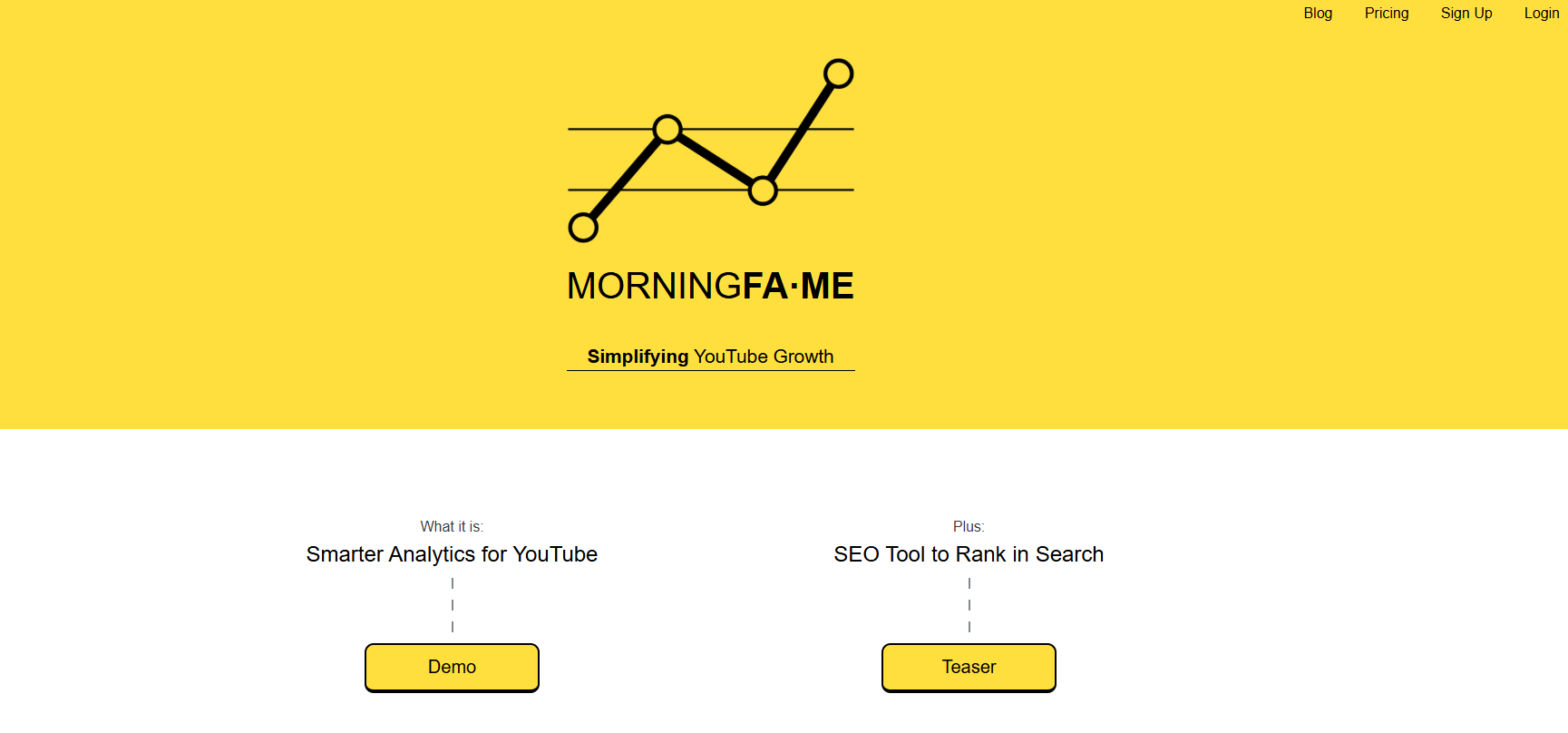
Morningfame dashboard screenshot

Morningfame is a budget-friendly YouTube analytics and rank tracking tool that guides beginners through keyword optimization with a step-by-step workflow. At $4.90/mo, it's the cheapest paid rank tracking option on this list. Morningfame monitors your video rankings and provides actionable keyword suggestions — but access is invitation-only (you need a referral code from an existing user). Its focus on simplicity makes it ideal for creators who find VidIQ or TubeBuddy overwhelming.

Key Rank Tracking Features

Keyword Rank Monitoring: Tracks where your videos rank for target keywords over time — shows trends with simple, clean visualizations
Guided Keyword Optimization: Walks you through keyword selection and optimization step-by-step — scores keywords by opportunity level to help you choose what to track
Upload Checklist: Pre-publish and post-publish checklists that ensure your video is optimized for the keywords you're targeting
Performance Benchmarking: Compares your video performance against your channel's historical baseline — shows which videos are outperforming or underperforming

Pros

  • Cheapest paid rank tracking option at $4.90/mo
  • Simple, guided workflow ideal for beginners who find other tools overwhelming
  • Clean interface focused on actionable insights, not feature overload
  • Good keyword opportunity scoring helps pick the right keywords to track
  • Performance benchmarking against your own baseline is useful and unique

Cons

  • Invitation-only access — you need a referral code from an existing user
  • Limited feature set compared to TubeBuddy or VidIQ
  • No competitor rank tracking — only monitors your own videos
  • No A/B testing, bulk optimization, or advanced SEO features
  • Smaller community and less documentation than VidIQ or TubeBuddy

Pricing

Starter $4.90/mo · Plus $12.90/mo

Best For

Budget-conscious beginners who want a simple, affordable rank tracker without the complexity of TubeBuddy or VidIQ. Must have a referral code to sign up.

YouTube Rank Tracker Feature Comparison

Side-by-side comparison of rank tracking capabilities

FeatureTubeBuddyVidIQSEMrushAhrefsTubeRankerGeoRankerMorningfame
YouTube Search Tracking
Google Video Carousel Tracking
Automated Daily Updates
Competitor Rank Comparison
Keyword Research Built In
Location-Specific Tracking
A/B Testing
Data Export
Free TierLimitedLimited

How to Choose the Right YouTube Rank Tracker

The best YouTube rank tracker depends on your existing toolkit, budget, and whether you need YouTube-only tracking or cross-platform visibility. Use this decision tree to find your match.

Which YouTube Rank Tracker Is Right for You?

Match your primary need to the right tool

Already use TubeBuddy for optimization?

Use built-in Search Rank Tracking

Want keyword research + rank tracking in one tool?

VidIQ Boost ($16.58/mo)

Need enterprise-grade tracking with Google Video Carousel?

SEMrush or Ahrefs

Need a quick, free spot-check?

TubeRanker (free, instant)

Need to check rankings in different countries?

GeoRanker (free geo-checks)

Want a budget-friendly beginner option?

Morningfame ($4.90/mo)

Need to find what keywords TO track first?

How OutlierKit Complements YouTube Rank Trackers

OutlierKit is not a rank tracker — it's a competitive intelligence and keyword research platform for YouTube. OutlierKit doesn't track your video positions in search results. That's what TubeBuddy, VidIQ, SEMrush, and Ahrefs do, and they do it well.

What OutlierKit does is find the keywords worth tracking in the first place. Its Low-Competition Keyword Finder surfaces high-demand keywords with low competition — the ones where rank tracking actually matters because you can win them. Its YouTube Deep Research analyzes keyword landscapes in depth. And its channel tracking and outlier video detection reveal what competitors are ranking for, so you can target the same keywords.

Step 1: Research

OutlierKit

Find keywords worth tracking

Step 2: Track

TubeBuddy / VidIQ / SEMrush

Monitor your positions over time

Step 3: Discover

OutlierKit

Find new keyword opportunities

YouTube Rank Tracker FAQ

What is a YouTube rank tracker?

A YouTube rank tracker is a tool that monitors where your videos appear in YouTube search results for specific keywords over time. It tracks your video's position (rank) for target keywords, shows whether your rankings are improving or declining, and helps you understand which SEO strategies are working. Unlike a one-time rank check, a rank tracker monitors positions automatically on an ongoing basis.

How do you check YouTube video rankings?

You can check YouTube video rankings in three ways: (1) Use a free rank checker like TubeRanker or GeoRanker for manual spot-checks — enter your video URL and target keyword to see its current position. (2) Use TubeBuddy's Search Rank Tracking or VidIQ's keyword tracking for automated, ongoing monitoring of your video positions. (3) Use SEMrush or Ahrefs to track YouTube rankings alongside Google video carousel positions for a cross-platform view.

TubeBuddy vs VidIQ for rank tracking — which is better?

VidIQ is slightly better for keyword rank tracking specifically — it monitors your video positions for target keywords over time with clear trend visualizations. TubeBuddy's Search Rank Tracking is built into its SEO Studio and provides rank data alongside keyword competitiveness scores. Both are solid choices. VidIQ edges out TubeBuddy on rank tracking UX, while TubeBuddy offers better A/B testing for optimizing the content that drives those rankings. For a detailed comparison, see our VidIQ vs TubeBuddy breakdown.

Is SEMrush worth it for YouTube rank tracking?

SEMrush is worth it for YouTube rank tracking if you also need to track Google web rankings, Google Video Carousel positions, and multiple search engines. Its Rank Tracker for YouTube app ($19/mo add-on) provides dedicated YouTube SERP tracking with automated daily updates. If you only need YouTube search tracking and already use TubeBuddy or VidIQ, adding SEMrush for rank tracking alone is overkill. SEMrush makes sense for marketers who need cross-platform rank tracking.

Are there free YouTube rank checkers?

Yes. TubeRanker offers a free YouTube rank checker that shows your video's position for any keyword in YouTube search — no signup required. GeoRanker provides free location-specific YouTube rank checking, so you can see how your video ranks in different countries or cities. Both are manual spot-check tools, not automated rank trackers. For free ongoing tracking, VidIQ's free tier includes limited keyword rank monitoring.

How to track YouTube rankings for free?

To track YouTube rankings for free: (1) Use TubeRanker's free rank checker for manual keyword position checks. (2) Use GeoRanker to check rankings in specific locations. (3) Sign up for VidIQ's free tier, which includes basic keyword rank tracking. (4) Use YouTube Studio's Analytics > Reach tab to see which search terms drive traffic to your videos (not exact rank positions, but directional data). For automated daily tracking across multiple keywords, you'll need a paid tool like TubeBuddy ($9/mo), VidIQ Boost ($16.58/mo), or Morningfame ($4.90/mo).

How many keywords should you track on YouTube?

Track 5–15 primary keywords per video, focusing on terms you realistically can rank for. Most creators make the mistake of tracking high-volume head terms they'll never rank for instead of low-competition long-tail keywords they could own. Use a keyword research tool like OutlierKit's Low-Competition Keyword Finder to identify keywords with high demand but low competition — then track those with your rank tracker. Quality of keywords tracked matters more than quantity.

How often should you check YouTube rankings?

Check YouTube rankings weekly for active campaigns and monthly for established videos. Daily tracking is unnecessary for most creators because YouTube search rankings fluctuate naturally and obsessing over daily changes leads to premature optimization. Automated rank trackers like TubeBuddy, VidIQ, and SEMrush handle this for you — they track daily but present trends over time, which is more actionable than individual position checks.

What is the difference between YouTube rank tracking and keyword monitoring?

YouTube rank tracking specifically monitors where your videos appear in search results for target keywords — it tracks position numbers (e.g., your video is #3 for 'how to edit videos'). Keyword monitoring is broader — it tracks keyword trends, search volume changes, competitive density, and ranking opportunities across a niche. Rank tracking answers 'where do I rank?' while keyword monitoring answers 'what's happening in this keyword space?' For comprehensive YouTube channel monitoring beyond keywords, see our YouTube channel monitoring tools guide.

Do YouTube rank trackers work for Google Video Carousel results?

Some do. SEMrush and Ahrefs track both YouTube search rankings and Google Video Carousel positions — useful if your videos appear in Google search results. TubeBuddy and VidIQ only track YouTube search positions, not Google. TubeRanker and GeoRanker are YouTube-only. If cross-platform rank tracking matters to your strategy, SEMrush or Ahrefs are the better choices.

Related YouTube Tool Guides

Written by

Aditi

Aditi

Founder OutlierKit and UTubeKit

Find the Keywords Worth Tracking

OutlierKit's Low-Competition Keyword Finder surfaces high-demand YouTube keywords with low competition — so your rank tracker monitors keywords you can actually win.

Try OutlierKit Free
