Transparency & accuracy notice
This comparison is published on OutlierKit's resource site. Feature descriptions are based on publicly available information from each product's website as of March 6, 2026. Features, pricing, and capabilities may change. We encourage readers to verify current information directly with each product.
Last verified: March 6, 2026. If you notice any inaccuracies, please visit the official product websites to verify.
Quick Verdict
Winner: It Depends on Your Needs
Choose VidIQ if you prioritize finding what to create. Its keyword research, AI-powered Daily Ideas, and competitor tracking help you discover topics with actual demand before you invest time creating content.
Choose TubeBuddy if you prioritize optimizing what you've created. Its A/B testing, bulk processing, and workflow tools help you maximize performance of existing content and manage your channel efficiently.
Bottom Line:
VidIQ tells you what to create. TubeBuddy helps you optimize how it performs. Many successful creators use both—VidIQ for research, TubeBuddy for testing. If you can only pick one, TubeBuddy offers better value; VidIQ offers better intelligence.
Key Takeaways
| Tool | Best For | Key Strength |
|---|---|---|
| VidIQ | Keyword research & SEO | Industry-leading keyword database with trend prediction |
| TubeBuddy | A/B testing & workflow optimization | Only major tool with thumbnail/title A/B testing |
| OutlierKit | Content strategy & outlier detection | Find viral patterns before creating — not available in VidIQ or TubeBuddy |
What is VidIQ?
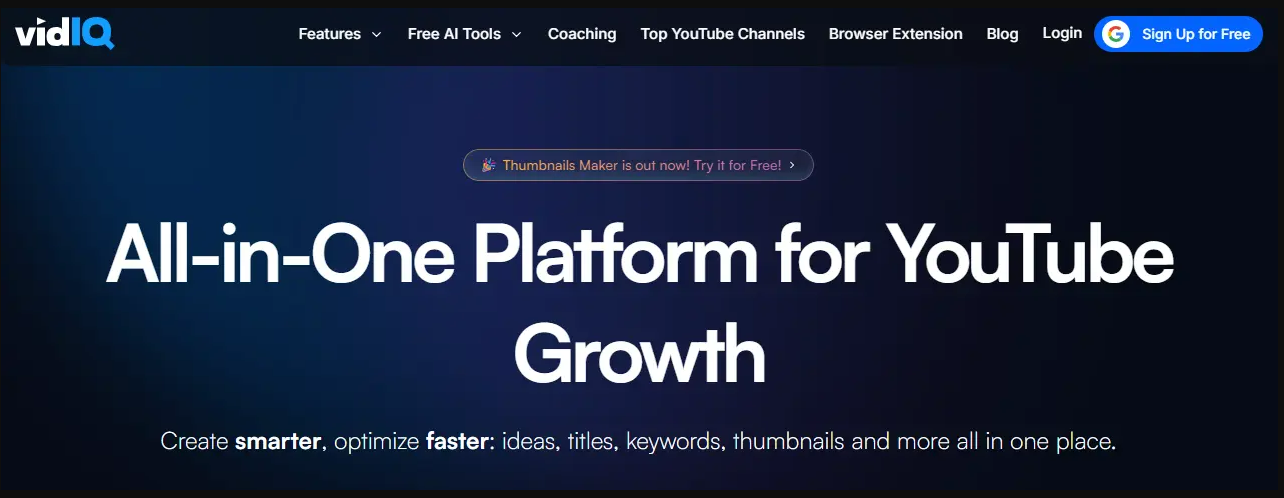
VidIQ is a YouTube optimization platform that started as a simple Chrome extension and has evolved into an AI-powered growth suite. As an official YouTube Certified partner, it uses direct API access to provide deep insights into video performance, keyword opportunities, and competitor strategies.
Founded in 2012, VidIQ has grown to over 2 million active users. The company positions itself as the "research and ideation" tool—helping creators discover what content to make before they make it. Their standout features include Views Per Hour tracking, predictive keyword analysis, and AI-powered Daily Ideas that generate personalized video topics.
Best For
- • Creators who prioritize keyword research
- • Those who want AI-generated video ideas
- • Competitive niches requiring deep analysis
- • Trend-conscious creators who need early alerts
Not Ideal For
- • Creators who need A/B testing
- • Channels with large video libraries needing bulk edits
- • Budget-conscious creators (best features are $49/mo Max plan)
Key Features
- Views Per Hour (VPH): Real-time tracking showing how videos perform in their crucial first hours. Spot viral content early and understand what's driving sudden traffic spikes.
- AI Daily Ideas: Personalized video topic suggestions generated daily based on your niche, trending topics, and audience behavior. Each idea includes keyword data and competition analysis.
- Keyword Research: Industry-leading keyword tool with search volume, competition scores, and trend predictions. Find long-tail keywords your competitors are missing.
- Competitor Tracking: Monitor unlimited channels with real-time alerts for uploads, title changes, and view velocity. See exactly what's working in your niche.
- SEO Score: Get optimization scores for every video with specific, actionable recommendations for improving discoverability.
Pros
- • Industry-leading keyword research
- • AI Daily Ideas genuinely useful
- • Best competitor tracking available
- • Views Per Hour for trend spotting
- • Strong free plan for beginners
- • Predictive trend analysis
Cons
- • No A/B testing whatsoever
- • Higher pricing than competitors
- • Best features require $49/mo Max plan
- • Limited bulk processing tools
- • Steeper learning curve
- • Can feel overwhelming initially
What is TubeBuddy?
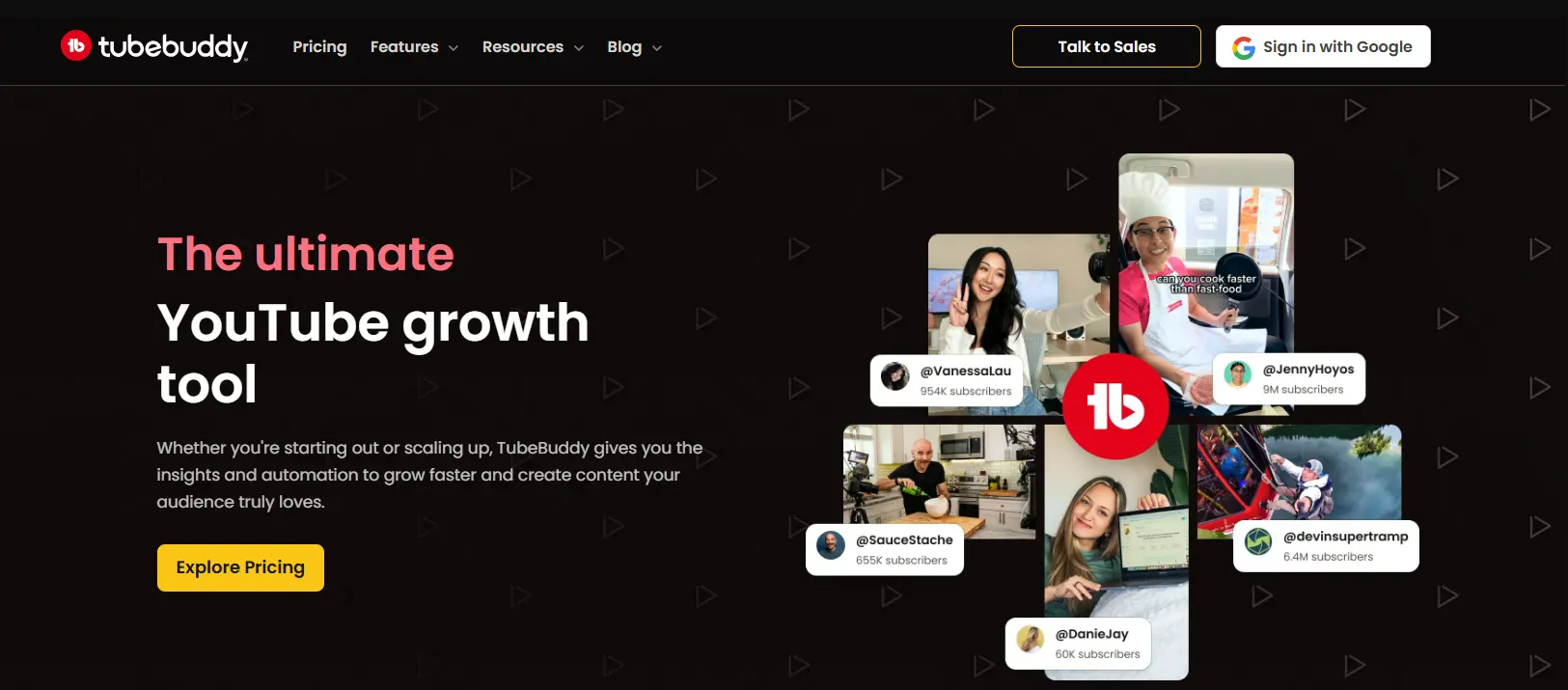
TubeBuddy is a browser extension and channel management platform trusted by over 15 million YouTube creators. While VidIQ focuses on research, TubeBuddy positions itself as a "workflow optimization" tool—helping you test, optimize, and manage your content at scale.
Founded in 2014, TubeBuddy integrates directly into YouTube Studio, adding tools and insights right where creators already work. Its claim to fame is the A/B testing feature that lets you scientifically test thumbnails, titles, descriptions, and tags—something no other major tool offers. The company also offers generous discounts for smaller creators.
Best For
- • Creators who want to A/B test content
- • Channels with 50+ videos needing bulk management
- • Budget-conscious creators seeking value
- • Those who prefer working within YouTube Studio
Not Ideal For
- • Deep keyword research requirements
- • Advanced competitor intelligence needs
- • Creators who want AI-powered ideation
Key Features
- A/B Testing: The gold standard for thumbnail and title testing. Run statistically significant tests that automatically rotate variants and declare winners based on CTR data. Can increase click-through rates by 20-40%.
- Bulk Processing: Update cards, end screens, descriptions, tags, and more across hundreds of videos simultaneously. Essential for rebranding, fixing mistakes, or adding new calls-to-action to old content.
- Best Time to Publish: Analyzes your audience's activity patterns to recommend optimal upload times. Takes the guesswork out of scheduling and helps maximize initial views.
- Thumbnail Generator: AI-powered thumbnail creation with customizable templates. Generate professional-looking thumbnails without leaving YouTube Studio.
- Scheduled Publishing: Queue videos for future publishing at your optimal times. Plan content weeks in advance and maintain a consistent upload schedule.
Pros
- • Only tool with real A/B testing
- • Powerful bulk processing saves hours
- • Best value pricing in the market
- • 50% discount for small channels
- • Integrates into YouTube Studio
- • Beginner-friendly interface
Cons
- • Keyword research is weaker than VidIQ
- • AI features feel bolted-on
- • Constant upselling gets annoying
- • Limited trend discovery
- • Some users report login issues
- • Competitor analysis is basic
Feature-by-Feature Comparison
We tested both tools extensively. Here's how they compare across the features that matter most to YouTube creators:
Keyword Research
VidIQ's keyword research is industry-leading. The Keyword Inspector shows search volume, competition scores, and related terms. The tool also predicts trending keywords before they peak, giving creators a first-mover advantage on emerging topics.
TubeBuddy offers solid keyword research with its Keyword Explorer tool. You get search volume estimates and competition scores, but it lacks VidIQ's predictive trending analysis. The tag suggestions are helpful but more basic.
Verdict: VidIQ wins for serious keyword research. Its predictive capabilities and deeper analytics make it the choice for creators who prioritize SEO strategy.
A/B Testing
VidIQ does not offer A/B testing functionality. This is a significant gap for creators who want to scientifically optimize their thumbnails and titles. You'll need to rely on manual testing or use another tool.
TubeBuddy's A/B testing is unmatched in the industry. Test thumbnails, titles, descriptions, and tags with statistical significance tracking. The tool automatically rotates variants and declares winners based on CTR data.
Verdict: TubeBuddy wins decisively. A/B testing can increase CTR by 20-40%, and TubeBuddy is the only major tool offering this feature. This alone justifies the subscription for many creators.
Competitor Analysis
VidIQ excels at competitor tracking. Monitor unlimited channels, see their real-time view velocity, track title/thumbnail changes, and analyze their top-performing content. The Competitors Tool shows upload schedules and growth patterns.
TubeBuddy offers basic competitor analysis through its Videolytics feature. You can see stats on individual videos, but the channel-level tracking is limited compared to VidIQ. No real-time monitoring or change tracking.
Verdict: VidIQ wins for competitive intelligence. If understanding what works for competitors is crucial to your strategy, VidIQ's depth is worth the premium.
Bulk Processing
VidIQ offers limited bulk capabilities. You can copy tags between videos and do basic bulk operations, but the tool wasn't designed for large-scale channel management. Managing hundreds of videos is cumbersome.
TubeBuddy dominates bulk processing. Update cards, end screens, descriptions, and tags across hundreds of videos simultaneously. The Bulk Copy feature alone saves hours for channels with large libraries. Essential for content repurposing.
Verdict: TubeBuddy wins by a wide margin. If you have 50+ videos and need to make sweeping changes, TubeBuddy's bulk tools are indispensable.
AI Features
VidIQ's AI Coach and Daily Ideas are standout features. The AI generates personalized video topics daily based on your niche, trending topics, and audience behavior. It also provides optimization suggestions and predicts video performance.
TubeBuddy has added AI features including a title generator and thumbnail AI, but they feel bolted-on rather than integrated. The suggestions are generic compared to VidIQ's personalized AI coaching approach.
Verdict: VidIQ wins for AI innovation. If you want AI to help ideate content—not just optimize it—VidIQ's Daily Ideas feature is genuinely useful.
Trend Discovery
VidIQ's trend detection is sophisticated. The Trending Videos feature shows what's gaining traction in your niche before it peaks. Views Per Hour (VPH) tracking lets you spot viral content early and capitalize on trends.
TubeBuddy shows trending videos but lacks the predictive element. You can see what's already popular, but you won't get early warnings on emerging trends. The trend tools are reactive rather than proactive.
Verdict: VidIQ wins for trend-conscious creators. Catching trends early can mean 10x more views, and VidIQ's VPH tracking gives you that edge.
User Interface
VidIQ has a clean, modern interface but can feel overwhelming. The sidebar widget shows lots of data, and navigating between tools requires learning the dashboard. Power users love it; beginners may feel lost initially.
TubeBuddy integrates directly into YouTube Studio, which feels more natural. Tools appear where you need them, and the learning curve is gentler. The interface is more intuitive for creators who prefer working within YouTube.
Verdict: TubeBuddy wins for ease of use. Its YouTube Studio integration means less context-switching and a more intuitive experience for most creators.
Value for Money
VidIQ's pricing starts at $19/month for the Boost plan with AI features. The free plan is generous for beginners, but the best features require the $49/month Max plan. The AI features justify the cost for some.
TubeBuddy offers better value at every tier. The Pro plan at $4.50/month is a steal, and the Legend plan at $9/month includes A/B testing and bulk processing. Plus, channels under 1,000 subscribers get 50% off—hard to beat.
Verdict: TubeBuddy wins on value. You get more actionable features for less money, especially with the small creator discount.
Overall Score
VidIQ wins
TubeBuddy wins
Pricing Comparison
Both tools offer free plans, but the real value is in their paid tiers. Here's a complete breakdown as of January 2026:
VidIQ Pricing
- Basic video analytics
- 3 keyword searches/day
- Limited trend alerts
- Basic SEO score
$16.58/mo billed annually
- Unlimited keyword searches
- AI Daily Ideas
- Competitor tracking
- Trend alerts
- Advanced analytics
$40.83/mo billed annually
- All Boost features
- Unlimited competitor tracking
- Keyword rankings
- Priority support
- 1-on-1 coaching
TubeBuddy Pricing
50% off for channels under 1K subs!
- Basic SEO tools
- Limited keyword explorer
- Card templates
- Basic analytics
$3.60/mo billed annually
- Full keyword explorer
- Tag suggestions
- Best time to publish
- Video topic planner
$7.20/mo billed annually
- A/B testing
- Bulk processing
- Scheduled publishing
- Advanced analytics
- Thumbnail generator
- 2 channel connections
- Priority support
Pricing accurate as of March 2026. For the latest pricing, visit vidiq.com/plans and tubebuddy.com/pricing.
Pricing Analysis
For budget-conscious creators: TubeBuddy Pro at $3.50/month (annual) is the clear winner. If you're under 1,000 subscribers, that drops to just $1.75/month. You won't find better value anywhere.
For serious keyword research: VidIQ Boost at $19/month is great value with AI Daily Ideas that save hours of research weekly. The Max plan at $49/month adds unlimited competitor tracking.
For A/B testing needs: TubeBuddy Legend at $9/month is the sweet spot. It's the cheapest way to get proper A/B testing, and the 20-40% CTR improvement typically pays for itself quickly.
Best overall value: TubeBuddy Legend. At $9/month you get A/B testing, bulk processing, and all the essential optimization tools. VidIQ's Boost plan at $19/month is still competitively priced for research features.
Savings Calculation
- Entry level: VidIQ Boost $19/mo vs TubeBuddy Pro $4.50/mo — TubeBuddy is 76% cheaper ($14.50/mo, $174/yr saved).
- Full features: VidIQ Max $49/mo vs TubeBuddy Legend $9/mo — TubeBuddy is 82% cheaper ($40/mo, $480/yr saved).
What Real Users Say
We analyzed reviews from Chrome Web Store, G2, Capterra, and Reddit. Here's what actual users are saying:
VVidIQ User Reviews
★★★★★"VidIQ's keyword research is genuinely helpful. I found long-tail keywords that helped my small channel get discovered. The AI daily ideas feature alone is worth the subscription."
★★★★★"The competitor tracking changed how I approach content. I can see exactly when rivals upload and how their videos perform hour by hour. Invaluable for timing my uploads."
★★★★"Good tool but the pricing is steep. The free version is quite limited, and you need the $39 Boost plan to get the really useful AI features. Worth it if you're serious, though."
TTubeBuddy User Reviews
★★★★★"The A/B testing feature is a game-changer. I tested 4 different thumbnails and found one that increased my CTR by 35%. No other tool offers this level of optimization."
★★★★★"I love how it integrates right into YouTube Studio. No switching between apps. The bulk processing saved me hours when I needed to update end screens on 200 videos."
★★★★"Great for beginners and the pricing is fair. My only complaint is the constant upselling—every feature seems to have a 'upgrade to unlock' prompt. Gets annoying."
Review Insights
Common VidIQ praise: Keyword research depth, AI ideas feature, competitor tracking
Common VidIQ complaints: Expensive for full features, steep learning curve
Common TubeBuddy praise: A/B testing effectiveness, bulk tools, fair pricing
Common TubeBuddy complaints: Constant upselling, weaker keyword tools
Who Should Choose What?
Based on our analysis, here's our recommendation framework:
Choose VidIQ if you...
- ✓Struggle to find video topics with actual search demand
- ✓Want AI to generate daily content ideas personalized to your niche
- ✓Need to closely monitor competitors and understand their strategies
- ✓Want to catch trending topics before they peak
- ✓Are willing to pay premium pricing for premium intelligence
Best plan: Boost ($19/mo) for AI and research; Max ($49/mo) for full features
Choose TubeBuddy if you...
- ✓Want to scientifically test thumbnails and titles
- ✓Have a large video library that needs bulk updates
- ✓Prefer tools that integrate directly into YouTube Studio
- ✓Want the best value for your money
- ✓Are a smaller channel looking for affordable optimization
Best plan: Legend ($9/mo) for A/B testing + bulk tools
Before You Decide: Consider OutlierKit
While VidIQ and TubeBuddy are excellent tools, they share a common limitation: they focus on keywords and optimization rather than what actually makes videos succeed. OutlierKit takes a different approach.
Outlier Detection
While VidIQ's Outlier tool and TubeBuddy's Content Standouts both identify over-performing videos, OutlierKit goes deeper—adding psychographic analysis, sponsor intelligence, and monetization context to explain why outliers succeed and how to replicate their patterns.
Psychographic Analysis
Understand why your audience watches—their motivations, pain points, and desires—not just demographic data. This insight helps you create content that emotionally connects, not just content that ranks.
Accessible Pricing
Starting at $9/month with a free trial. Get capabilities that complement—not replace—tools like VidIQ and TubeBuddy. Many creators use OutlierKit for research and strategy alongside their existing tools.
Free Alternatives Worth Trying
Before committing to paid tools, check out these free options from UtubeKit:
AI Title Generator
Generate click-worthy, SEO-optimized video titles using AI. Get 10+ variations instantly.
Try free →
Hashtag Generator
Find trending and relevant hashtags to increase your video's discoverability.
Try free →
Thumbnail Analyzer
Get AI feedback on your thumbnail's effectiveness before publishing.
Try free →
⚖️
Final Verdict: It's a Tie (Sort Of)
VidIQ Wins At:
- ✓ Keyword research & SEO strategy
- ✓ AI-powered content ideation
- ✓ Competitor intelligence
- ✓ Trend prediction & discovery
TubeBuddy Wins At:
- ✓ A/B testing (exclusive feature)
- ✓ Bulk video management
- ✓ Value for money
- ✓ User-friendly interface
The honest answer: Many successful creators use both tools—VidIQ for research and ideation, TubeBuddy for optimization and testing. They serve different purposes.
If you can only pick one: TubeBuddy offers better value and unique A/B testing. VidIQ offers deeper intelligence and better AI.
Want something different? OutlierKit adds psychographic analysis, sponsor intelligence, and deeper contextual insights on top of outlier detection.
Frequently Asked Questions
Is VidIQ better than TubeBuddy?
Neither is universally better—they excel at different things. VidIQ is superior for keyword research, AI-powered content ideas, competitor analysis, and trend discovery. TubeBuddy wins for A/B testing, bulk video management, user-friendly interface, and value for money. Many successful creators use both tools together, leveraging VidIQ for research and TubeBuddy for optimization.
Is VidIQ or TubeBuddy worth paying for?
Yes, if you're serious about YouTube growth. Both offer free plans, but the paid features provide measurable ROI. TubeBuddy's A/B testing alone can increase CTR by 20-40%. VidIQ's keyword research helps you rank for terms with actual search volume. Studies show creators using these tools consistently see 40-70% better growth metrics than those who don't. Start with free plans, then upgrade when you hit their limitations.
Can I use VidIQ and TubeBuddy together?
Yes, and many successful creators do exactly this. The common strategy is using VidIQ for research and ideation (keywords, trends, competitor analysis) and TubeBuddy for optimization and testing (A/B tests, bulk updates, publishing). However, running both browser extensions simultaneously may slow your browser. Consider disabling one when actively using the other.
What's the best free alternative to VidIQ and TubeBuddy?
For completely free tools, UtubeKit offers AI-powered title generators, thumbnail analyzers, and hashtag generators with no signup required. YouTube Studio's built-in analytics are also underrated—they show impression CTR, traffic sources, and audience retention for free. OutlierKit offers a free trial with unique features like psychographic analysis and monetization context that go beyond what VidIQ's Outlier tool or TubeBuddy's Content Standouts provide.
Which tool is better for small channels under 1,000 subscribers?
For brand new creators, VidIQ's free plan is more generous—you get better keyword research and some AI features without paying. However, TubeBuddy offers a 50% discount for channels under 1,000 subscribers, making their $9/month Legend plan just $4.50/month. If you can afford that, TubeBuddy's A/B testing will help you learn what works faster than anything else.
Do VidIQ and TubeBuddy actually help grow your channel?
Yes, but they're tools—not magic solutions. They help you make data-driven decisions about keywords, titles, thumbnails, and posting times. Creators who actively use the insights typically grow faster than those who don't. However, no tool can fix bad content. Focus on making great videos first, then use these tools to ensure those videos get discovered.
Which tool has better AI features in 2026?
VidIQ has the edge on AI features. Their AI Daily Ideas generates personalized video topics based on your niche, trends, and audience behavior. The AI Coach provides optimization suggestions. TubeBuddy has added AI title and thumbnail generators, but they feel less integrated and more generic. If AI assistance is your priority, VidIQ is the better choice.
Can I cancel VidIQ or TubeBuddy anytime?
Yes, both tools offer monthly plans you can cancel anytime. Annual plans offer significant discounts (up to 50% off) but require upfront payment. Neither tool has cancellation fees. If you're unsure, start with a monthly plan to test, then switch to annual once you're committed. Both also offer free plans you can downgrade to instead of canceling completely.
Related Comparisons
See the Best YouTube Keyword Research Tool in Action
Disclaimer: This comparison reflects our assessment based on publicly available information as of March 6, 2026. Features, pricing, and capabilities may change at any time. We encourage readers to verify current information directly with each product. This page is published by OutlierKit and reflects our perspective. If you believe any information is inaccurate, please visit the official product websites to verify current details.

Ready to grow your YouTube channel?
OutlierKit helps you find winning content strategies with competitor analysis and keyword research.
Try OutlierKit Free