TL;DR: The best YouTube niche finder shows proof that a niche works for small channels right now. OutlierKit ranks first because it pairs niche reports (RPM ranges, competition) with the breakout videos behind them, and you can test it on a 30-credit free trial with no card. NexLev and TubeLab come next if you want large channel databases with revenue filters, and Google Trends plus YouTube search are the best free options.
Last updated: October 13, 2026
Which tool for which case?
Tool | Best for | Choose it if |
OutlierKit | Validating a niche with breakout videos from small channels | You want proof a new channel can win before you film, plus niche RPM ranges |
NexLev | Faceless and automation niche discovery | You want a large channel database with RPM and revenue estimates |
TubeLab | Micro-niche scanning with RPM and revenue filters | You are fine paying from day one (no free trial) |
vidIQ | Keyword-led topic research | You already use its extension and want keyword scores |
TubeBuddy | Beginner keyword research | You want a low-cost extension that works inside YouTube |
MorningFame | Keyword coaching for a channel you already run | You have uploads and want guidance against similar-size channels |
Google Trends | Free trend direction | You want to see if interest in a topic is rising or falling |
AnswerThePublic | Question-based topic ideas | You make tutorials and want the questions people search |
YouTube search | Free manual checks | You have time to review results by hand |
Over 20 million videos are uploaded to YouTube every day, according to YouTube's press page, so a niche that looks open on a keyword chart can already be crowded. The tools below help you check real demand and competition before you commit. For a monthly view of which niches are growing right now, see our YouTube trending niches report.
This guide compares 10 niche finders on what each one proves about a niche, what it costs, and who it fits.
Related: YouTube Niches Guide · How to Find Outlier Videos · Faceless YouTube Channels
What Is the Best Niche Finder?
The best niche finder for YouTube in 2026 is OutlierKit, because it validates a niche with outlier videos that already perform 5 to 10x above their channel average instead of predicting demand. NexLev is the best faceless-niche database, TubeLab is the best micro-niche scanner, and Google Trends plus YouTube search are the best free options.
Best overall: OutlierKit niche research tool, $49/mo with a free 30-credit trial (no card). It shows which small channels are winning in a niche right now, which is the clearest sign a new channel can compete.
Best for faceless niche discovery: NexLev (price shown after sign-up). Its RPM and revenue figures are estimates, so confirm them against real video performance before you commit to a channel.
Best micro-niche scanner: TubeLab ($29/mo Starter). Strong for sub-niche ideas, but the Starter plan limits the Niche Finder and Outliers Finder filters and there is no free trial.
Best free niche finder: Google Trends for direction, then YouTube search filtered to this month and sorted by view count to spot breakout videos by hand.
Once you have a shortlist, use the YouTube niches guide to check which of those niches actually pay.
How do the 10 niche finders compare?
Tool | Best for | Starting price | Niche analysis | Outlier detection | Free option |
Data-driven niche discovery | $49/month | Strong | ✓ Yes | Free trial (30 credits) | |
NexLev | Faceless niche research | Not listed on its pricing page | Strong | ✓ Yes (outlier channels) | Free sign-up |
TubeLab | Micro niche identification | $29/month | Strong | ✓ Yes | ✗ No |
vidIQ | Keyword-based niches | $19/month | Moderate | ✓ Yes | Free plan |
TubeBuddy | Beginner niche research | $12/month (billed annually) | Moderate | ✓ Yes | Free plan |
MorningFame | Keyword coaching | $4.90/month (invite only) | Moderate | ✗ No | First month free |
Google Trends | Trending topic direction | Free | Moderate | ✗ No | ✓ Yes |
AnswerThePublic | Question-based niches | $20/month | Moderate | ✗ No | Not listed |
Niche Finder IO | Website niche research | Not verified | Basic | ✗ No | Not verified |
YouTube search | Manual niche discovery | Free | Basic | ✗ No | ✓ Yes |
What should a YouTube niche finder show you?
A good niche finder shows whether small channels can win in a niche. Search counts alone miss that. Look for these features:
Outlier video detection: videos that perform 5 to 10x above their channel's average
Competition analysis: how hard it is to rank, based on the size of the channels that already rank
Search volume from YouTube itself, rather than Google estimates
Trend direction: whether interest in the niche is growing or falling
Audience psychographics: what viewers want, fear and ask about
Monetization data: RPM ranges or revenue estimates per niche
Content gaps: topics viewers want that few channels cover
Which niche finders are worth using in 2026?
We ranked these tools on one job: showing proof that a niche works for a small channel right now. OutlierKit is first because it pairs niche reports with the breakout videos behind them; NexLev and TubeLab follow because their channel databases and revenue filters are strong, but their revenue figures are estimates and TubeLab has no trial.
1. OutlierKit: best for validating a niche with real videos
OutlierKit is a YouTube research and planning tool built for experts, consultants and coaches who use YouTube to share what they know. It finds niches by showing which videos perform 5 to 10x above their channel's average. When a small channel beats its own baseline on a topic, the topic is pulling the views, which tells you a new channel has room to compete.
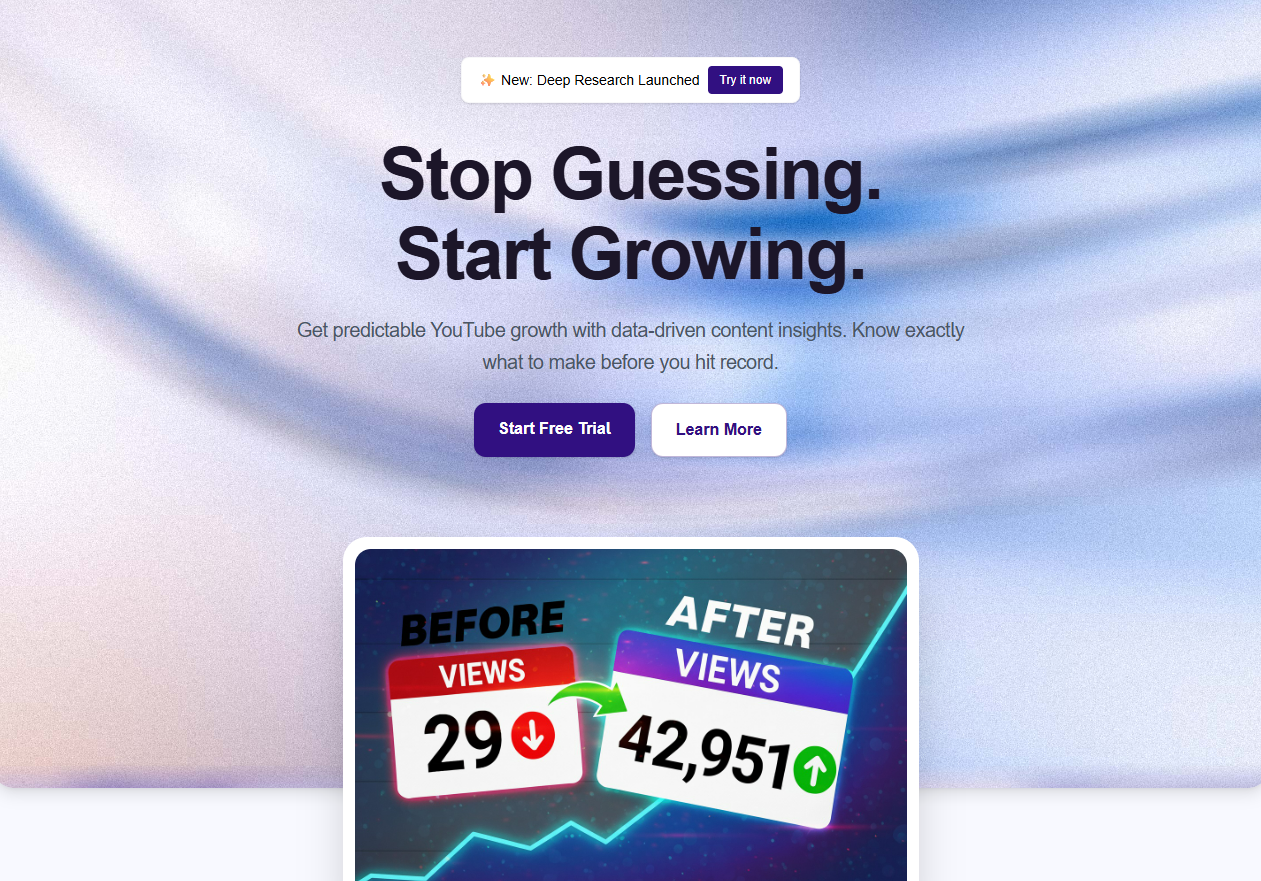
Rating: 5.0/5 on Product Hunt from 13 reviews.
How much does OutlierKit cost?
OutlierKit starts at $49/month. There is no free plan; every account starts with a 30-credit free trial and no card.
Hobby: $49/month ($299/year), 100 credits/month
Pro: $99/month ($599/year), 500 credits/month, adds Competitor Studio, API and MCP access
Max: $399/month ($1,999/year), 2,000 credits/month
Keyword Research and Outlier Research cost 2 credits each, Channel analysis and Video Script Analysis cost 10, and Deep Research costs 20. The price is the same on every plan.
👉 Start Your Free Trial (30 Credits, No Card)
What does OutlierKit do for niche finding?
1. Outlier-based niche discovery
OutlierKit scans YouTube for outliers, videos that far outperform their channel's average. For example, if a 5K-subscriber channel pulls 200K views on one topic, that topic is a strong micro-niche lead with room for small channels.
2. Low-competition keyword research
Keyword Research (2 credits) shows which keywords a smaller channel can rank for, based on:
Current competition levels
Average views per video
Subscriber count of ranking channels
Topic saturation
3. Niche validation with real data
Enter a niche idea and OutlierKit shows:
Top-performing videos in that niche
Average views and engagement
Content angles that work best
Common video lengths and formats
Audience psychographics (fears, desires, pain points)
4. Deep Research
Deep Research (20 credits) turns a niche into a report of video ideas, titles, content gaps and competitor weak spots.
5. Titles, descriptions, chapters and script review
Title: writes 16 title candidates and ranks them against real breakout videos on your topic (2 credits per run)
Description & hashtags: writes the 150 characters people see in search and the rest of the description, and picks hashtags
Chapters: builds timestamped chapters for your video
Script review: scores the script you wrote and tells you what to fix before you record
On Pro and Max, the MCP connector lets Claude use OutlierKit's research tools: outlier search, channel and video data, transcripts, comments and keyword research. You sign in with Google and need no API key.
OutlierKit does not write scripts from scratch, design thumbnails or generate video.
The outlier score drives how OutlierKit surfaces opportunities. Read how outlier scores work for the method and what each multiplier range means. For a full walkthrough of the product, see our OutlierKit review.
Pros
✅ Outlier video detection built for niche discovery
✅ Shows real video performance, not predictions
✅ Niche reports with RPM ranges, refreshed monthly
✅ Web app plus a free Chrome extension that needs no account
✅ Video Script Analysis includes hook strength
✅ 30-credit free trial, no card
Cons
❌ Outlier data takes some learning to read well
❌ No free plan once the trial credits run out
❌ Competitor Studio, API and MCP need Pro or Max
The browser extension is on the Chrome Web Store.
Who should use OutlierKit?
Experts, consultants and coaches who use YouTube to share what they know
Agencies and channel managers who run those channels and research client niches
New YouTubers picking a first niche
Established creators testing a new content lane
Content strategists who need data to back a niche choice
What do OutlierKit users say?
> "I was consistent with uploading videos, but at a certain point, I wasn't able to understand how things were working. With OutlierKit, I was really able to understand the competitor landscape and identify the kinds of opportunities I could bet on." Sai Teja Challapalli, Creator (Product Hunt review)
> "OutlierKit gives a lot of useful YouTube data without making you dig through endless numbers. The analysis surfaces the details that actually matter." Casey Brandon, Creator (Product Hunt review)
Verdict: OutlierKit is the pick when you want to see which niches already have breakout videos from small channels before you spend weeks on content. Once you pick a topic, it writes titles, a description and hashtags, and reviews your script before you record.
👉 Try OutlierKit Free (30 Credits, No Card)
2. NexLev: best for faceless and automation niches
NexLev is a YouTube niche finder that monitors channels and keywords to spot growing niches early. Its Niche Finder covers more than 150 million channels, according to NexLev, and shows 48-hour views, subscriber growth, RPM and revenue estimates, and recently added high-performing small channels.
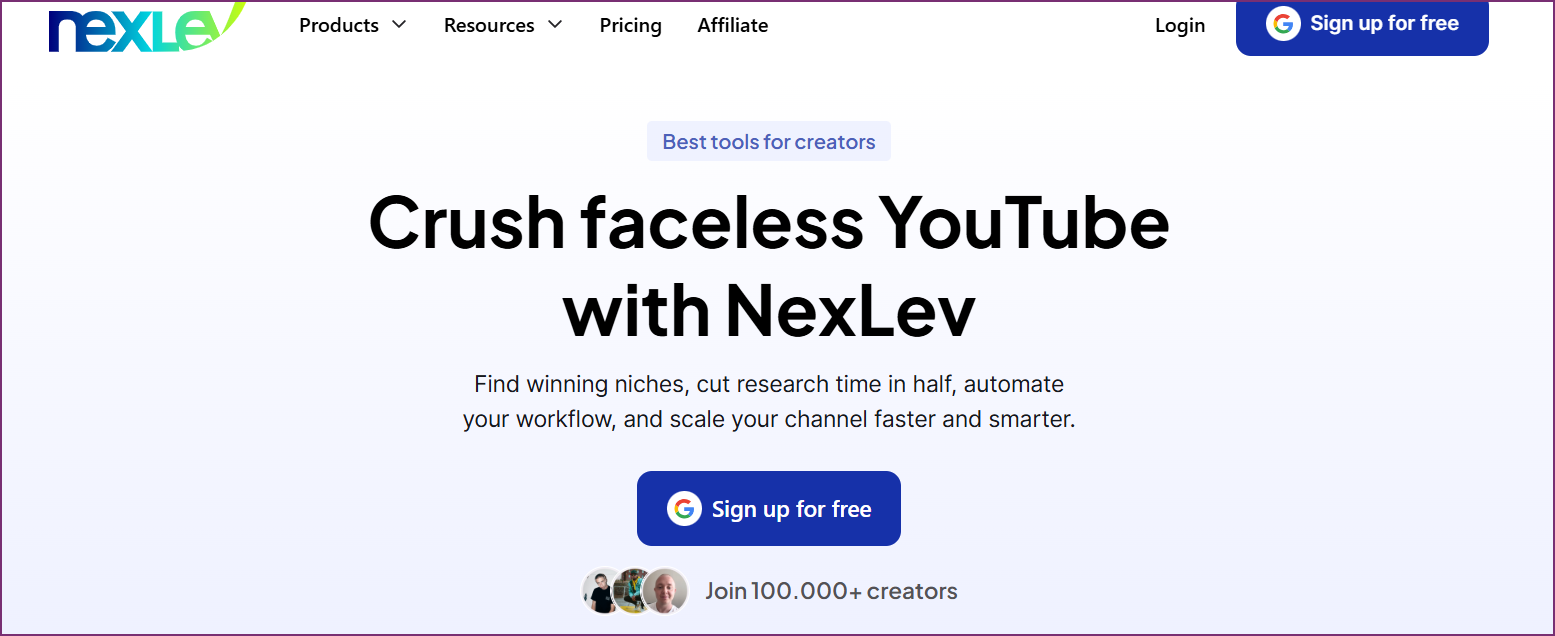
Rating: 4.0/5 on Trustpilot from 59 reviews (checked 28 Sep 2026).
How much does NexLev cost?
NexLev's pricing page lists no dollar amounts. It shows two plans with monthly or yearly billing: Lite (Chrome extension and NexLev MCP) and Pro (adds the Niche Finder and the NexLev API), plus an API-only plan. You see the price after you sign up.
What does NexLev do for niche finding?
1. Niche Finder database
NexLev filters channels by format, category and quality with 21 filters, and flags viral videos over 30, 60 or 90 days.
2. Revenue estimates
It shows RPM and revenue estimates per channel. These are estimates, so check them against real video performance before you commit.
3. Future competition
A "Future Competition" metric flags niches where many new channels are starting.
Pros
✅ Large channel database built for niche discovery
✅ Strong for faceless and automation channels
✅ Flags outlier channels early
Cons
❌ RPM and revenue figures are estimates
❌ No public price; the Niche Finder needs the Pro plan
❌ Outlier data centers on channels more than single videos
Verdict
NexLev is the strongest database for faceless niche hunting. Pair it with OutlierKit when you want to confirm a niche against specific breakout videos before filming.
3. TubeLab: best micro-niche scanner
TubeLab is a YouTube research platform built around a Niche Finder and an Outliers Finder. TubeLab says its Niche Finder tracks more than 500,000 breakout channels with RPM and revenue filters, and its Outliers Finder covers more than 5 million outlier videos.
Rating: 4.1/5 on Trustpilot from 9 reviews (checked 28 Sep 2026).
How much does TubeLab cost?
TubeLab starts at $29/month on its pricing page, and there is no free trial.
Starter: $29/month ($288/year), 200 credits/month, limited Niche Finder and Outliers Finder filters
Pro: $39/month ($348/year), 400 credits/month, all filters, niche and trend reports, API
Team: $100/month ($960/year), 1,000 credits/month, up to 10 members
What does TubeLab do for niche finding?
1. Niche Finder
It scans breakout channels to surface specific sub-topics. A micro niche means a narrow topic such as "desk stretches for programmers" instead of "fitness".
2. Outliers Finder
It lists videos that beat their channel's usual views, so you can study titles, thumbnails and formats that work.
3. Niche and trend reports
Pro and Team plans add niche reports and trend reports.
Pros
✅ Strong micro-niche discovery
✅ RPM and revenue filters (Pro and Team)
✅ Outlier video search on every plan
Cons
❌ No free trial (TubeLab says a trial would saturate the niches it shows)
❌ Starter limits the Niche Finder and Outliers Finder filters
❌ RPM and revenue figures are estimates
Verdict
TubeLab is good for micro-niche discovery if you are ready to pay from day one. OutlierKit starts at $49/month and lets you test niche ideas on a 30-credit free trial first, with no card.
4. vidIQ: best for keyword-led topic research
vidIQ is a keyword research tool and browser extension. Its keyword data can point to niche openings, but it has no dedicated niche finder.
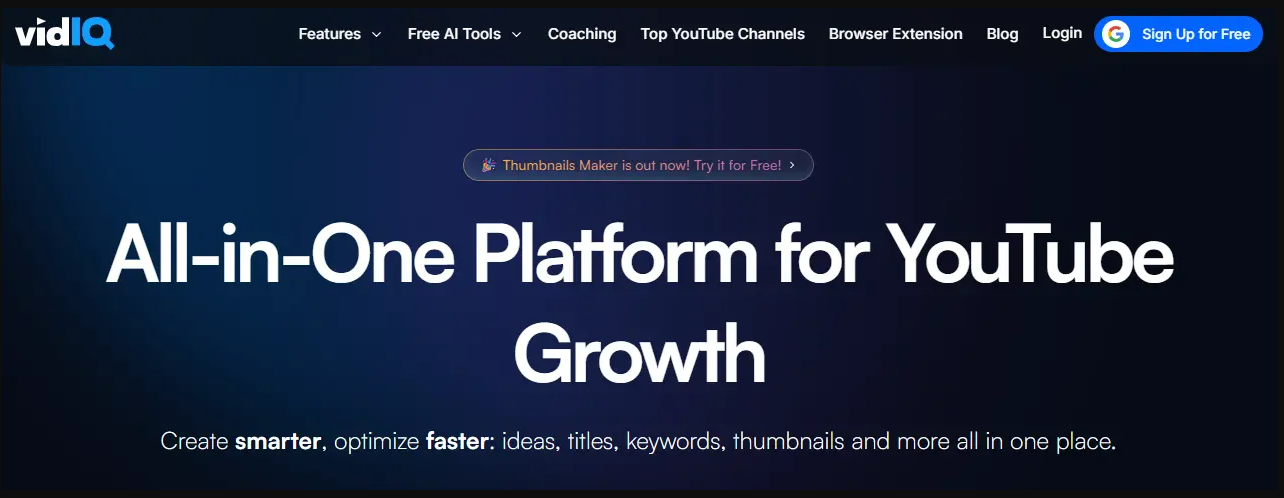
Rating: 3.8/5 on Trustpilot from 1,369 reviews (checked 28 Sep 2026).
How much does vidIQ cost?
Free plan: basic keyword research
Boost: $19/month, with advanced keyword research, competitor tracking and trend alerts
What does vidIQ do for niche finding?
1. Keyword research
The keyword tool shows search volume and competition, which can hint at niche openings.
2. Trending videos
It shows trending videos across categories, which helps you spot emerging topics.
3. Competitor tracking
It tracks competitor channels so you can see which topics work for them.
Pros
✅ Widely used, with a large knowledge base
✅ Browser extension inside YouTube
✅ Free plan
Cons
❌ Built around keywords, not niches
❌ No dedicated niche finder
❌ Outlier detection is basic next to dedicated tools
Verdict
vidIQ is a solid keyword tool but was not built for niche discovery. For niche validation, OutlierKit adds outlier detection and niche reports, and you can try it with 30 free credits.
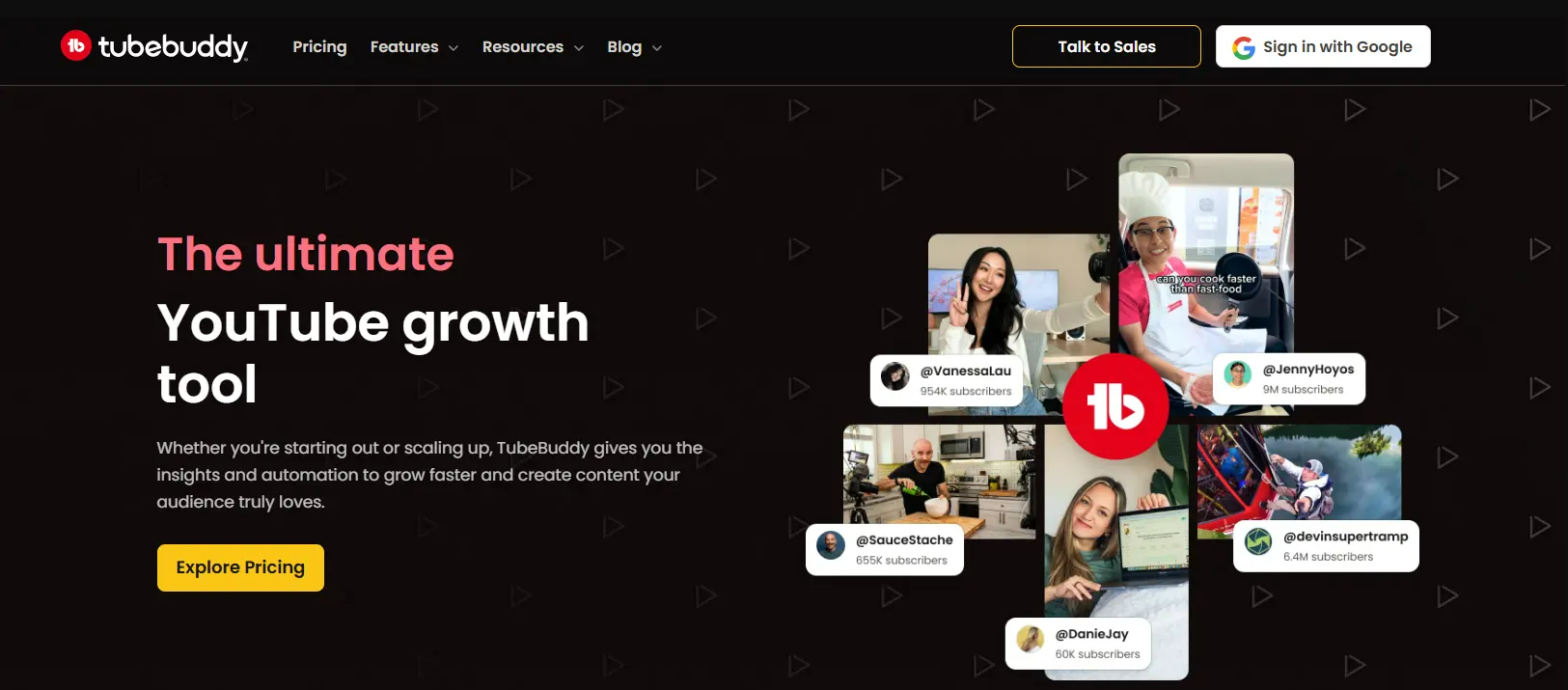
5. TubeBuddy: best for beginners on a budget
TubeBuddy is a YouTube browser extension with keyword research tools you can use to narrow a niche.
Rating: 2.8/5 on Trustpilot from 25 reviews (checked 28 Sep 2026).
How much does TubeBuddy cost?
TubeBuddy has a free plan. Pro costs $12/month and Legend $27/month, both billed annually, according to TubeBuddy's own pricing comparison.
What does TubeBuddy do for niche finding?
Keyword Explorer scores keywords by search volume and competition, which can point to niche openings. Its Content Standouts feature flags videos that beat their channel's usual views.
Pros
✅ Low entry price
✅ Easy for beginners
✅ Free plan to test
Cons
❌ Not built for niche finding
❌ Limited niche analysis
❌ Outlier detection limited to Content Standouts
Verdict
TubeBuddy suits beginners learning YouTube SEO. For dedicated niche finding, OutlierKit gives you outlier-based niche analysis.
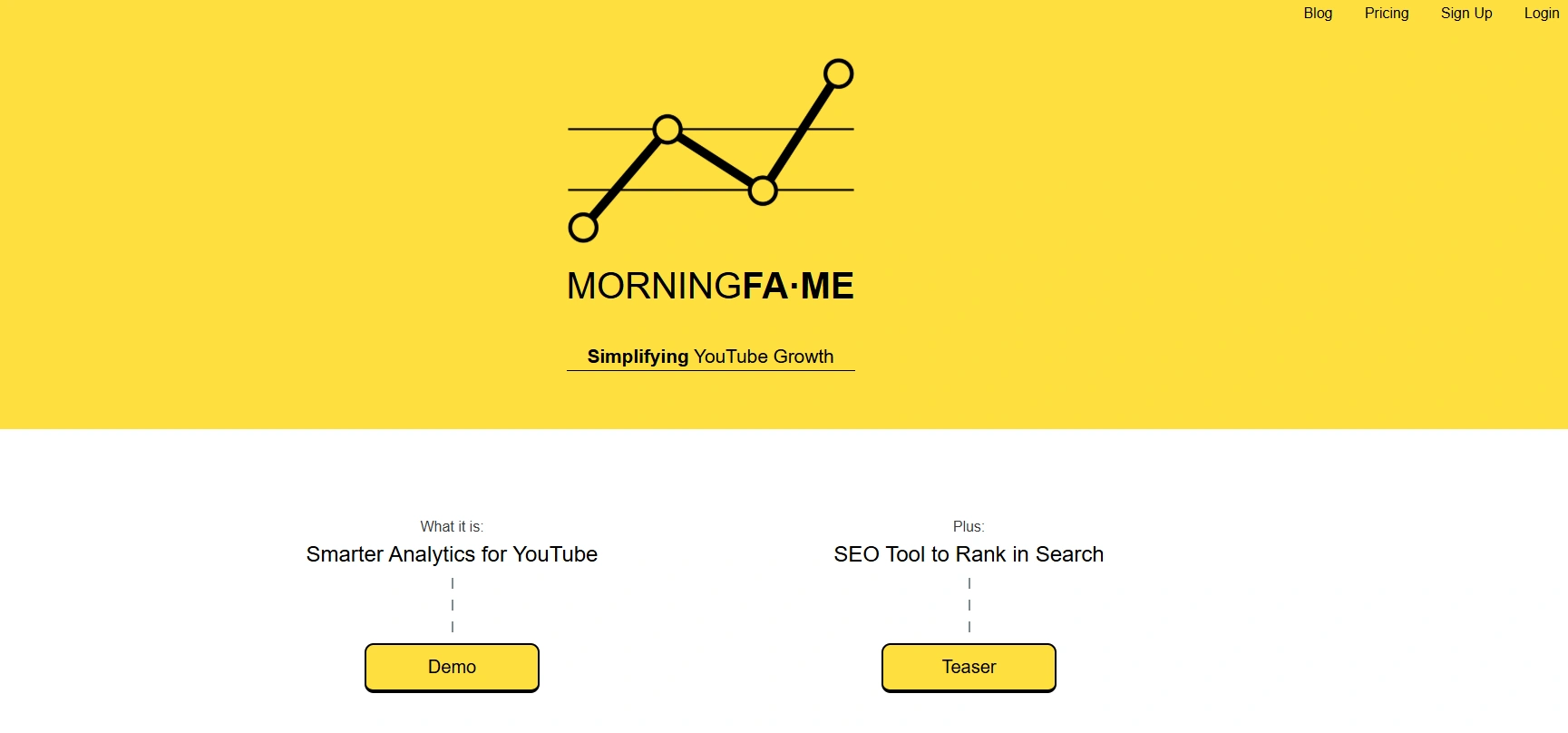
6. MorningFame: best for coaching an existing channel
MorningFame is an invite-only YouTube analytics and keyword tool. It compares your channel with channels of a similar size and gives you specific growth recommendations, so it helps most once you already have uploads.
How much does MorningFame cost?
Signup is by invitation, and the first month is free. Basic costs $4.90/month ($3.90/month billed yearly) and Plus costs $12.90/month ($9.90/month billed yearly), per MorningFame's pricing page.
What does MorningFame do for niche finding?
1. Keyword research
It suggests keywords your channel can rank for and guides you through optimizing each video.
2. Channel benchmarking
It compares your channel with similar-size channels to find weak spots.
Pros
✅ Low price
✅ Clear, guided recommendations
Cons
❌ Invite only
❌ Not built for discovering new niches
❌ Works best with existing channel data
❌ No outlier analysis
Verdict
MorningFame helps you refine a niche you already publish in. For discovering a new niche, OutlierKit works without an invite or channel history.
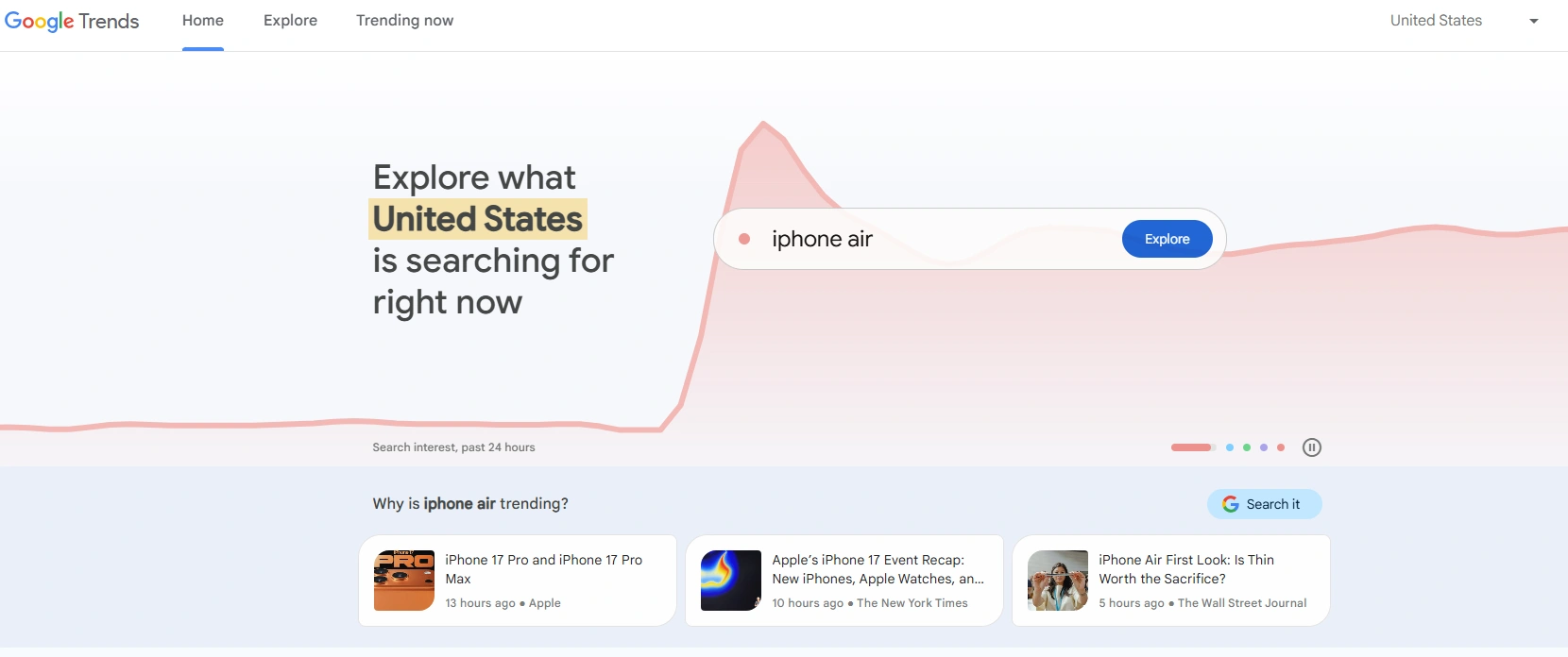
7. Google Trends: best free trend checker
Google Trends is a free Google tool that shows search interest over time, and you can switch it to YouTube Search data.
How much does Google Trends cost?
It is free, with every feature included.
What does Google Trends do for niche finding?
1. YouTube Search trends: change the search type to YouTube Search to see interest from YouTube queries only.
2. Related queries: rising related searches can point to sub-niches.
3. Regional interest: see where a topic is most popular.
Pros
✅ Free
✅ Real Google and YouTube search data
✅ Good for spotting trends and regional interest
Cons
❌ No competition or profitability data
❌ No outlier detection
❌ You interpret the data yourself
Verdict
Google Trends shows direction but cannot tell you whether a niche is winnable. Pair it with OutlierKit to check which rising topics already have breakout videos.
8. AnswerThePublic: best for question-based topics
AnswerThePublic maps the questions and phrases people search around a keyword, which helps you find tutorial and how-to niches.
How much does AnswerThePublic cost?
Paid plans start at $20/month for Starter, and Growth costs $99/month, per AnswerThePublic's pricing page.
What does AnswerThePublic do for niche finding?
1. Question clustering: shows the questions people ask about a topic, which reveals tutorial niches.
2. Visual search maps: shows how searches relate to each other.
Pros
✅ Good for question-based content
✅ Visual output
Cons
❌ Not YouTube-specific
❌ No competition or profitability data
Verdict
AnswerThePublic is useful for question ideas but was not built for YouTube niche research. OutlierKit gives you YouTube-specific niche data.
9. Niche Finder IO: basic website niche research
Niche Finder IO is a web-based niche tool for bloggers. It searches a database of websites by traffic and authority, so it is not YouTube-specific. Its site at nichefinder.io did not load when we checked on 29 Sep 2026, so we list no price.
Pros
✅ Simple interface
Cons
❌ Not YouTube-specific
❌ No outlier detection
❌ Generic niche suggestions
Verdict
Niche Finder IO lacks YouTube-specific data. OutlierKit is built for YouTube.
10. YouTube search: best free manual method
YouTube's own search works as a free niche finder if you read autocomplete suggestions and results by hand.
How do you find a niche with YouTube search?
1. Autocomplete: type part of a keyword and note the suggestions people search for.
2. Video performance: filter results to this month, sort by view count, and look for videos with far more views than their channel's usual.
3. Channel size: check the subscriber counts of the channels that rank to judge competition.
Pros
✅ Free, with no extra tools
✅ Direct YouTube data
Cons
❌ Slow
❌ No numbers beyond what you count yourself
❌ Easy to miss outliers
Verdict
Manual search works but takes hours. OutlierKit runs the same outlier check across many channels at once.
Which niche finder should you pick for your situation?
Pick by your stage and budget:
New YouTuber: OutlierKit. It shows niches with proven breakout videos, starts at $49/month, and has a 30-credit free trial.
Established creator: OutlierKit. Use outlier research and Deep Research to test a new content lane; Video Script Analysis covers hook strength.
Tight budget: Google Trends plus YouTube search, then the OutlierKit free trial to validate your shortlist.
Faceless channel: NexLev or TubeLab for channel databases with revenue estimates.
Agency with several clients: OutlierKit Pro. 500 credits/month and Competitor Studio for niche-wide research.
Are free YouTube niche finders enough?
Free tools tell you whether a topic is trending; paid tools tell you whether a small channel can win in it. Start free and pay once you have a shortlist to test.
What are the best free niche finder options?
Google Trends (YouTube Search): real trend data at no cost, but no competition data.
YouTube search: direct YouTube data at no cost, but slow.
OutlierKit trial: 30 credits, no card, enough to run several outlier and keyword searches.
What do paid niche finders answer that free ones do not?
Is this niche earning views for small channels right now?
Can I compete with my subscriber count?
Which content angles work best here?
What do viewers in this niche want and fear?
Is the niche saturated or still growing?
If you want to compare wider YouTube data tools beyond niche finders, see our guide to the best YouTube data tools.
How do you find a profitable micro niche?
A micro niche is a narrow sub-topic inside a broad niche. Instead of "fitness", a micro niche is "desk stretches for remote workers" or "workout routines for new moms with diastasis recti".
Which tools find micro niches best?
OutlierKit: finds micro niches through outlier videos and shows which sub-topics drive outsized views.
TubeLab: a dedicated micro-niche scanner from $29/month (Pro $39/month), with no free trial.
YouTube search: add an audience to a broad topic, such as "[broad niche] for [specific audience]".
Why do micro niches work?
Fewer channels compete for each search
Viewers who search narrow topics tend to watch longer
Specific audiences can attract better-matched sponsors
A narrow focus makes it easier to plan a series
For example, "productivity tips" is a crowded niche, while "productivity systems for ADHD entrepreneurs" is a micro niche with fewer channels. OutlierKit finds these by showing outlier videos in sub-topics most creators skip.
Are AI niche finders worth it?
AI niche finders are worth it when the AI summarizes real video data rather than guessing at the future.
OutlierKit: uses AI to analyze real video performance and find outliers.
NexLev: uses AI to surface breakout niches and estimate RPM and revenue.
vidIQ and TubeBuddy: mostly keyword-based, with basic outlier features.
Estimates can be wrong, so treat any predicted RPM or growth figure as a lead to check. A video that already performs 10x above its channel's average is evidence you can look at today.
What makes a YouTube niche profitable?
A niche is profitable when it combines good monetization, steady demand and competition a small channel can beat. High search volume alone often means big channels already own the results.
Monetization: ad RPM, sponsor interest, affiliate products and course sales
Steady demand: evergreen problems viewers keep searching
Beatable competition: small channels already ranking
Engagement: watch time, comments and likes on top videos
OutlierKit covers these with niche RPM ranges, trend direction, the subscriber counts of ranking channels, and engagement on top videos. For a monthly list of niches that are growing, see our trending YouTube niches dashboard.
What has changed in niche finder tools this year?
Outlier detection has become standard. OutlierKit, NexLev, TubeLab, vidIQ and TubeBuddy all now show videos or channels that beat their usual performance, so niche research starts from what already works instead of keyword lists.
More tools add RPM and revenue estimates per niche
Micro-niche filters are common
Several tools now offer API or MCP access for automated research
How to validate: run a structured channel audit on the top 3 channels in the niche before you produce a single video.
What niche finding mistakes should you avoid?
Choosing on passion alone. Passion does not prove demand. Look for the overlap between your interests and topics with outlier videos.
Picking a broad niche. Small channels struggle to rank. Narrow to a sub-topic.
Trusting search volume alone. High volume often means big channels own the results. Check how real videos perform.
Skipping competition checks. Look at the subscriber counts of the channels that rank.
Ignoring monetization. Some niches get views but pay little. Check RPM ranges and sponsor interest.
Chasing every trend. Trends fade. Favor evergreen topics with steady demand.
Frequently Asked Questions
Google Trends set to YouTube Search is the best free niche finder for spotting trends, but it has no competition data. Pair it with YouTube search sorted by view count, or use OutlierKit's 30-credit free trial (no card) to check your shortlist against breakout videos.
NexLev has a free sign-up, but its Niche Finder is part of the Pro plan. Its pricing page shows no dollar amounts, so you see the price after you sign up.
OutlierKit is the best AI niche finder for validating a niche, because its AI analyzes real videos that perform 5 to 10x above their channel average. NexLev is the stronger pick if you want AI-estimated RPM and revenue across a large faceless-channel database.
Find topics where small channels have outlier videos, then check the subscriber counts of ranking channels, trend direction in Google Trends, and RPM ranges. Favor evergreen demand over short trends.
TubeLab Pro at $39/month is worth it if you want all Niche Finder filters, including RPM and revenue, plus niche and trend reports. Starter costs $29/month with limited filters, and neither plan has a free trial.
Yes. Filter results to this month, sort by view count, and look for videos with far more views than their channel usually gets. It works but takes hours, and a tool like OutlierKit runs the same check across many channels at once.
A keyword tool (vidIQ, TubeBuddy) shows search volume and competition for single keywords. A niche finder (OutlierKit, NexLev, TubeLab) looks at a whole topic area to judge demand, competition and monetization.
They help most when you start a new channel, because broad niches are crowded. OutlierKit and TubeLab both surface narrow sub-topics where small channels already get outsized views.
Their RPM, revenue and growth figures are estimates, so treat them as leads. Check each lead against real videos that already perform above their channel average before you commit.
vidIQ, TubeBuddy and OutlierKit all offer Chrome extensions. OutlierKit's extension is free, needs no account, and shows outlier data while you browse YouTube.
Which YouTube niche finder should you choose?
Choose OutlierKit if you share your expertise on YouTube, or run channels for people who do, and want to validate a niche with breakout videos from small channels before you film. Choose NexLev or TubeLab if you want a large faceless-channel database with revenue estimates, and start with Google Trends plus YouTube search if you have no budget.
Best overall: OutlierKit, from $49/month with a 30-credit free trial
Best free option: Google Trends plus the OutlierKit trial
Best for faceless niches: NexLev
Best micro-niche scanner: TubeLab
👉 Start Your OutlierKit Free Trial and check your niche against real breakout videos.
Related reading
Sources
YouTube press page: "over 20 million videos uploaded daily to YouTube"
NexLev pricing: Lite and Pro plans shown with no dollar amounts; NexLev Niche Finder: "150M+ Channels"
TubeLab pricing: Starter $29/month, Pro $39/month, no free trial
vidIQ pricing: Boost $19/month
TubeBuddy vs vidIQ (TubeBuddy blog): Pro $12/month and Legend $27/month, billed annually
MorningFame pricing: Basic $4.90/month, Plus $12.90/month
AnswerThePublic pricing: Starter $20/month, Growth $99/month
Google Trends, YouTube Search: free trend data from YouTube queries
OutlierKit on Product Hunt: "5.0/5 from 13 reviews"
About OutlierKit
OutlierKit is a YouTube research and planning tool for experts, consultants and coaches, and for the agencies that run their channels. It helps you find niches, validate video ideas and plan your next video. Its outlier detection shows which content is working now, based on real video performance.
👉 Try OutlierKit Free (30 Credits, No Card). No credit card required.
Working with YouTube data at scale? The OutlierKit API is live for Pro and Max users. Pull outlier video search with composite outlier scores, channel lookups with AI-enhanced metadata (gist, keywords, audience age, region, growth stats), semantic channel similarity, keyword research with volume and competition, transcripts, and live comments. Everything is JSON in and JSON out, at 2 to 10 credits per call from the same credit pool as the app. View the API docs or see Pro and Max pricing.
Share this post