
TL;DR: TubeBuddy is the closest vidIQ alternative: it is also a browser extension for keyword research and upload SEO inside YouTube, with a free plan and Pro at about $12/mo billed annually. OutlierKit ($49/mo) is built for experts, consultants and coaches who plan videos from topics that already broke out in their niche, 1of10 ($19/mo) fits thumbnail-first research, and Subscribr ($99/mo) writes scripts and makes videos. YouTube Studio stays the free baseline, and vidIQ itself costs $19/mo (Boost) or $49/mo (Max).
Last updated: October 13, 2026
vidIQ is a YouTube SEO and analytics suite that runs as a browser extension and a web app. Creators look for alternatives when they want a different price, a different kind of research or a tool that tells them what to make next. This post compares five alternatives on price, ratings and job fit. For the full picture of vidIQ first, read our vidIQ review.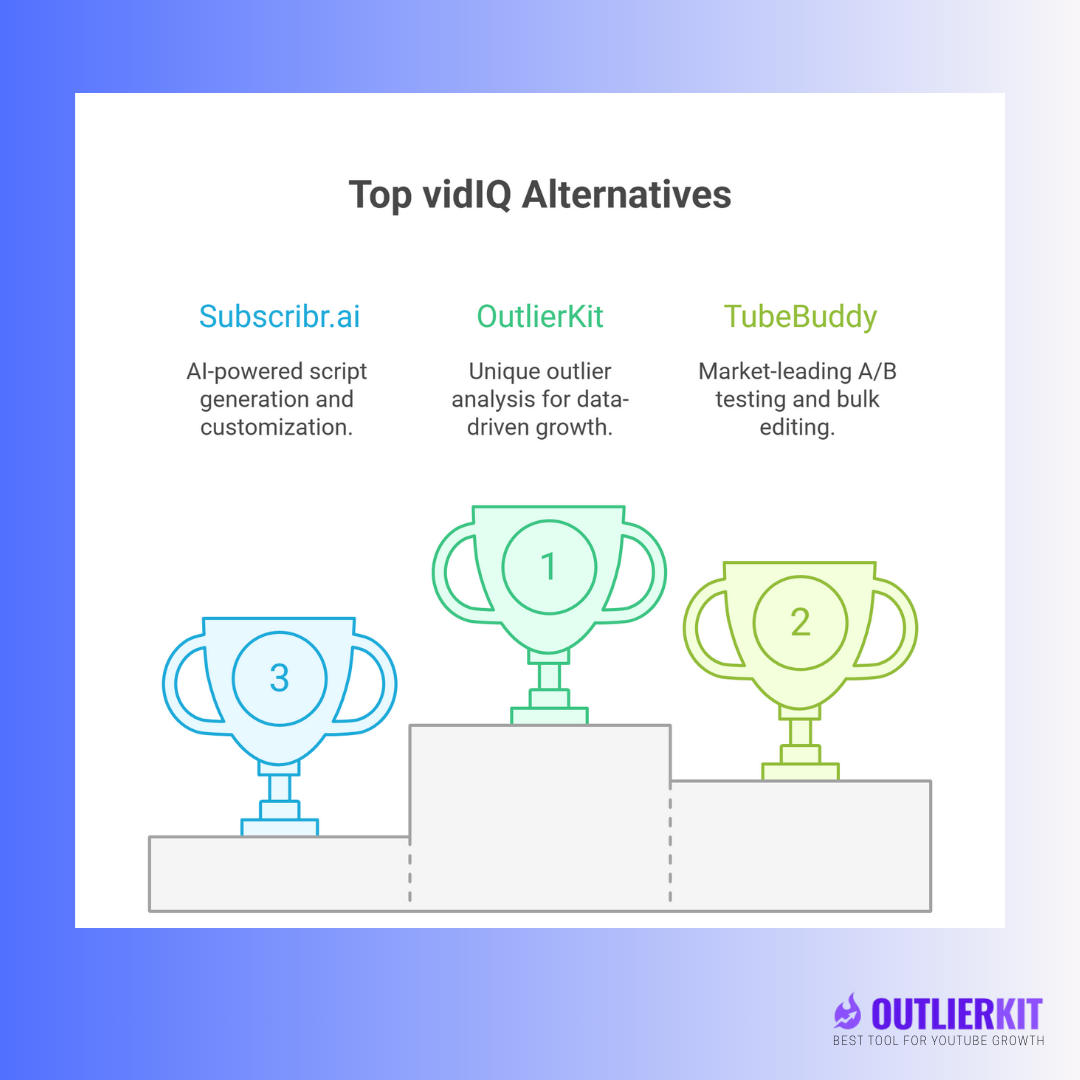
Which vidIQ alternative fits which case?
Tool | Best for | Choose it if |
|---|---|---|
TubeBuddy | Keyword research, A/B tests and bulk edits inside YouTube | You want the most direct swap for vidIQ's extension and need A/B tests |
OutlierKit | Outlier research, keyword volumes and competitor analysis | You share your expertise on YouTube, or an agency runs your channel, and you want to plan videos from topics that already broke out |
1of10 | Thumbnail-first outlier research and AI thumbnail tools | You start from packaging and want a free plan or a $19/mo entry tier |
Subscribr | Scripts, thumbnails and finished AI videos | You want a tool to produce the video, and the $99/mo entry fits your budget |
YouTube Studio | Your own channel's analytics | You want official data for free before paying for any tool |
vidIQ (stay) | Keyword research, daily AI ideas and SEO scores inside YouTube | You use its AI Coach and Daily Ideas and the credit limits fit your workflow |
Watch: vidIQ vs TubeBuddy vs OutlierKit, an honest breakdown.
Related: OutlierKit vs VidIQ · VidIQ vs TubeBuddy · Best YouTube Keywords 2026
What is vidIQ?
vidIQ is a YouTube analytics and optimization platform. It offers keyword research, competitor tracking and channel analytics through a browser extension and a web app, plus AI tools that run on a monthly credit pool.
vidIQ is built around data: it shows detailed metrics for your videos and your competitors' videos. New creators can find that volume of data hard to turn into a next step.
What does vidIQ do?
Keyword research and SEO tools
vidIQ shows search volume, competition scores and tag suggestions, and scores your titles and descriptions for SEO.
Channel analytics
vidIQ tracks view velocity, engagement, subscriber growth and how each video compares with your channel average.
Competitor analysis
vidIQ lets you track competitor channels and see their most successful videos, so you can spot topics they cover that you do not.
Browser extension
The vidIQ extension adds its data to YouTube pages as you browse. It loads on every YouTube page you open.
AI features
vidIQ has added AI title suggestions, thumbnail feedback, daily content ideas and an AI Coach. Each AI action uses credits from your monthly pool.
How much does vidIQ cost in 2026?
For the complete, current 2026 breakdown (every plan, the annual vs monthly math and the AI-credit limits), see our dedicated vidIQ pricing guide.
vidIQ has a free plan and paid tiers built on AI credits:
Free: $0/month
150 AI credits per month
Niche trends and daily content ideas
Browser extension and basic channel stats
Boost: $19/month, or $199/year (about $16.58/month)
2,000 AI credits per month
Keyword research, SEO scorecard and thumbnail generation
Competitor tracking, optimization tools and the AI Coach
Max: $49/month, or $468/year ($39/month)
6,000 AI credits per month
Everything in Boost plus Max Mode AI and 3x AI Coach conversations
Several hours of short-form clip generation
Coaching: $199/month
The Boost feature set plus one-on-one YouTube coaching
Enterprise: Custom pricing
Team roles, permissions and cross-channel reporting for brands and agencies
vidIQ advertises the annual-equivalent price, so the month-to-month rate is higher: Boost is $19/month without the annual commitment. vidIQ sells no credit top-ups, so AI tools pause when the pool runs out until the next billing cycle.
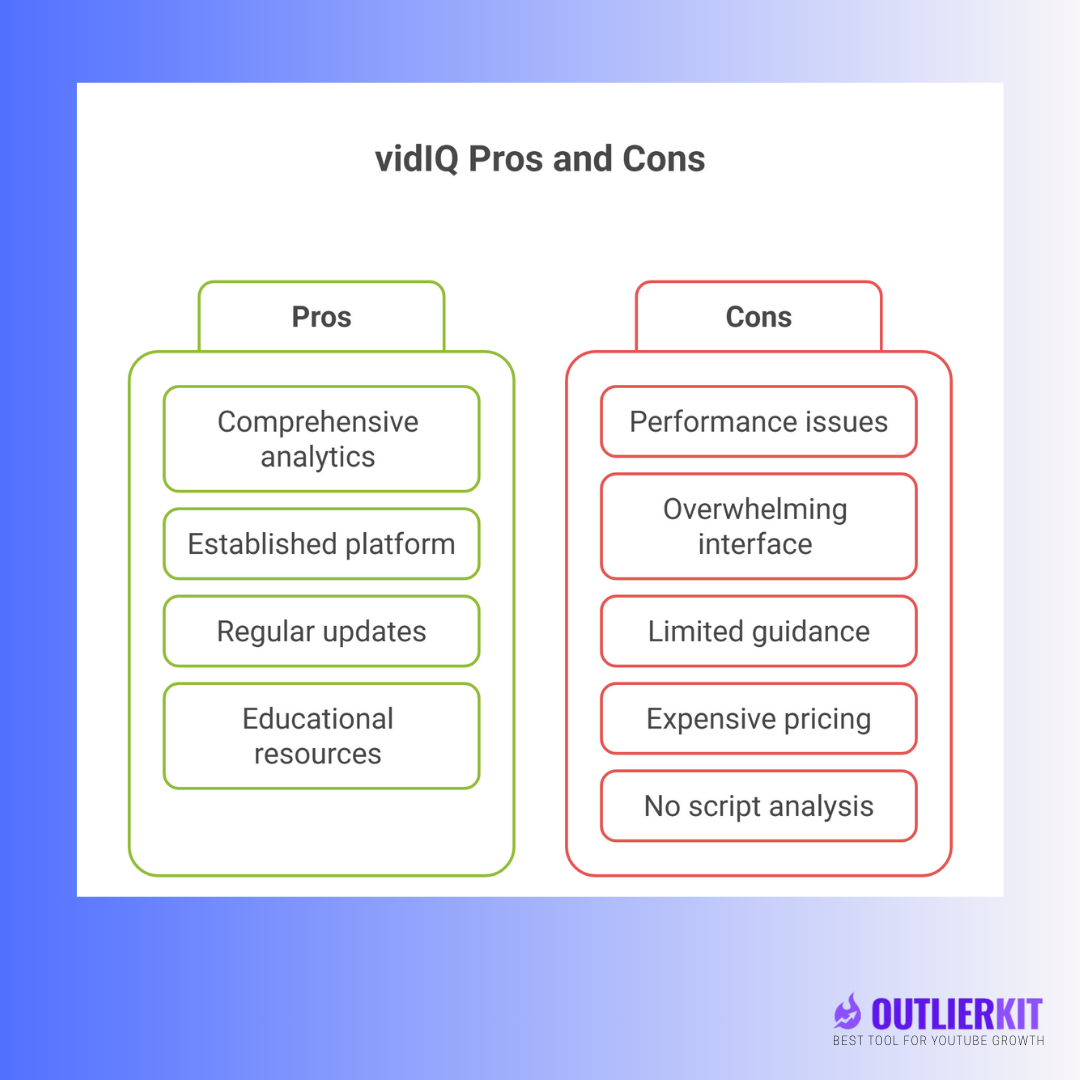
What are vidIQ's pros and cons?
Pros
A wide analytics dashboard covering channel performance, video metrics and audience behavior
A long-running product with a large user base and many tutorials
Regular feature updates, including AI tools and a mobile app
Educational resources: tutorials, webinars and certification programs on YouTube optimization
Cons
The extension loads extra scripts on every YouTube page you open
New creators can find the data-heavy interface hard to turn into a plan
It shows what happened more than what to make next
Outlier research is a side view; the core product is SEO and analytics
The advertised $16.58/month needs a full year up front; month to month, Boost is $19, and AI credits can run out before the month ends
How do users rate vidIQ?
vidIQ has 3.8/5 on Trustpilot from 1,369 reviews (checked 28 Sep 2026) and 4.5/5 on the Chrome Web Store from 11.3K ratings (checked 28 Sep 2026).
Who should use vidIQ?
Want the full verdict? Read our in-depth vidIQ review: the SEO scorecard, browser overlay, AI Coach and the honest pros and cons.
Good fit
Established channels that want detailed analytics
Creators comfortable reading complex metrics
Agencies that manage several client channels
Teams that need cross-channel reporting (Enterprise)
Weaker fit
New creators who want a clear next step, not more data
Creators on a tight budget who would pay the month-to-month rate
Creators who do not want an extension running on every YouTube page
Creators who want to study breakout videos in their niche
What are the best vidIQ alternatives in 2026?
See our continually updated, ranked list of the best vidIQ alternatives: 7 tools compared on features, price and who each one is for.
The five best alternatives are TubeBuddy, OutlierKit, 1of10, Subscribr and YouTube Studio. We rank them by how closely they replace vidIQ's job, then by what they add.
How do the top vidIQ alternatives compare at a glance?
Tool | Best for | Starting price | Key strength | User rating |
|---|---|---|---|---|
TubeBuddy | Extension SEO, A/B tests and bulk edits | Free plan; Pro about $12/mo billed annually | A/B testing (Legend) | |
Picking the next topic | 30-credit trial, then $49/mo | Outlier research | ||
1of10 | Thumbnail-first research | Free plan; Basic $19/mo | Outliers by thumbnail and format | |
Subscribr.ai | Scripts and finished videos | Free plan; Growth $99/mo | AI scriptwriting | |
YouTube Studio | Your own analytics | Free | Official YouTube data | Not rated here |
Why do creators switch from vidIQ?
Creators who leave vidIQ usually name one of these reasons:
The extension runs on every YouTube page, and some find that heavy
The data shows what happened but not what to make next
Keyword research and the AI Coach sit behind paid plans ($19/month, or about $16.58/month billed annually)
AI credits run out and vidIQ sells no top-ups
1. TubeBuddy: the closest like-for-like replacement
TubeBuddy is the most direct swap for vidIQ. Both are browser extensions for keyword research and upload SEO that run inside YouTube. TubeBuddy adds two things vidIQ does not have: A/B tests for titles and thumbnails, and bulk tools for editing many videos at once. Our vidIQ vs TubeBuddy comparison goes plan by plan, and our TubeBuddy alternatives guide covers the reverse switch.
Key features
A/B tests for titles, thumbnails, descriptions and tags (Legend plan)
Bulk processing to update many videos at once (Legend plan)
Click Magnet for thumbnail and click-through insights
Playlist analytics
Keyword research tools
A Best Practice Audit with channel recommendations
Pricing
Free: Basic features
Pro: about $12/month ($144/year), billed annually
Legend: about $27/month ($324/year), billed annually; A/B tests and bulk tools are Legend only
Prices come from TubeBuddy's own TubeBuddy vs vidIQ page.
Ratings
TubeBuddy has 4.5/5 on the Chrome Web Store from 8.5K ratings (checked 28 Sep 2026) and 2.8/5 on Trustpilot from 25 reviews (checked 28 Sep 2026).
Who it is best for
Creators who want vidIQ's extension workflow at a lower entry price
Channels with large libraries that need bulk updates
Creators who test thumbnails and titles
Pros
✅ A/B tests for thumbnails and titles, which vidIQ does not offer
✅ Bulk editing saves manual work on large libraries
✅ Free plan with basic optimization features
✅ Click Magnet gives thumbnail insights
✅ A long-running, widely used extension
Cons
❌ New creators can find the menus busy
❌ A/B tests and bulk tools need the Legend plan
❌ Little outlier video research
❌ Like vidIQ, it shows data more than next steps
2. OutlierKit: find what breaks out before you optimize
OutlierKit is a YouTube research and planning tool, not an SEO toolbar. It is built for experts, consultants and coaches who use YouTube to share what they know, whether they run the channel themselves or an agency runs it for them. It finds videos that beat their channel's usual views in your niche, shows keyword volumes and breaks down competitor channels, so your next video starts from a topic that already worked. It runs as a web app with a free Chrome extension. It does not A/B test or bulk edit, so it does not replace an extension like vidIQ or TubeBuddy for upload work.
Key features
Outlier Research finds breakout videos by niche and channel size
Keyword Research and Advanced Keyword Research show search volume and competition, so you can find keywords you can rank for
Channel analysis breaks down a competitor's topics, audience and recent performance
Video Script Analysis studies why a successful video worked, including hook strength and pacing
Trends and Niches track topics as they rise
MCP connector on Pro and Max lets Claude use OutlierKit's research tools; sign in with Google, no API key
Titles, descriptions, chapters and script review
Title: Writes 16 title candidates and ranks them against real breakout videos on your topic
Description & hashtags: Writes the 150 characters people see in search and the rest of the description separately, and picks hashtags
Chapters: Builds timestamped chapters for your video
Script review: Scores the script you wrote and tells you what to fix before you record
OutlierKit does not write scripts from scratch, design thumbnails or generate video.
Pricing
Free trial: 30 credits, no card required (there is no free plan)
Hobby: $49/month or $299/year
Pro: $99/month or $599/year; adds Competitor Studio and API/MCP access
Max: $399/month or $1,999/year
Who it is best for
Experts, consultants and coaches who need to decide what to make next rather than how to tag it
Agencies and channel managers who run channels for experts
Small businesses that use YouTube for lead generation
Creators tired of competing for crowded keywords
Creators who want to pair a research tool with an extension
Pros
✅ Outlier research is the core of the product, not a side view
✅ Start with 30 free credits, no card
✅ Web app, so nothing runs on every YouTube page
✅ Keyword volumes, competitor analysis and outlier research in one place
✅ Script analysis shows why a successful video worked
Cons
❌ No A/B testing or bulk editing
❌ No free plan; the entry plan costs more than TubeBuddy Pro or 1of10 Basic
What users say
"It's really simple and gives really useful data and insights for choosing WHAT to make and how to structure it better. Will recommend to anyone seriously committing to YouTube." Ashutosh Upadhyay, Podcast host (Product Hunt review)
"After implementing the recommendations from the first report last week, my latest video has nearly tripled in views (2000) compared to my previous best one (700), so the recommendations do work." Harjit Lakhan, Creator (Product Hunt review)
One creator on a small channel. Not a typical or promised result.
3. 1of10: thumbnail-first outlier research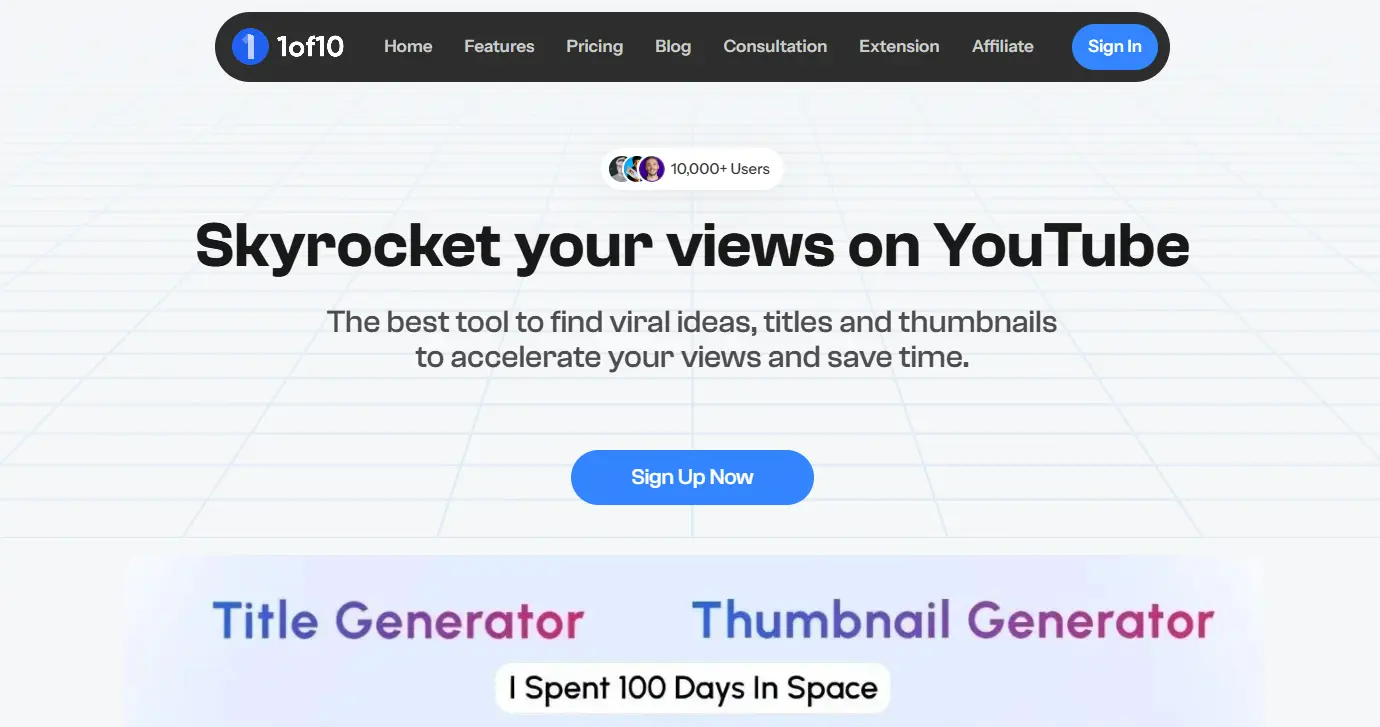
1of10 is an outlier-finding tool, available as a Chrome extension and a web app, built around packaging research. It surfaces videos that beat their channel's average and groups them by thumbnail and format. Our 1of10 vs vidIQ comparison shows where it beats vidIQ and where it falls short.
Key features
Outlier search, thumbnail search and trending formats, with no credit cost
Competitor tracking
Save and organize ideas
AI thumbnail generator, title and idea generator, and AI video editor on every plan, metered by credits
Pricing
Free: $0/month, with research results capped
Basic: $19/month or $180/year
Pro: $89/month or $828/year, with 1,000 AI credits a month
See our 1of10 pricing guide for every tier.
Ratings
1of10 has 4.1/5 on Trustpilot from 30 reviews (checked 28 Sep 2026) and 4.0/5 on the Chrome Web Store from 34 ratings (checked 28 Sep 2026).
Who it is best for
Creators who research from thumbnails and formats first
Channels that need a steady flow of video ideas
Creators who want a free plan or a $19/mo entry tier
Pros
✅ Strong outlier and thumbnail research
✅ Research tools cost no credits
✅ Competitor tracking
✅ Cheaper entry tier than OutlierKit
Cons
❌ Limited keyword research
❌ AI tools share one credit pool
❌ No A/B testing or bulk editing
❌ No script analysis
4. Subscribr.ai: AI scripts and finished videos
Subscribr produces content rather than optimizing it. It generates ideas, scripts, thumbnails and finished videos for creators and agencies.
Key features
AI scriptwriting that you can tune to your voice
Idea batches and intel searches, including on the free plan
Thumbnail generation and AI video minutes on paid plans
Multiple channels and users on higher plans
Pricing
Free: $0/month, one channel, no card
Growth: $99/month
Pro: $249/month
Max: $499/month
Annual billing gives two months free. Our OutlierKit vs Subscribr comparison covers where each fits.
Ratings
Subscribr has 4.7/5 on Trustpilot from 82 reviews (checked 28 Sep 2026).
Who it is best for
Creators who struggle with scriptwriting
Agencies that run several YouTube channels
Creators who want the video produced for them
Pros
✅ Writes full scripts
✅ Produces thumbnails and finished videos on paid plans
✅ Free plan to test the idea tools
Cons
❌ Paid plans start at $99/month
❌ No keyword volumes
❌ No A/B testing or bulk editing
❌ Limited analytics
5. YouTube Studio: the free baseline
YouTube Studio is YouTube's own dashboard for your channel. It is free and shows official data, but only for your own videos.
Key features
Real-time views for recent uploads
Audience demographics and viewing behavior
Revenue and monetization data
Video-by-video analytics
A basic video editor
Pricing
Free: Full access with a YouTube account
Who it is best for
Beginners who want analytics at no cost
Creators who want official YouTube data
Creators focused on their own past performance
Pros
✅ Free
✅ Official data straight from YouTube
✅ No extension needed
✅ Mobile app
Cons
❌ No competitor analysis
❌ Basic keyword research
❌ No outlier or trend research
❌ Few recommendations on what to make next
Which vidIQ alternative should you choose?
For the closest swap: TubeBuddy
TubeBuddy does vidIQ's extension job at a lower entry price and adds A/B tests and bulk edits on Legend.
For choosing your next topic: OutlierKit
OutlierKit shows which videos broke out in your niche, so you start from a proven topic, then helps you title it, describe it and review your script. It suits experts and coaches who teach on YouTube. The 30-credit free trial needs no card.
For thumbnail-first research: 1of10
1of10 groups outliers by thumbnail and format and has a free plan and a $19/month tier.
For scripts and production: Subscribr.ai
Subscribr.ai writes scripts and makes videos if you want the tool to produce content.
For no budget: YouTube Studio
YouTube Studio gives you free official analytics. Add a paid tool once you know which gap you need to fill.
Stay on vidIQ if
You use its Daily Ideas and AI Coach, you want SEO scores inside YouTube, and the credit pool covers your month.
How does vidIQ compare with its alternatives feature by feature?
TubeBuddy is the only tool here with A/B tests and bulk edits, OutlierKit and 1of10 lead on outlier research, and Subscribr is the only one that writes full scripts.
Feature | VidIQ | TubeBuddy | 1of10 | Subscribr.ai | |
|---|---|---|---|---|---|
Outlier video research | Limited | ❌ Not available | ✅ Core feature | ✅ Core feature | ❌ Not a focus |
Script help | ❌ Not a focus | ❌ Not available | Analyzes and scores scripts | ❌ Not available | ✅ Writes full scripts |
A/B testing | ❌ | ✅ Legend only | ❌ | ❌ | ❌ |
Keyword research | ✅ Yes | ✅ Yes | ✅ Volumes and competition | Limited | ❌ Not a focus |
Runs inside YouTube | ✅ Extension | ✅ Extension | ✅ Free Chrome extension plus web app | ✅ Extension plus web app | Web app |
Free option | ✅ Free plan | ✅ Free plan | 30-credit trial, no card | ✅ Free plan | ✅ Free plan |
Starting paid price | Boost $19/mo ($199/yr) | Pro about $12/mo, billed annually | Hobby $49/mo ($299/yr) | Basic $19/mo ($180/yr) | Growth $99/mo |
Rating | 4.5/5 Chrome Web Store (11.3K) | 4.5/5 Chrome Web Store (8.5K) | 5.0/5 Product Hunt (13) | 4.1/5 Trustpilot (30) | 4.7/5 Trustpilot (82) |
Frequently Asked Questions
Yes, if you want SEO scores, daily AI ideas and analytics inside YouTube, and the Boost plan at $19/mo (or $199/yr) fits your budget. If you mainly need to choose topics or run A/B tests, a research tool or TubeBuddy fits that job better.
TubeBuddy is the closest alternative. Both are browser extensions for keyword research and upload SEO inside YouTube, and TubeBuddy adds A/B tests and bulk edits on its Legend plan.
YouTube Studio is free, and TubeBuddy, 1of10 and Subscribr all have free plans. Among paid plans, TubeBuddy Pro is the cheapest at about $12/mo billed annually; OutlierKit has no free plan but offers a 30-credit free trial with no card, then $49/mo.
Start with YouTube Studio for free analytics, then add the tool that fixes your main gap. OutlierKit fits if you struggle to pick topics, TubeBuddy or vidIQ fits if you need upload SEO, and 1of10 fits a thumbnail-first workflow on a small budget.
They help when they change what you publish. A tool that shows which topics broke out, or a TubeBuddy A/B test that picks the better thumbnail, gives you a decision; raw metrics alone do not.
Yes. A common stack pairs a research tool such as OutlierKit, to pick the next topic, with an extension such as TubeBuddy or vidIQ, to tag and test the upload. Avoid paying for two tools that do the same job.
Which vidIQ alternative is best in 2026?
TubeBuddy is the best like-for-like vidIQ alternative, because it does the same extension job and adds A/B tests and bulk edits. OutlierKit is the best pick for experts, consultants and coaches whose problem is choosing topics, and it pairs well with either extension. 1of10 suits thumbnail-first research on a smaller budget, Subscribr suits creators who want scripts and videos produced, and YouTube Studio covers your own analytics for free.
If you mainly track other channels' public stats, our vidIQ vs Social Blade comparison shows which tool fits that job.
Want to see which topics broke out in your niche this month? Start your OutlierKit free trial with 30 credits and no card, or try TubeBuddy's free plan if you mainly need upload SEO.
Related reading
Sources
vidIQ pricing: Boost $19/mo or $199/yr; Max $49/mo or $468/yr.
TubeBuddy: TubeBuddy vs VidIQ: Pro "$12/mo ($144/yr)" and Legend "$27/mo ($324/yr)" on annual billing; A/B testing is Legend only.
vidIQ on Trustpilot: 3.8/5 from 1,369 reviews (checked 28 Sep 2026).
vidIQ on the Chrome Web Store: 4.5/5 from 11.3K ratings (checked 28 Sep 2026).
TubeBuddy on the Chrome Web Store: 4.5/5 from 8.5K ratings; TubeBuddy on Trustpilot: 2.8/5 from 25 reviews (both checked 28 Sep 2026).
1of10 pricing: Basic $19/mo or $180/yr; Pro $89/mo or $828/yr.
1of10 on Trustpilot: 4.1/5 from 30 reviews; 1of10 on the Chrome Web Store: 4.0/5 from 34 ratings (both checked 28 Sep 2026).
Subscribr pricing: free plan, Growth $99/mo, Pro $249/mo, Max $499/mo.
Subscribr on Trustpilot: 4.7/5 from 82 reviews (checked 28 Sep 2026).
OutlierKit on Product Hunt: 5.0/5 from 13 reviews.
Share this post